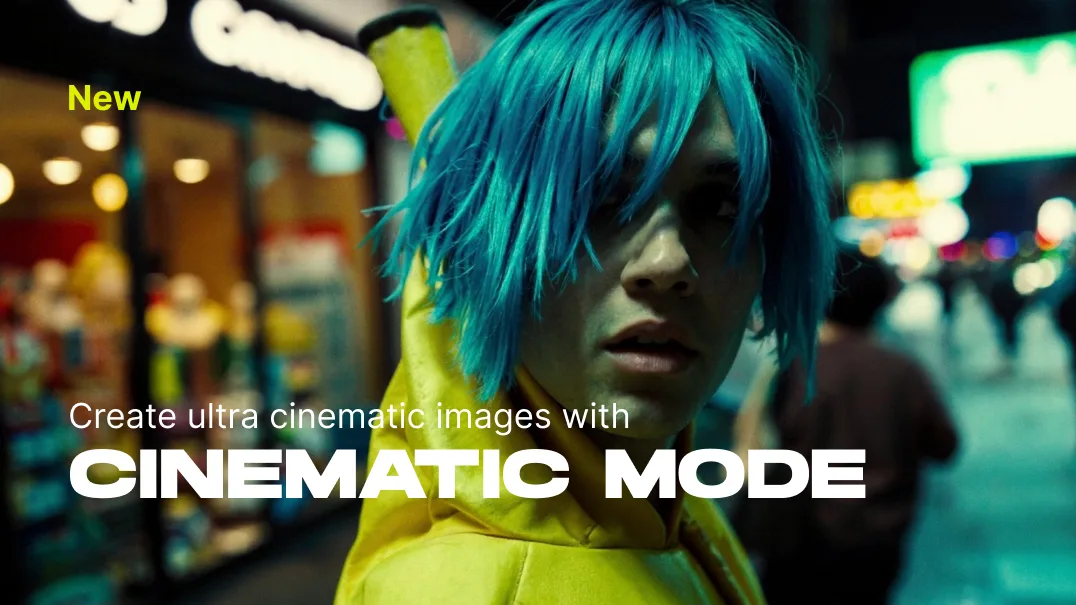
Over the past weeks, we invested a lot of time into preparing LetzAI for the release of AI video features. As part of this preparation, we're happy to announce that we have one final gift for you before video integrations roll out: Cinematic Mode.
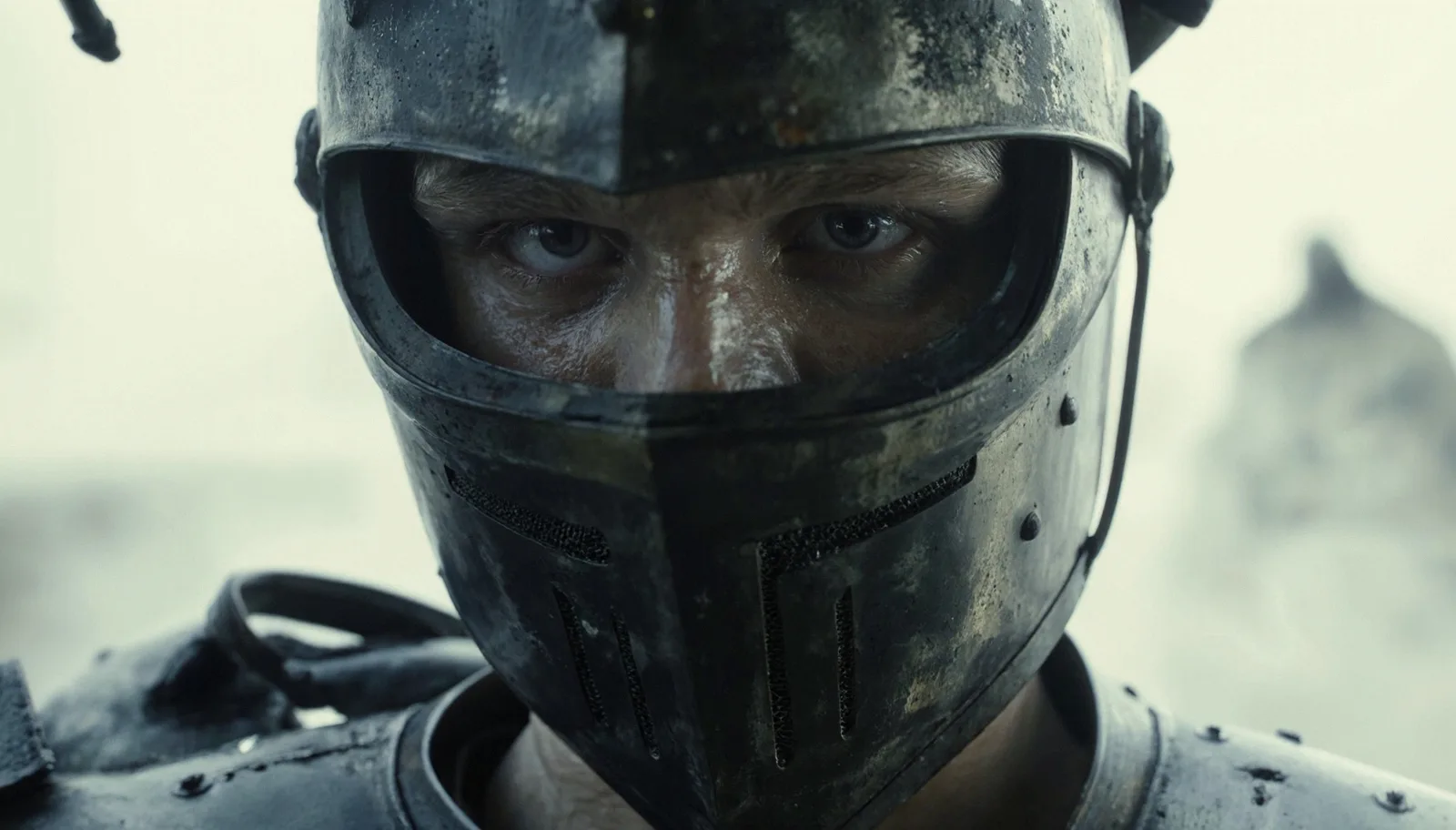
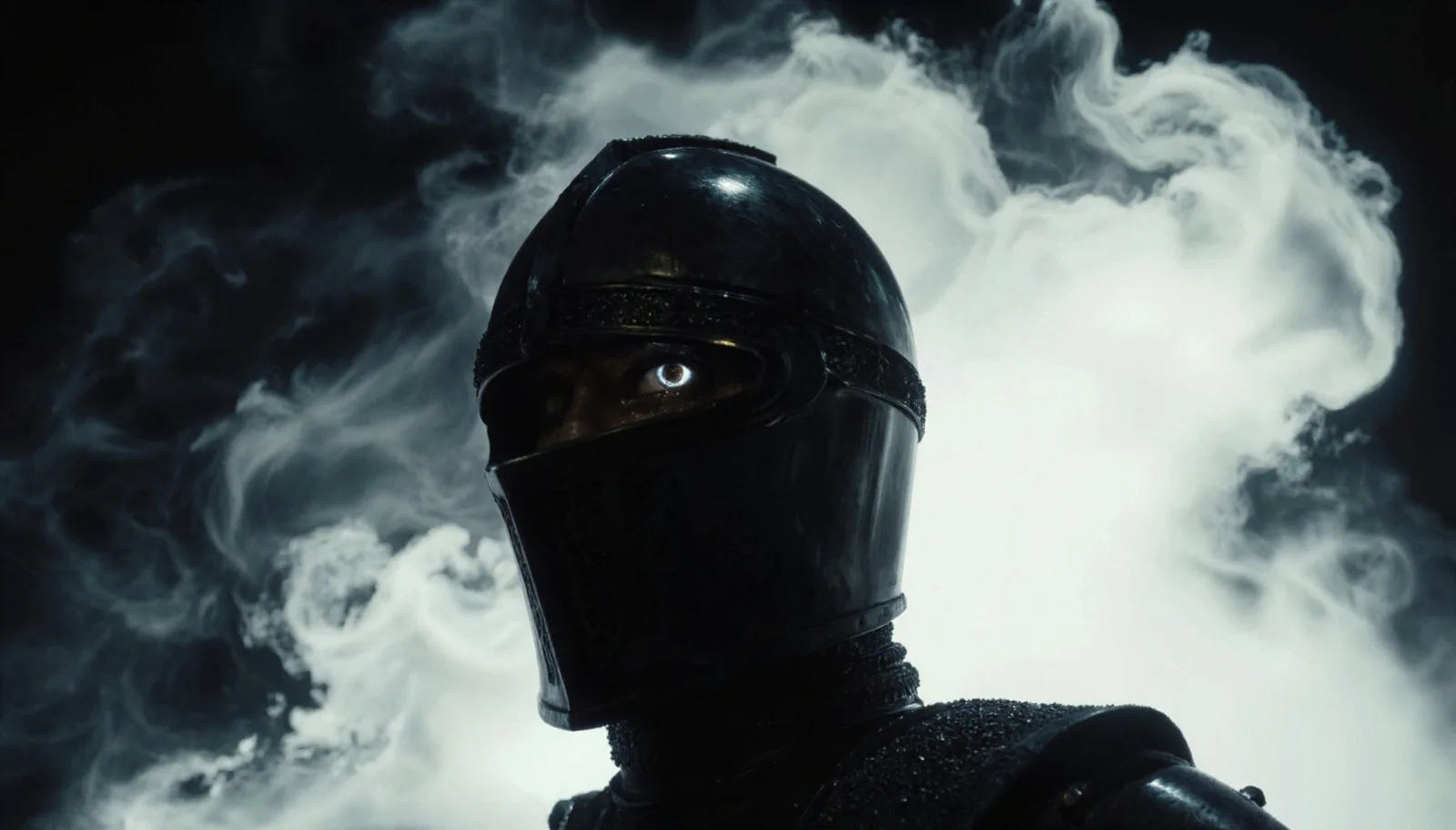
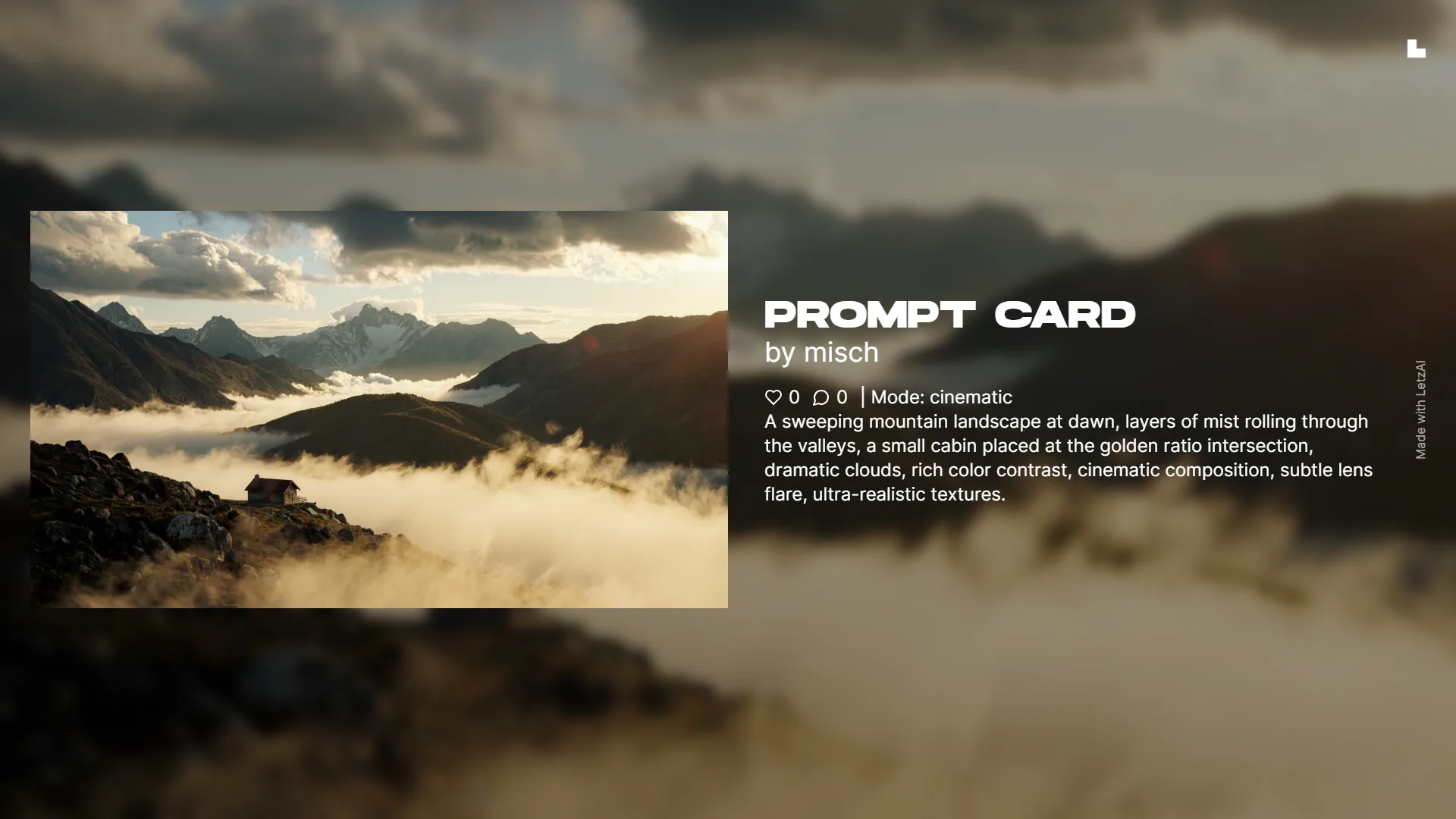
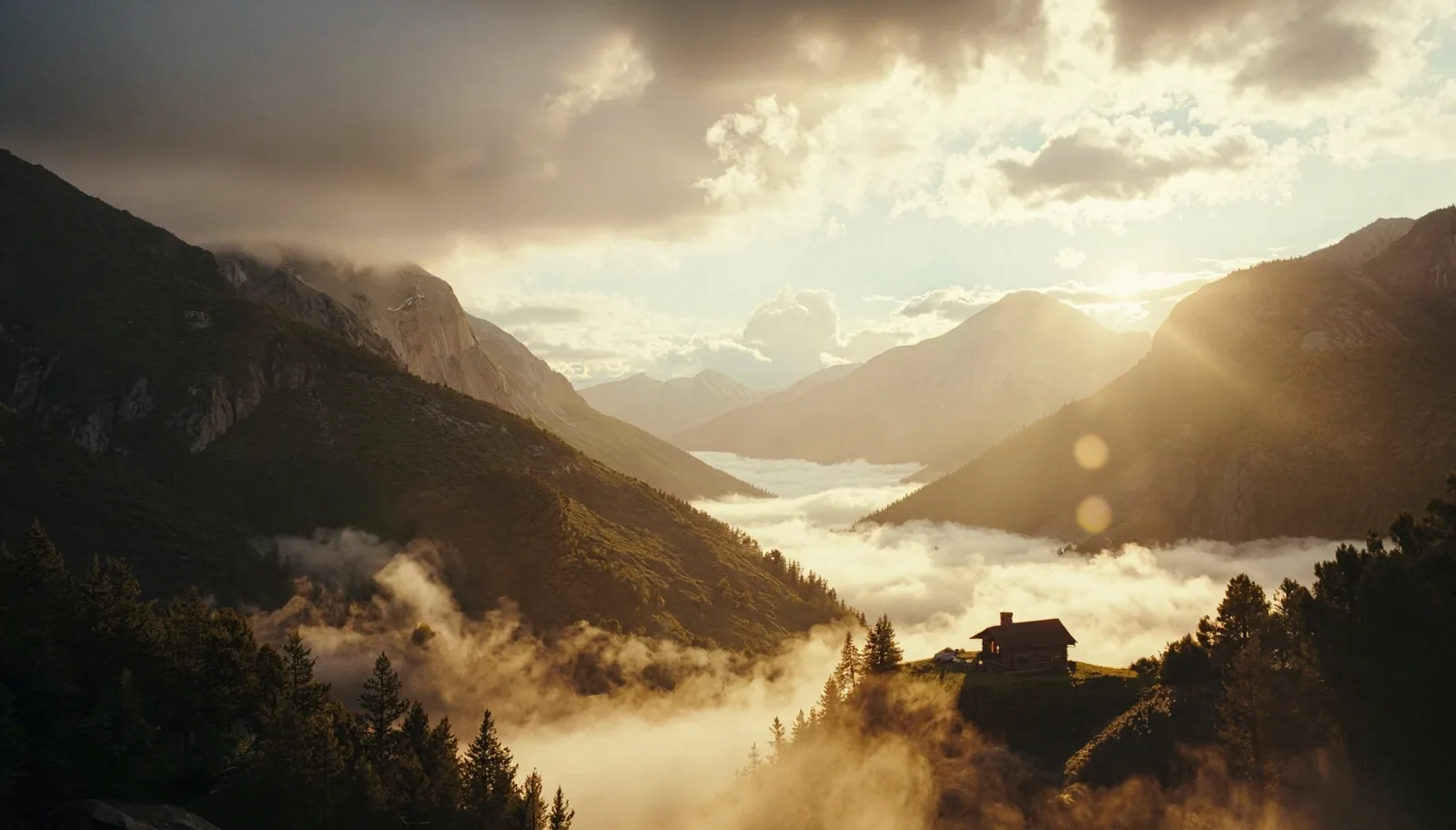
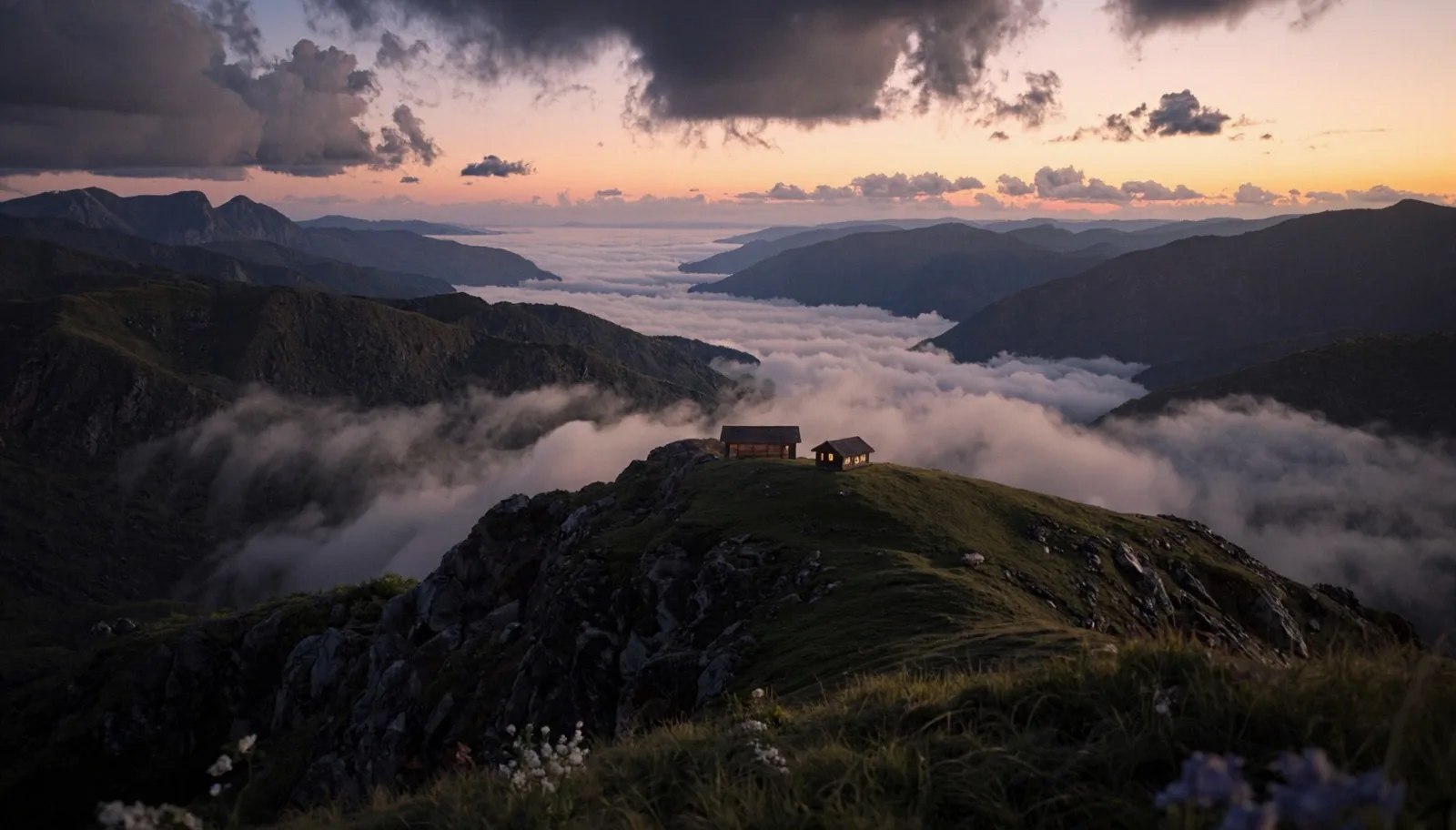
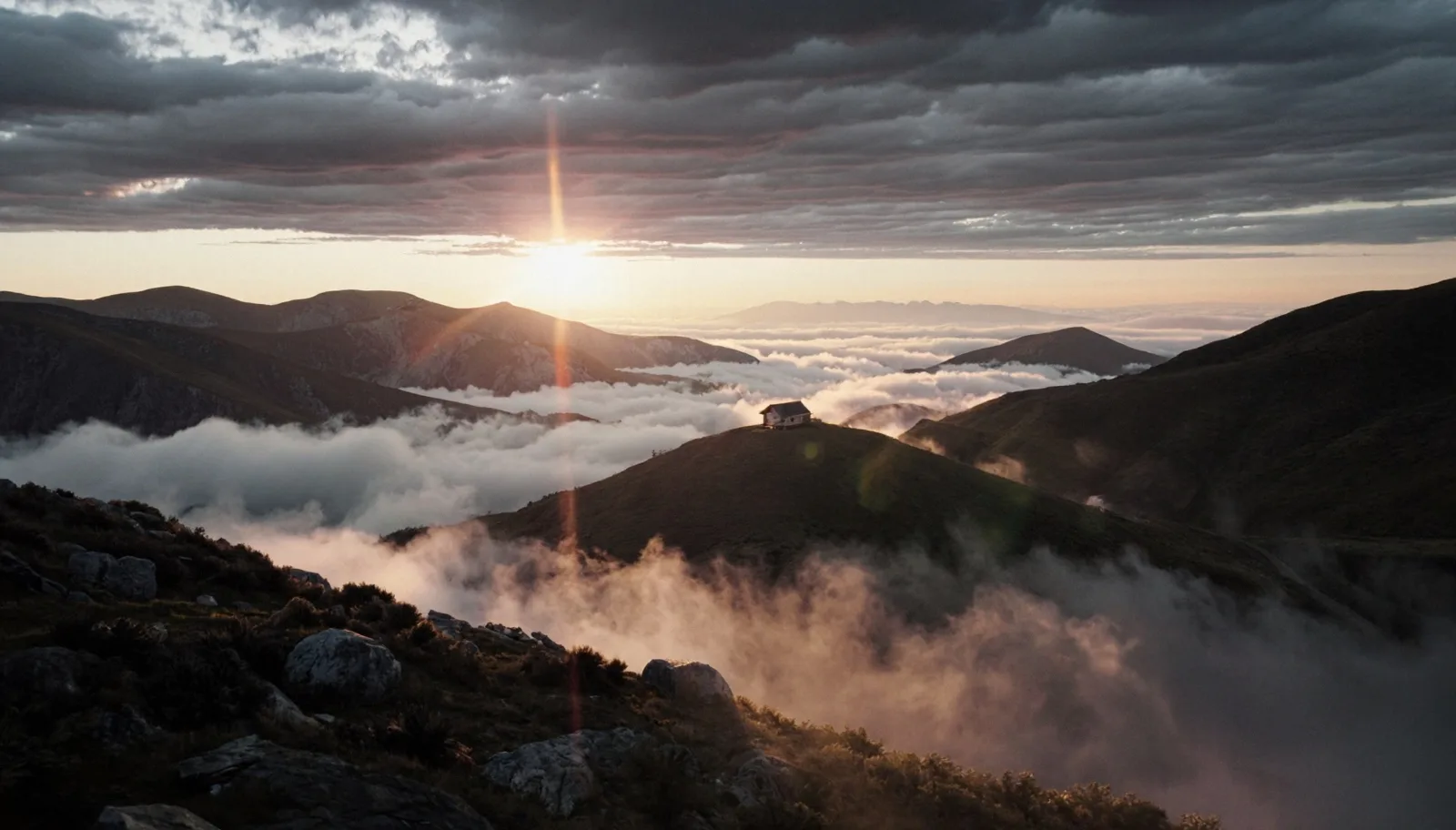
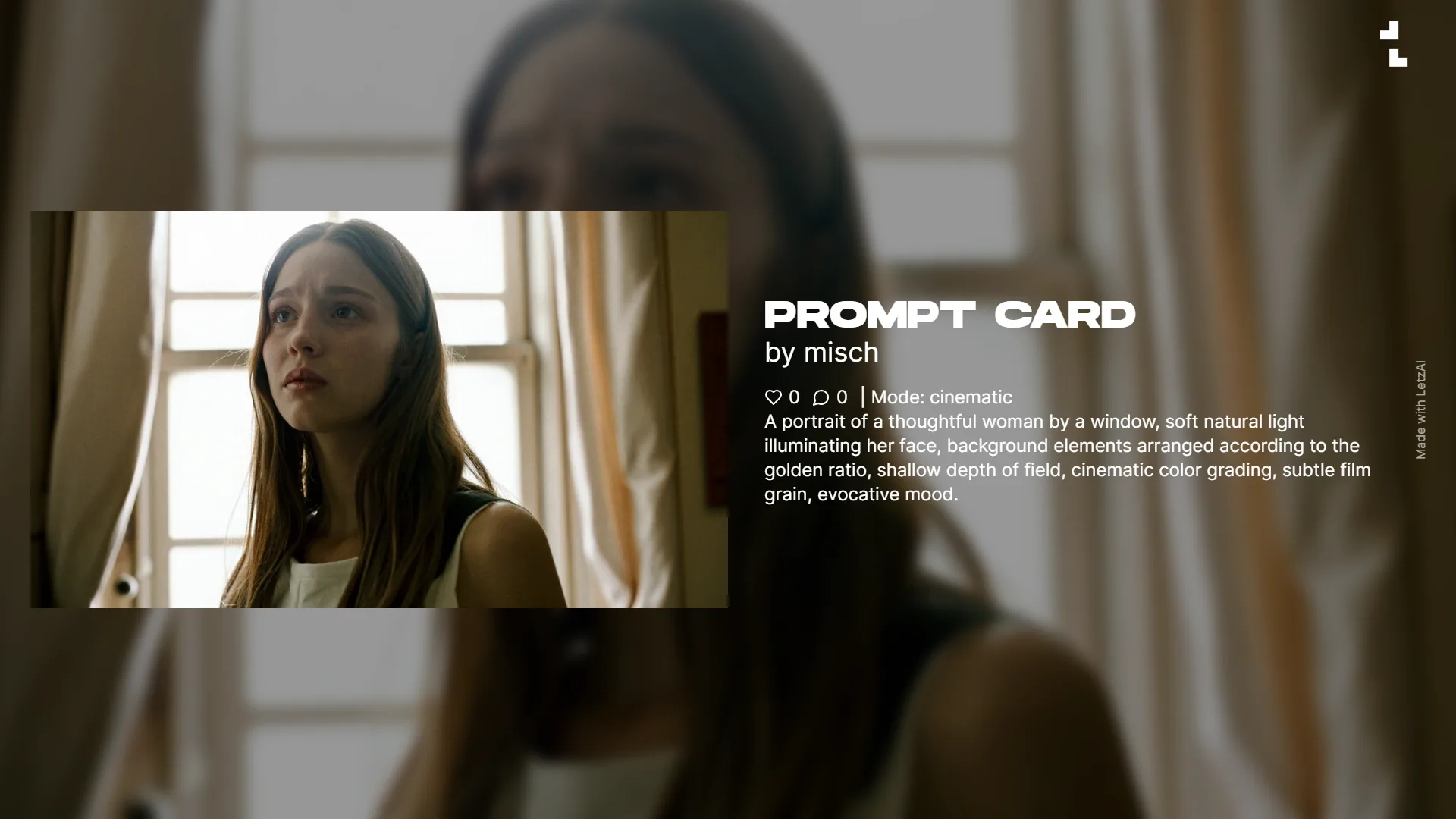
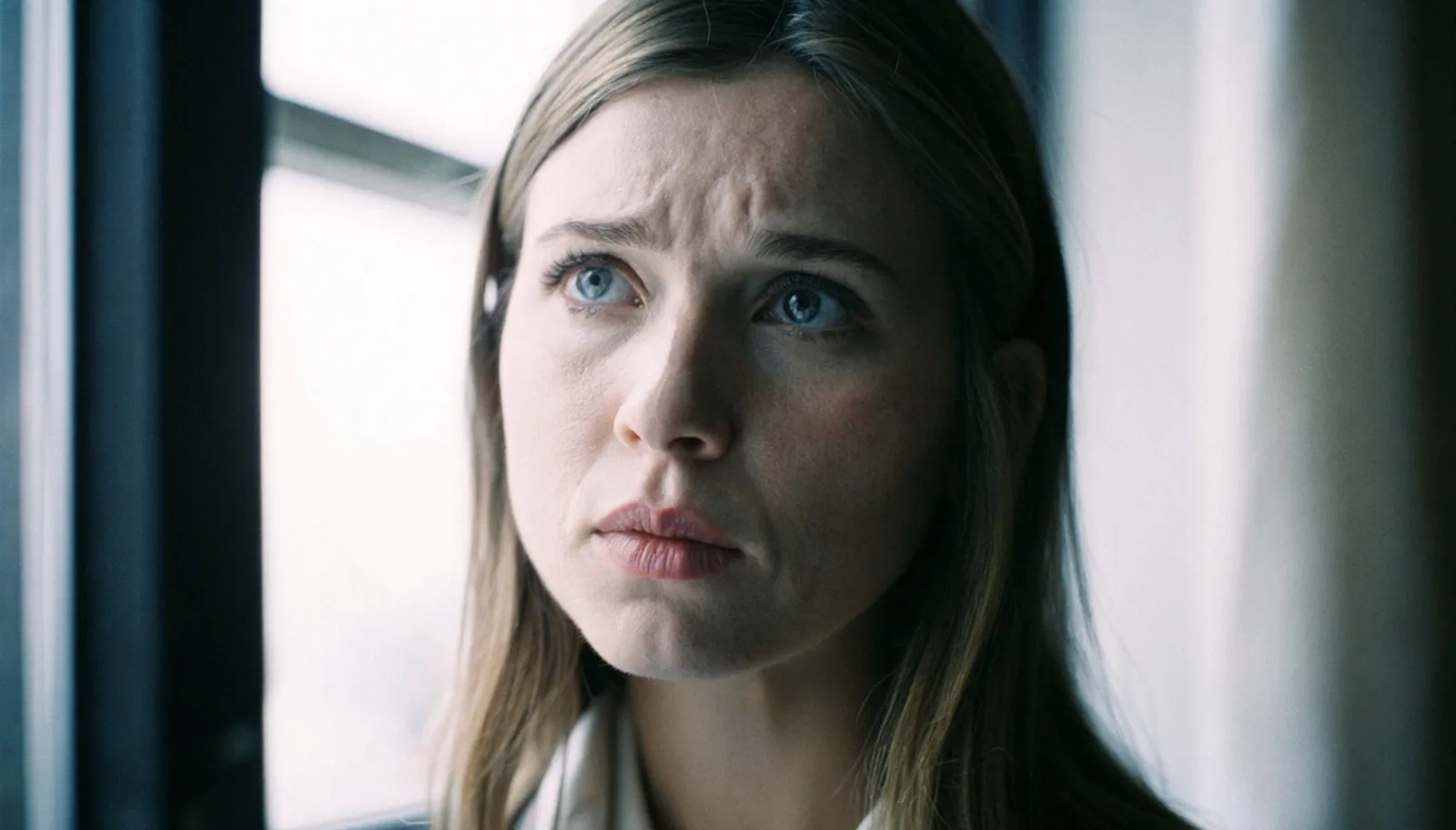
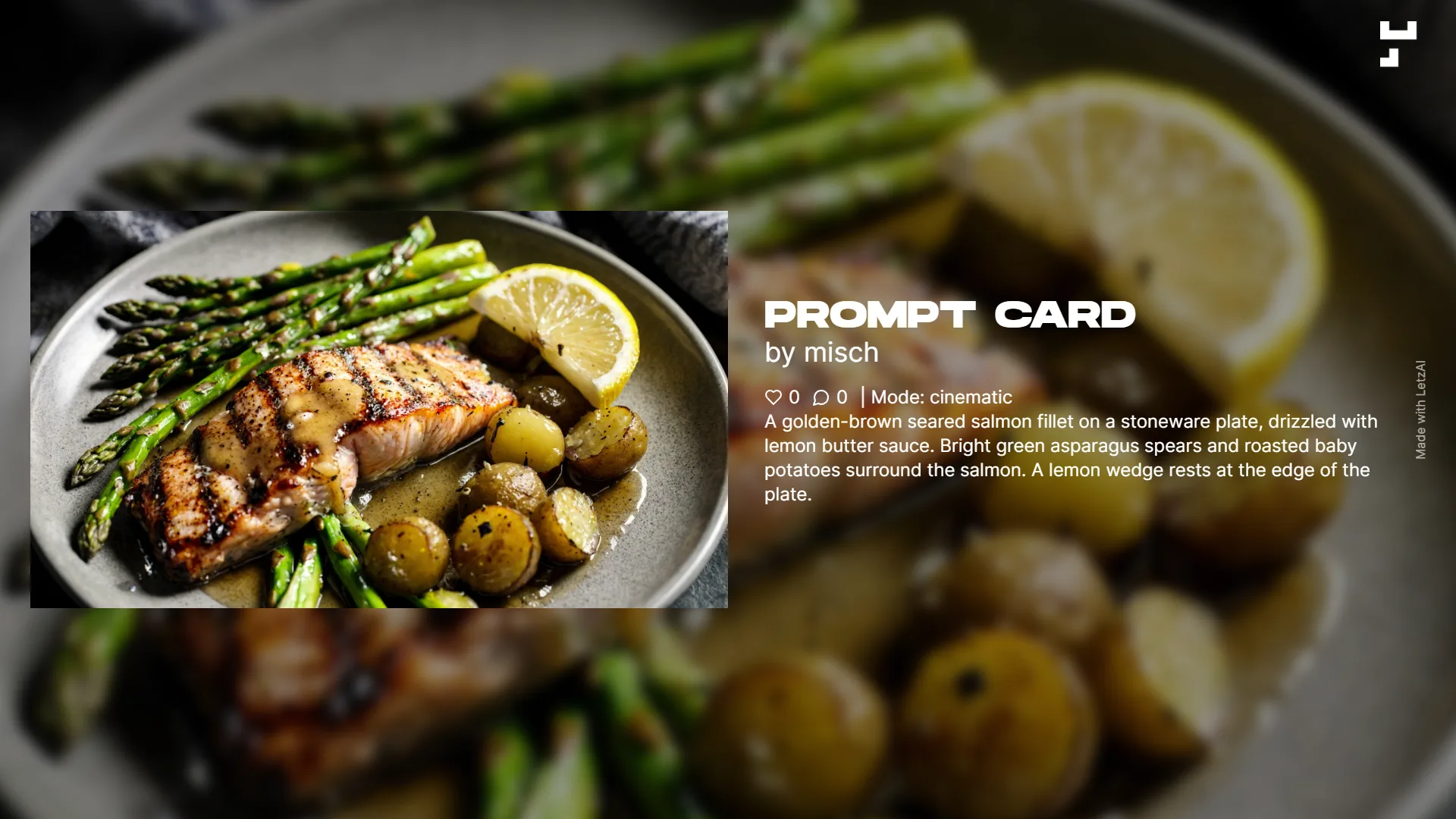
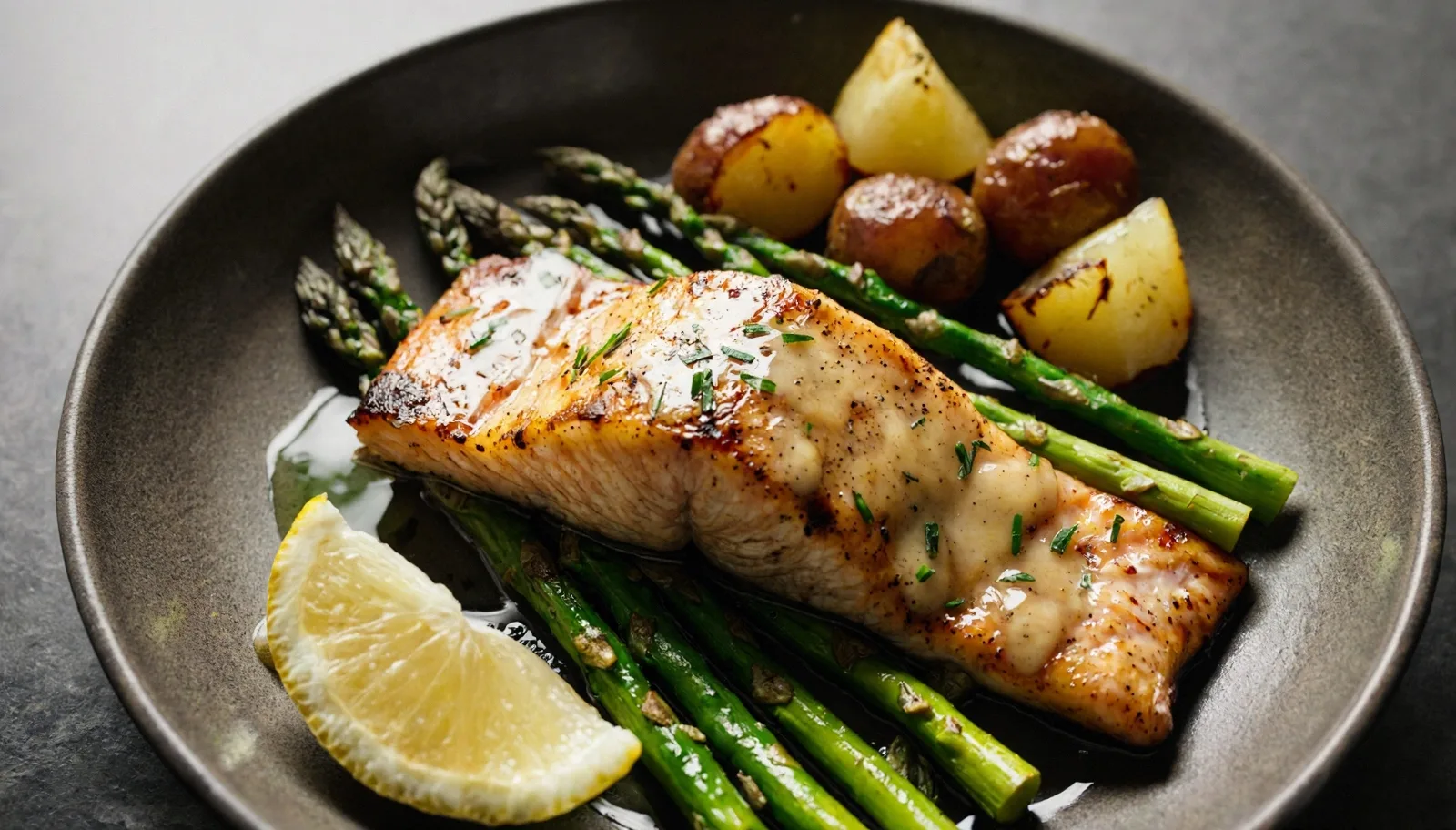
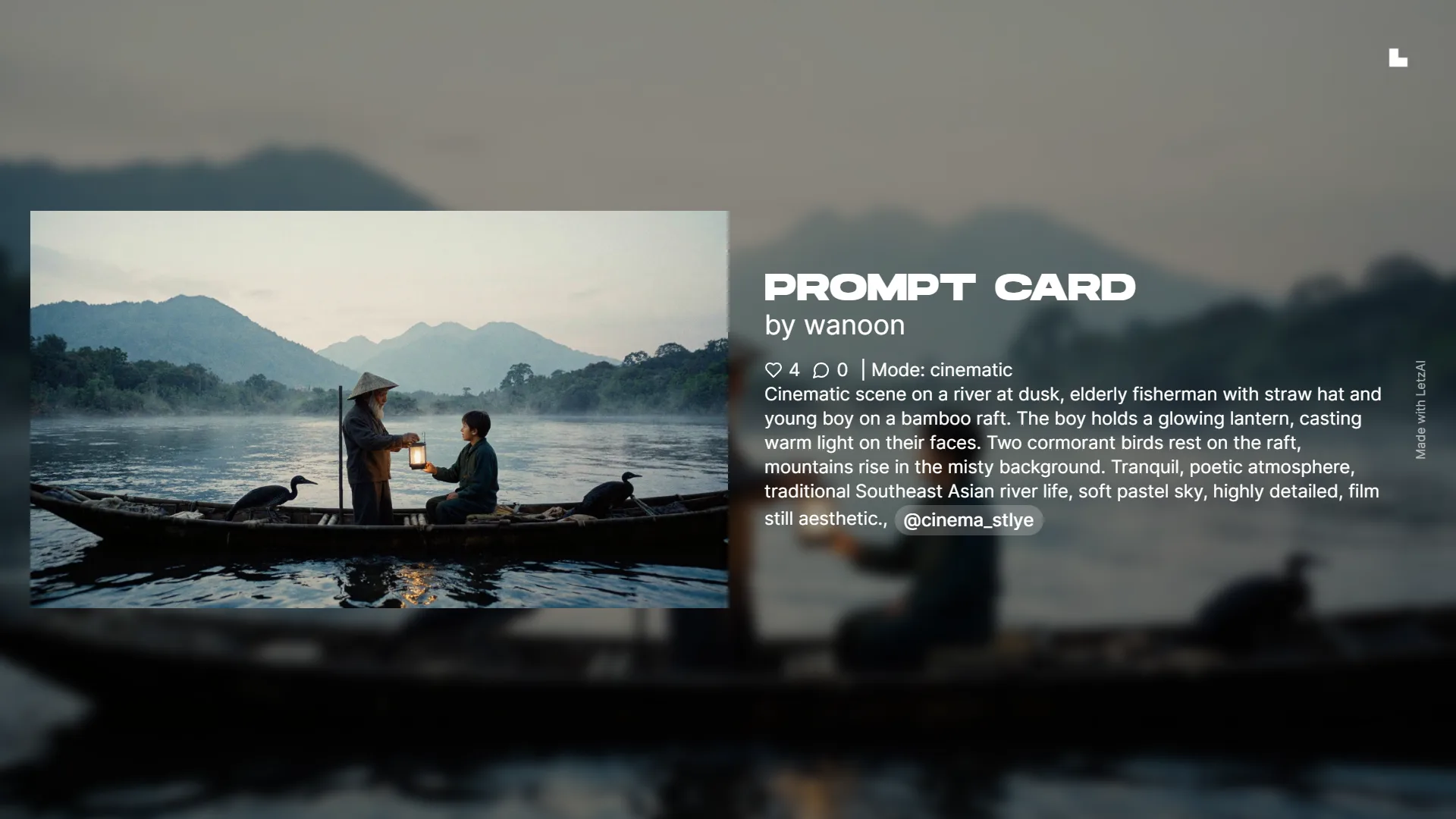
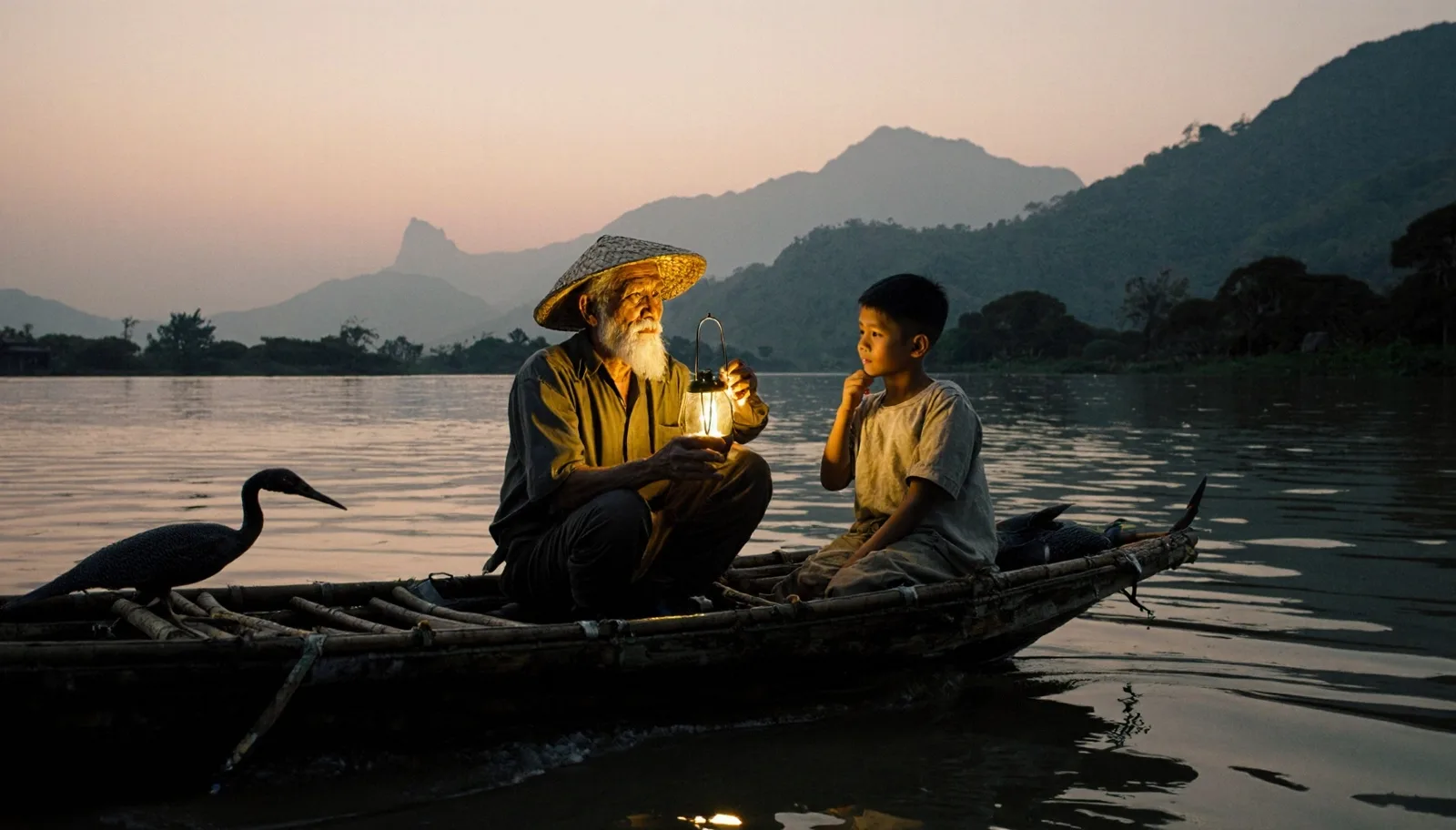
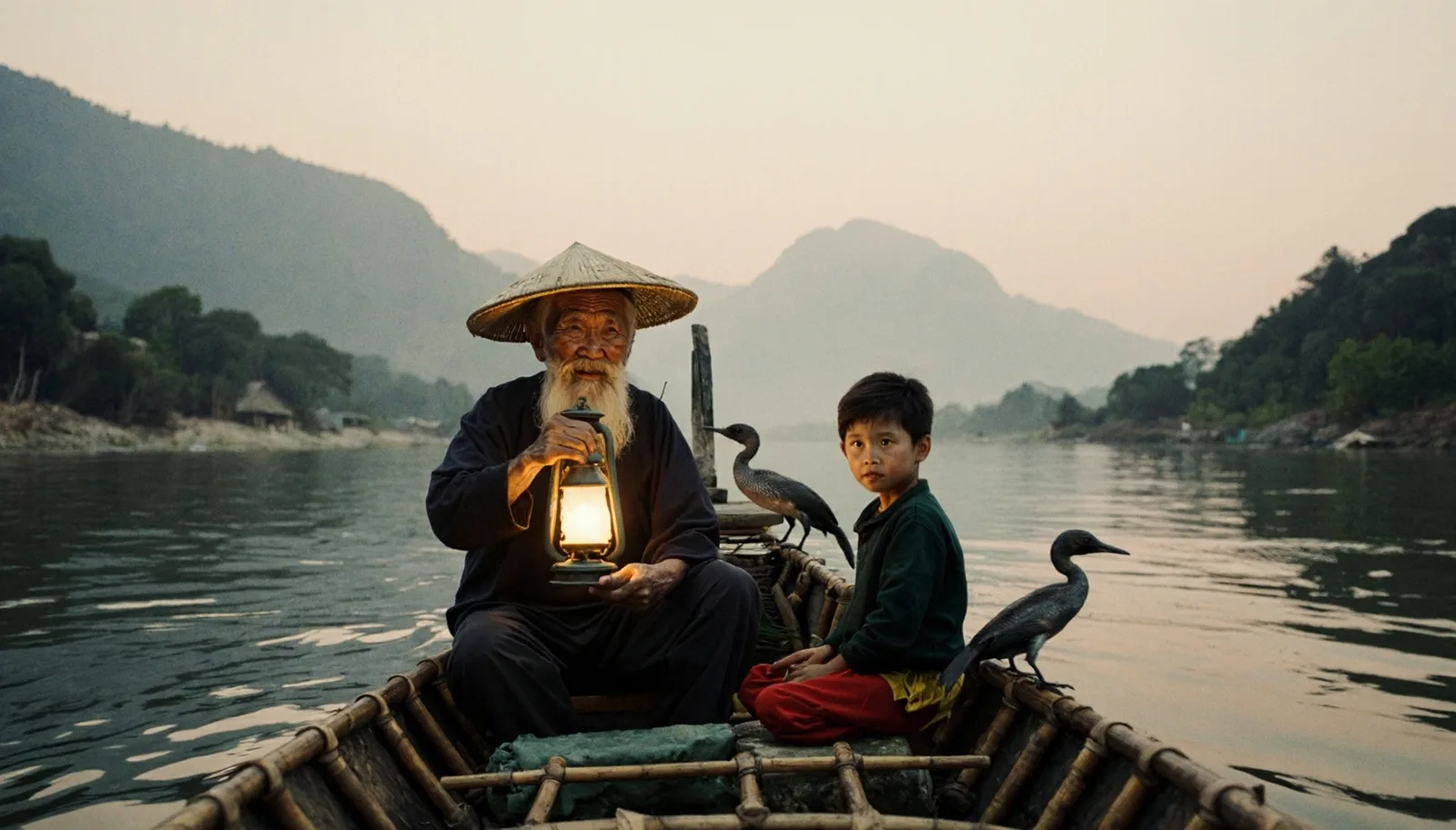
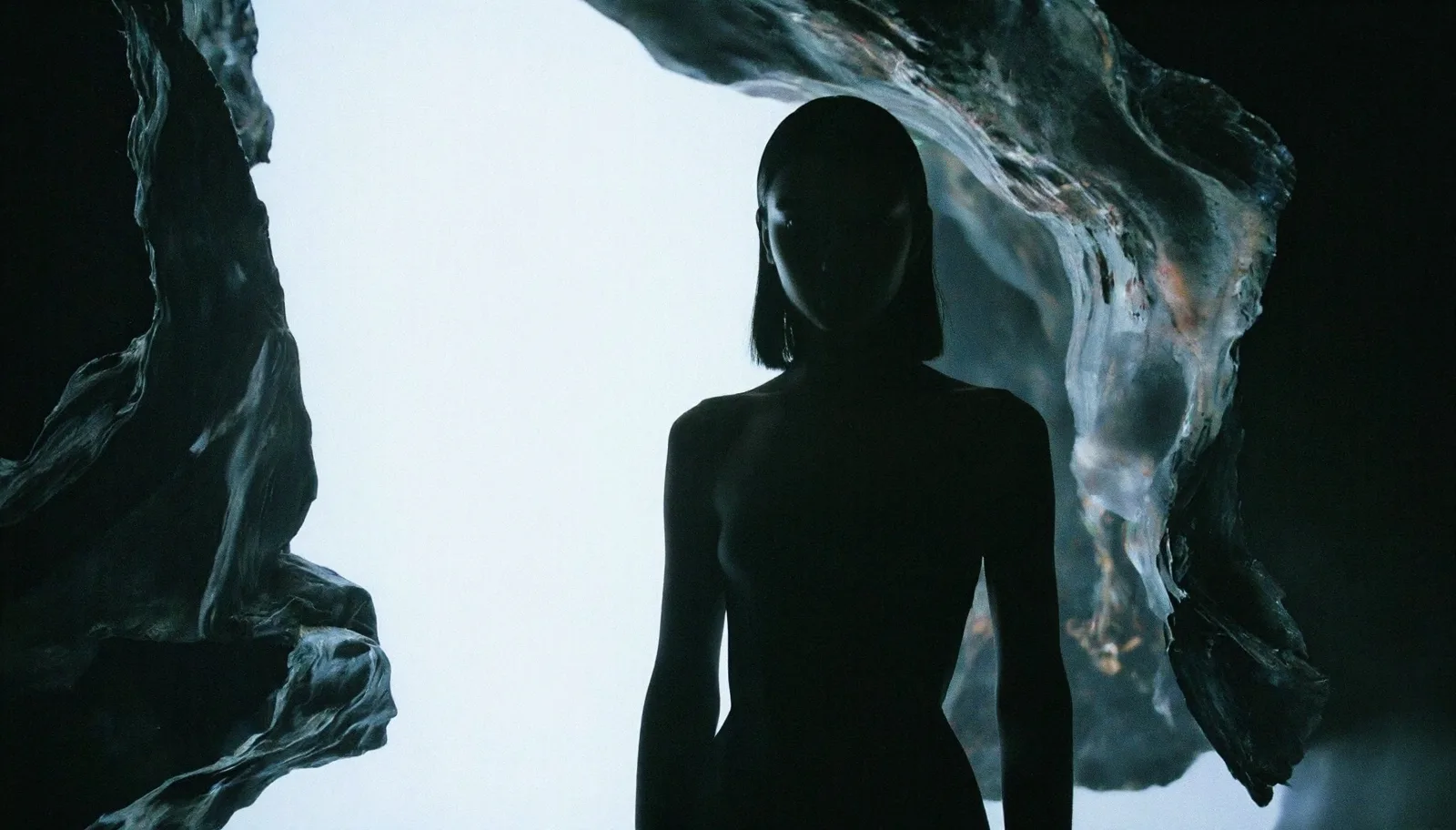
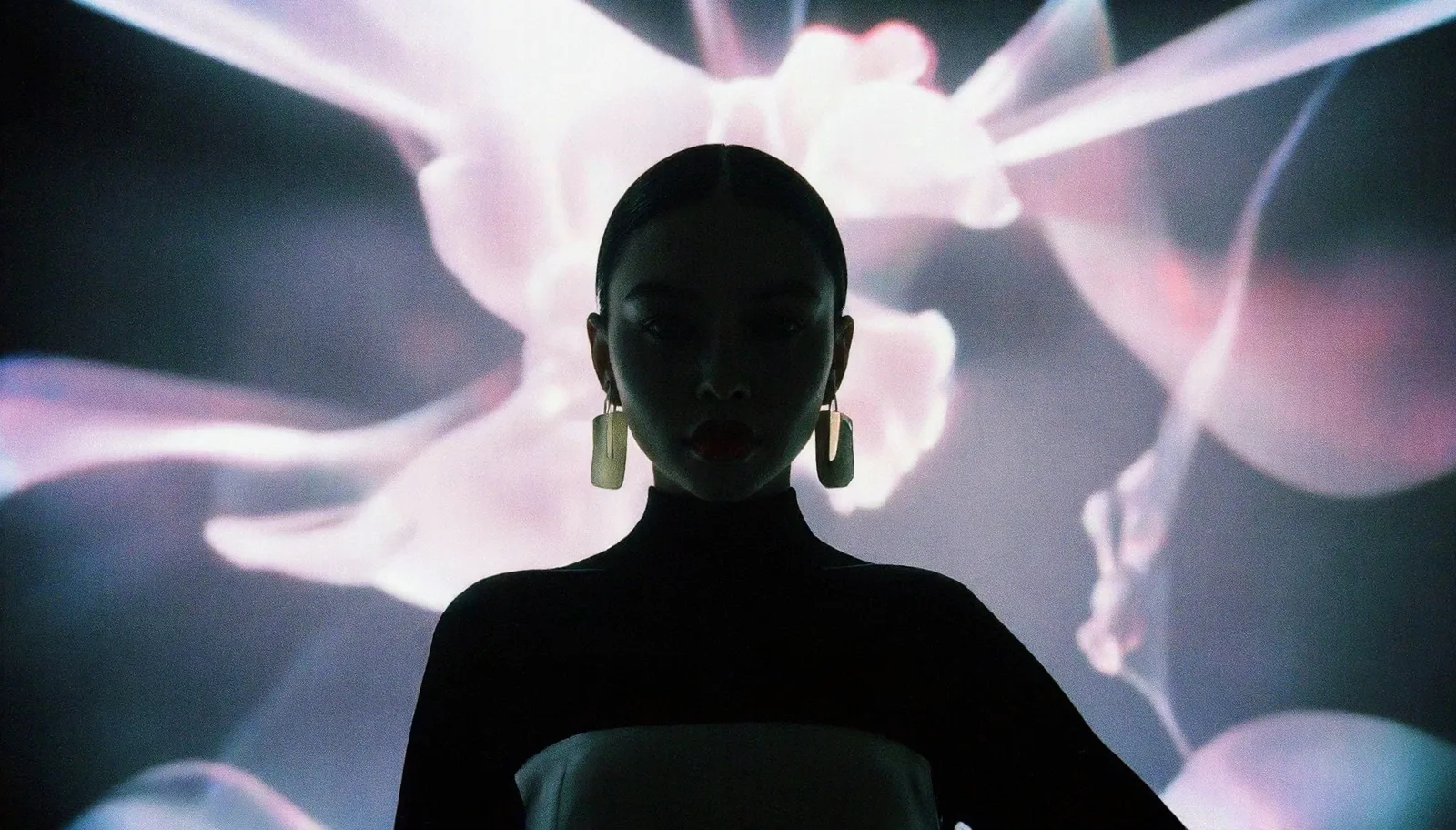
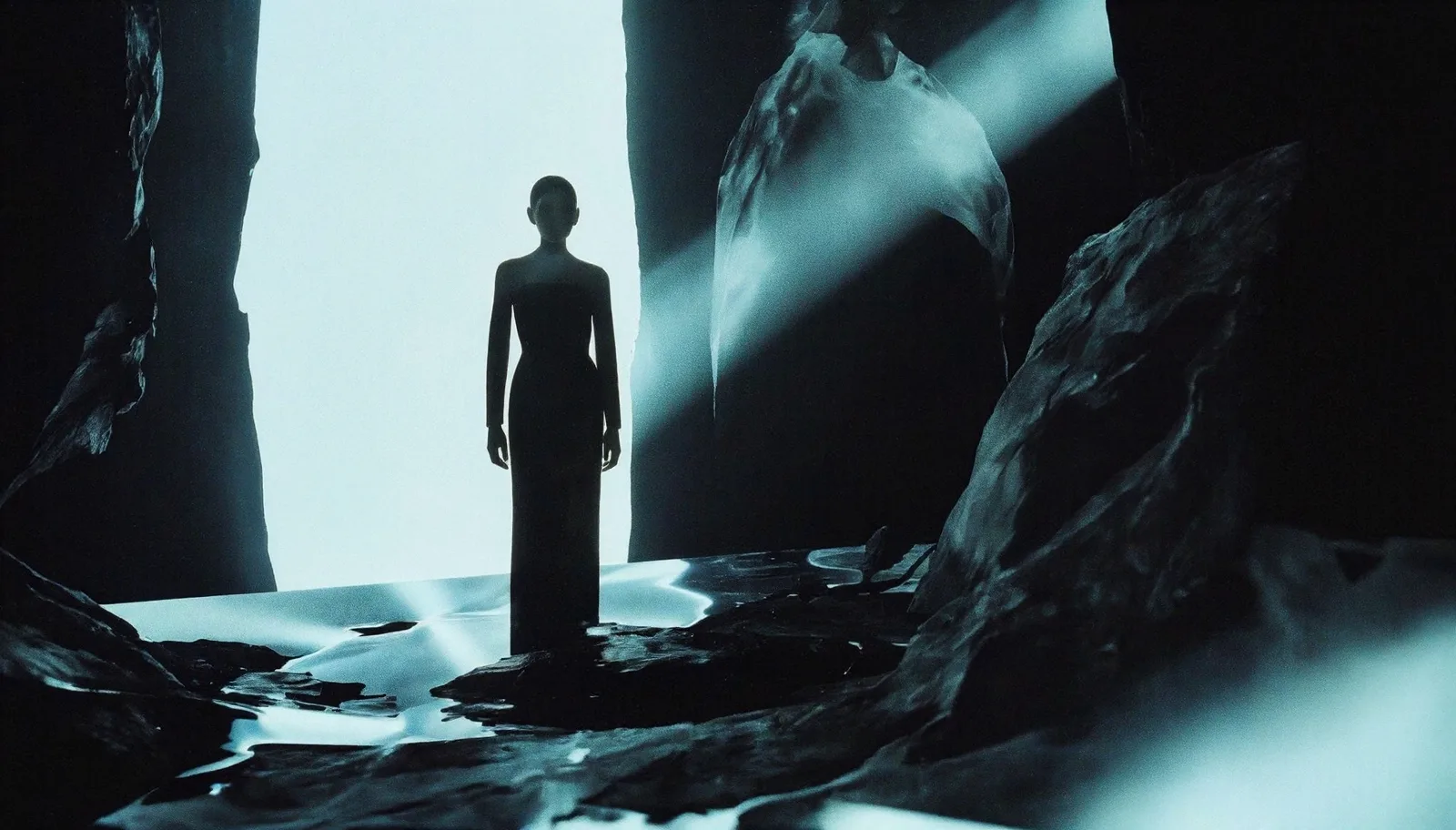
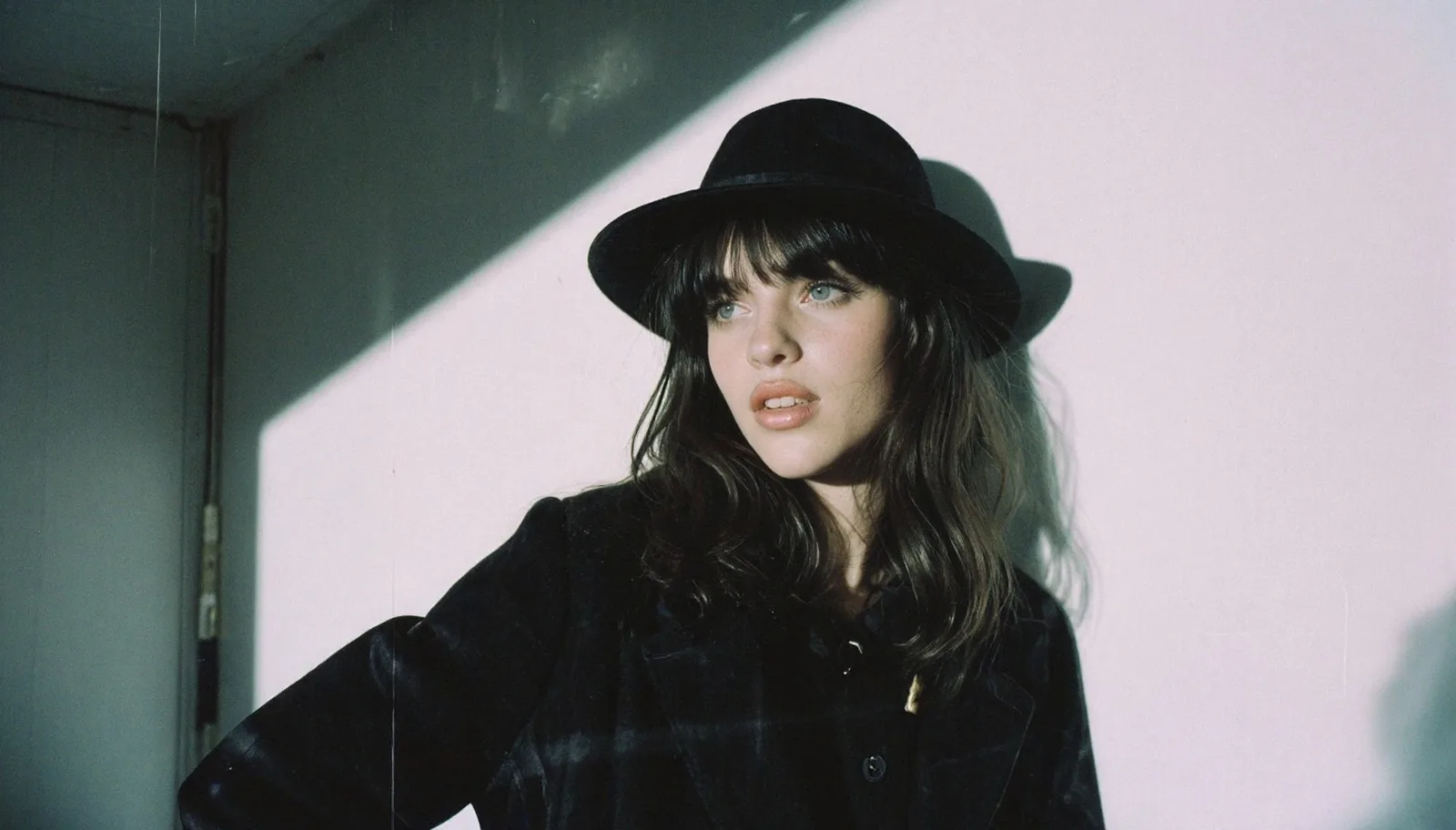
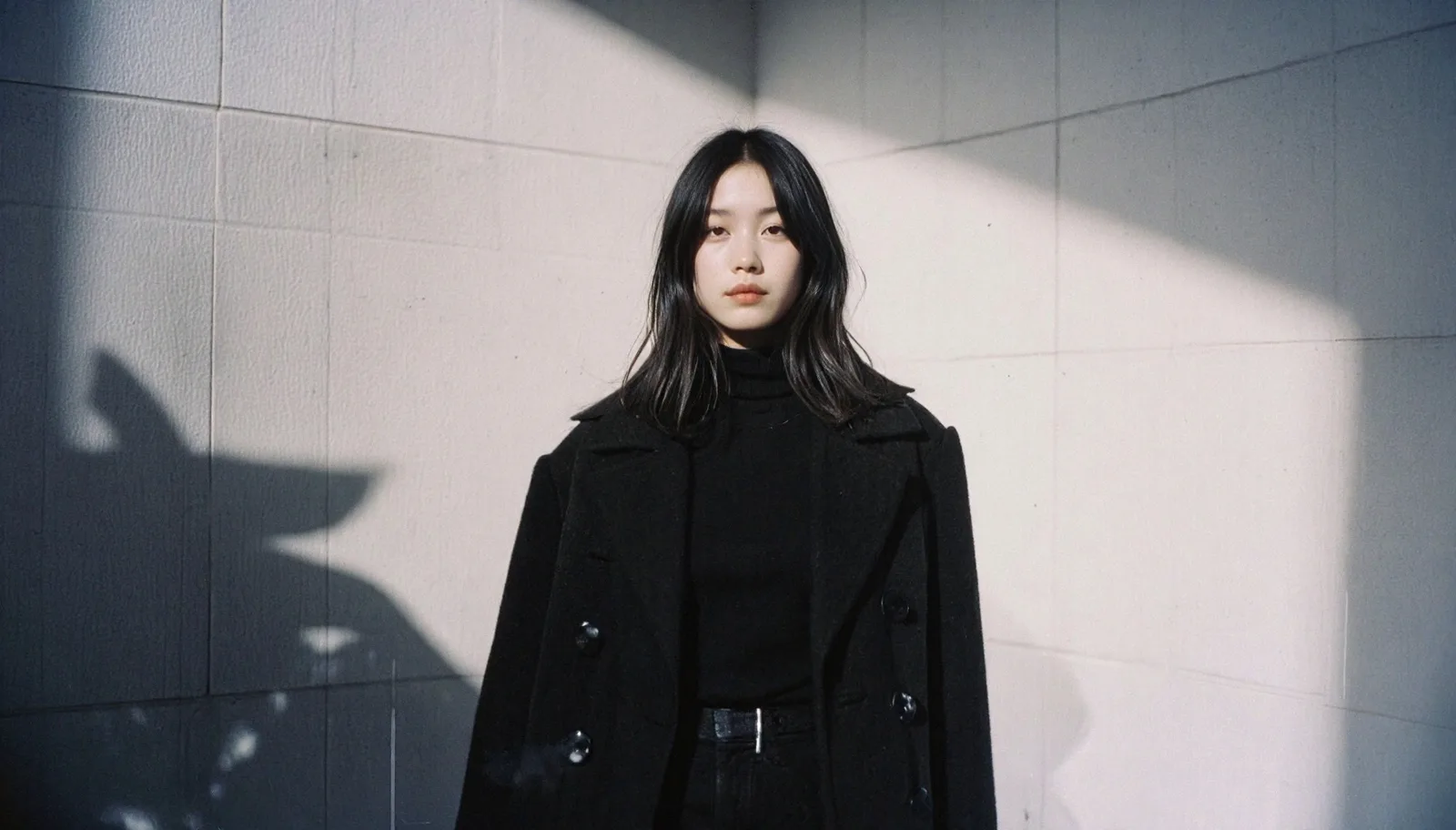
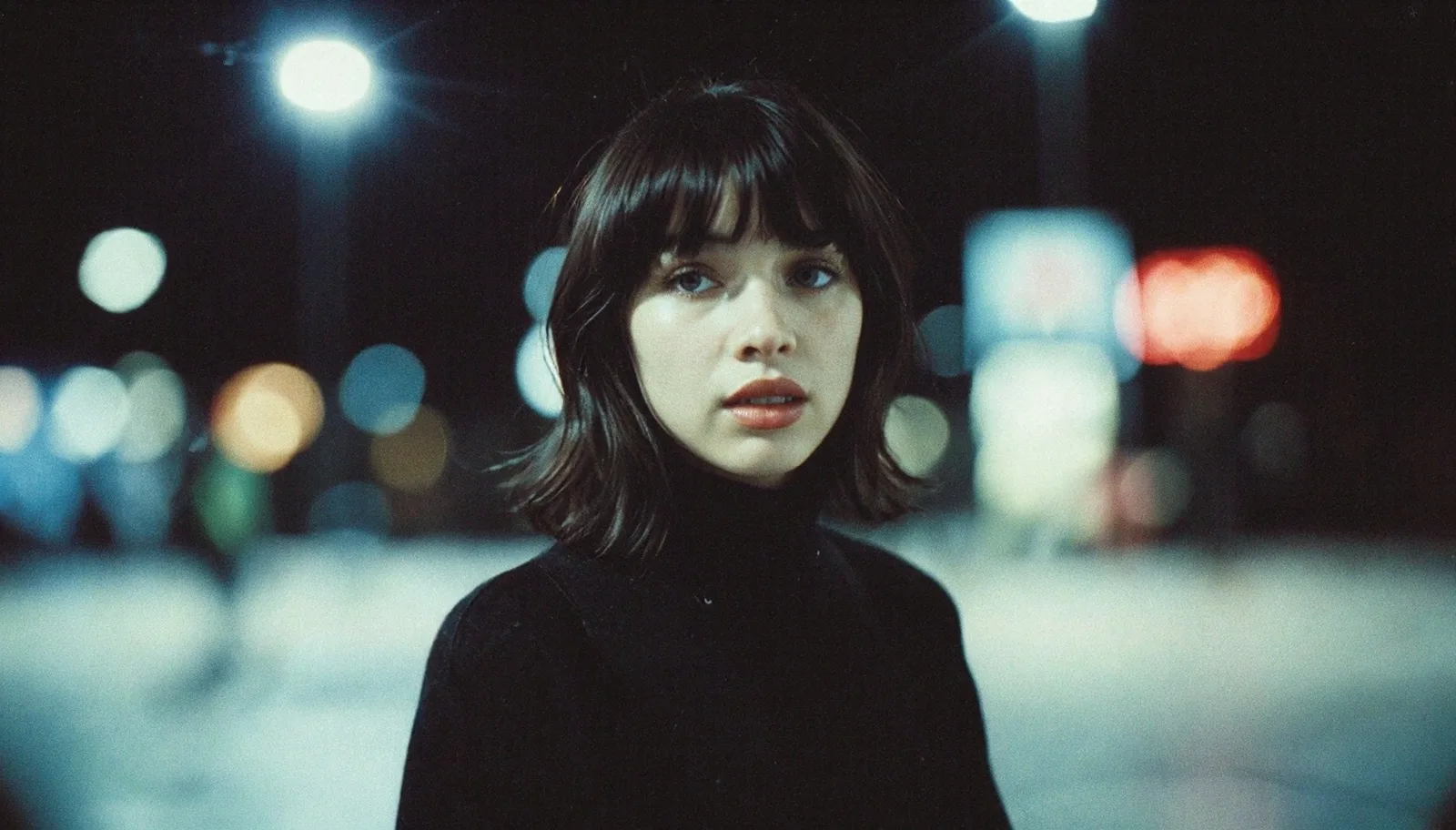
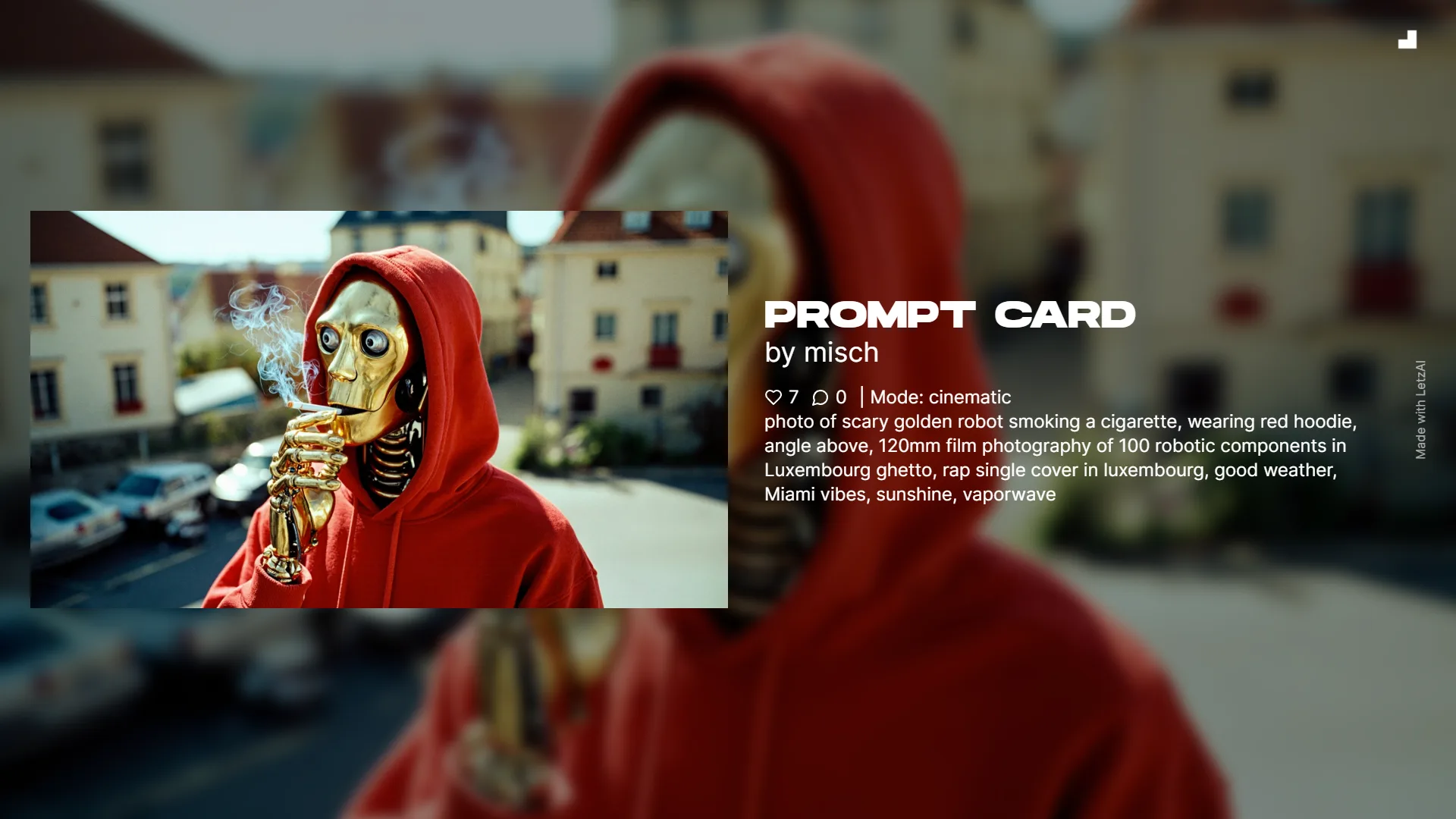
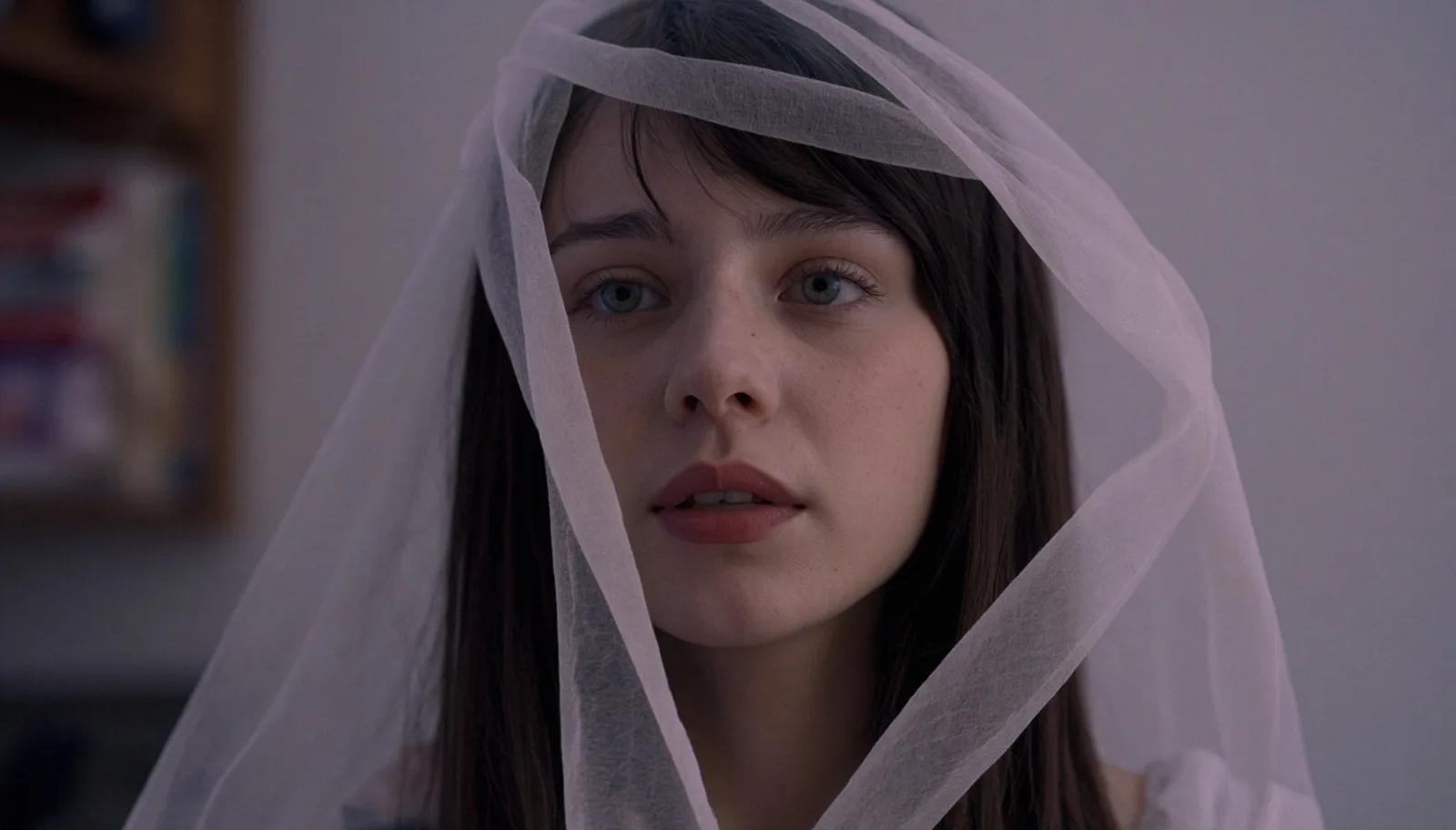
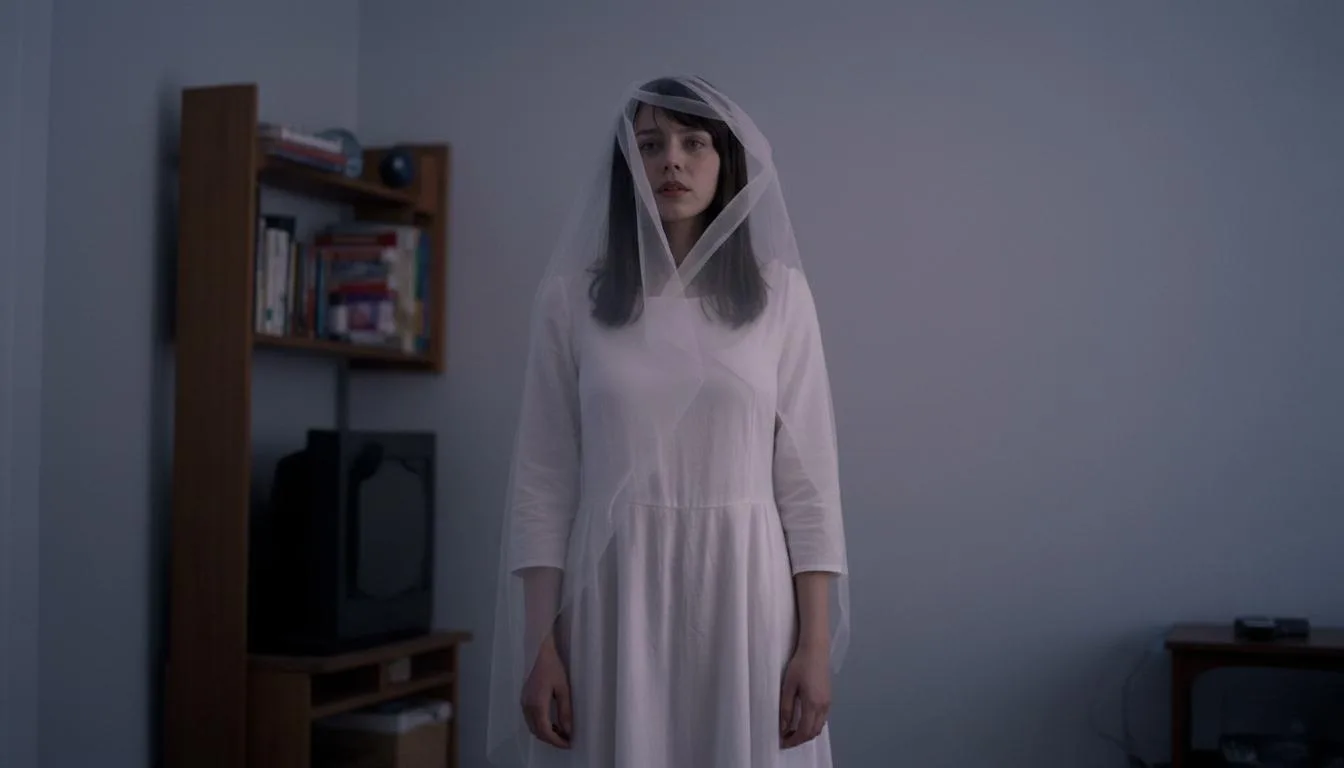
Cinematic Mode is a new Flux-based architecture that we have trained and optimized specifically for video stills. It's one of our most ambitious projects yet, and we believe that the results will speak for themselves: if you're looking to generate cinematic images, this is the mode you'll want to use.
Furthermore, we're excited to announce that we have integrated Google's Nano-Banana, the world's most powerful image editing model, into our Editor.
Combining both will let you create the perfect mood boards for any film.
Cinematic Mode
To use the new Cinematic Mode, go to your Generation Settings and select it from the list.
Alternatively, tell LetzAI Chat to generate using Cinematic Mode explicitly.

Cinematic Mode resolutions range from 640px to 1600px. We recommend staying in the 960x1600 range for optimal results.
Cinematic Mode images at full resolution cost around 15 credits per image.
It natively supports all LetzAI Models, however please note that Character and Object Consistency may be lower than in other modes. Furthermore, the model is optimized for photorealistic images. This means that illustrative results may be different than expected.
It is available to everyone, including users on the free plan.
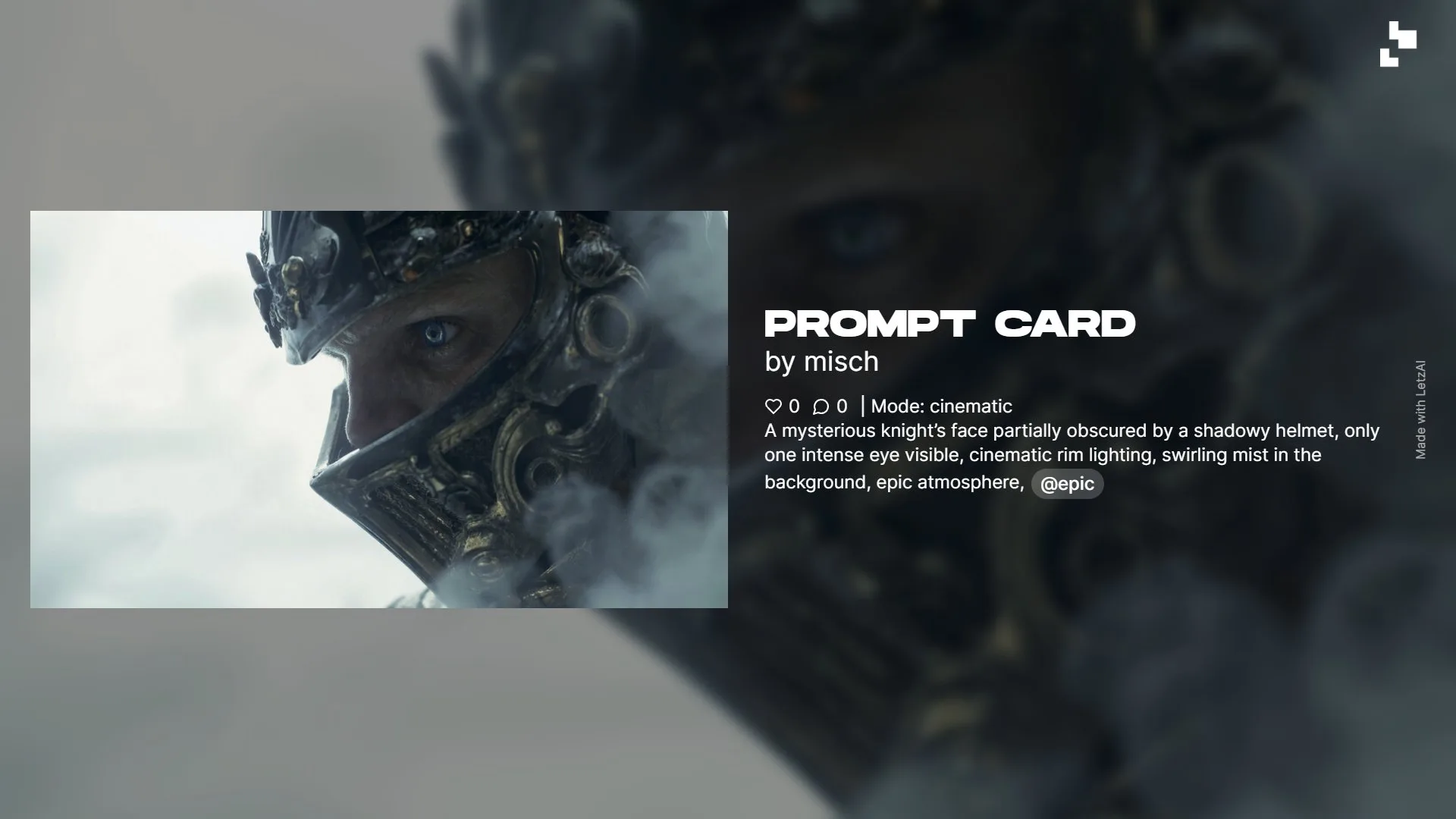
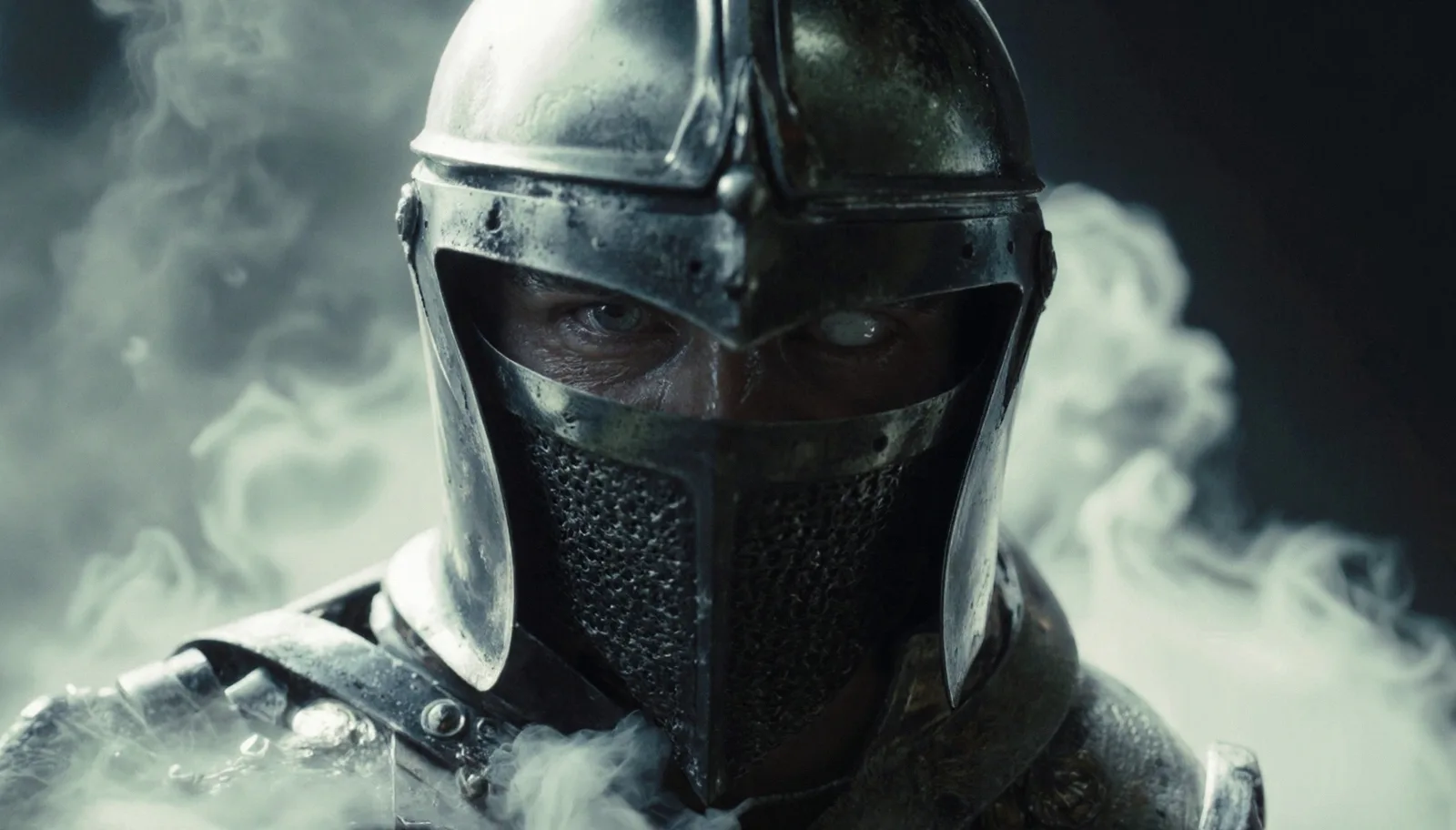
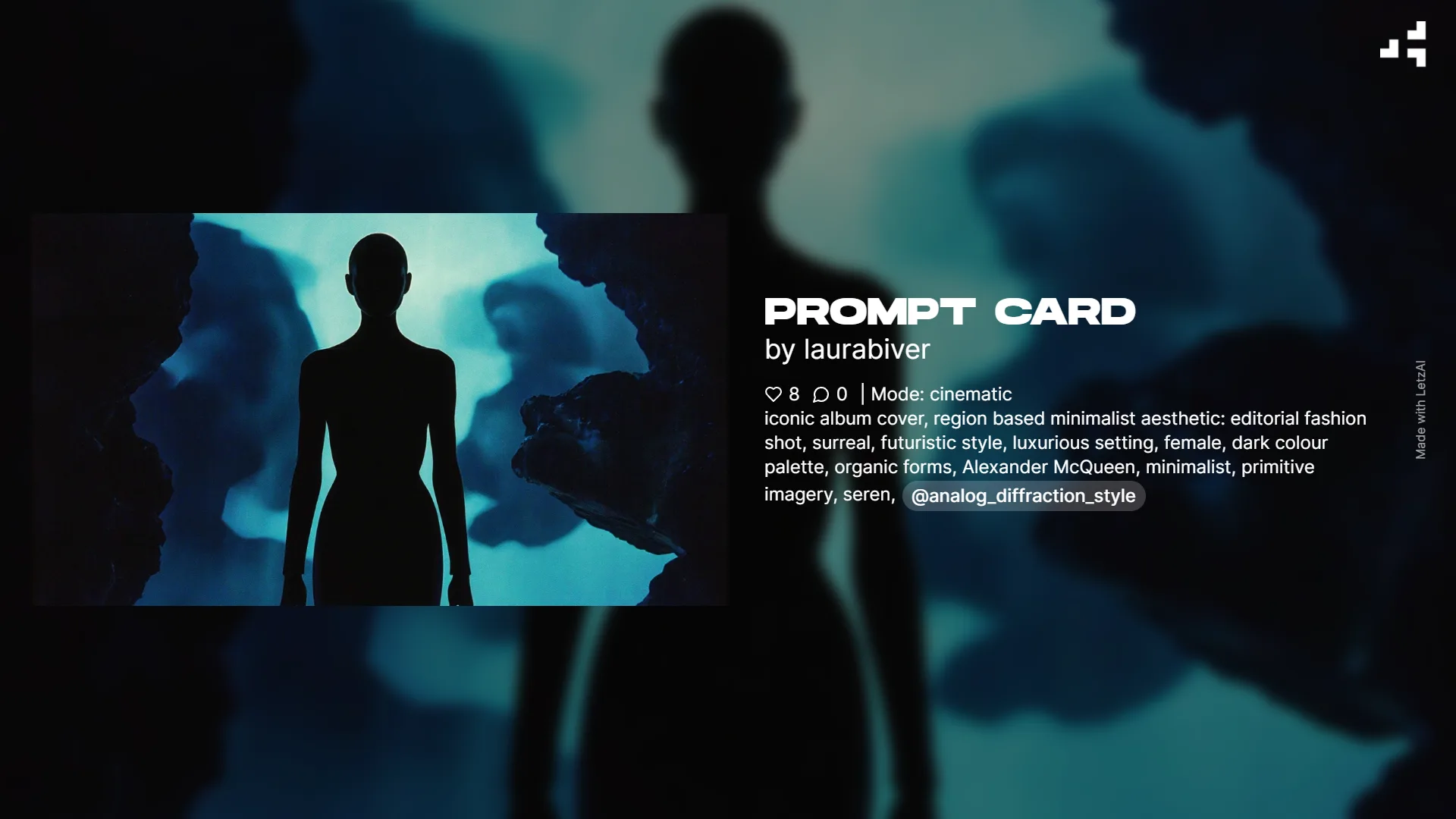
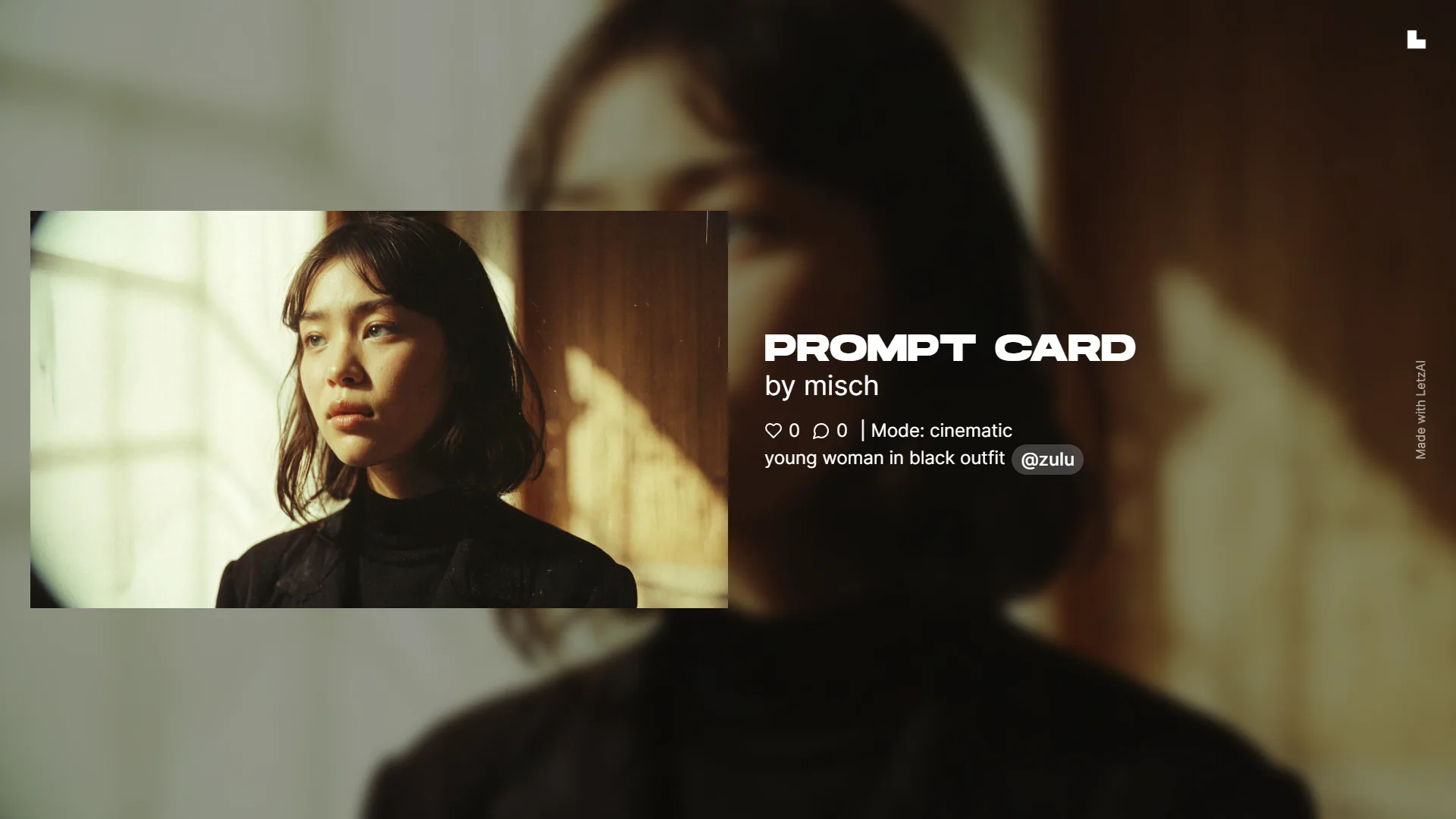
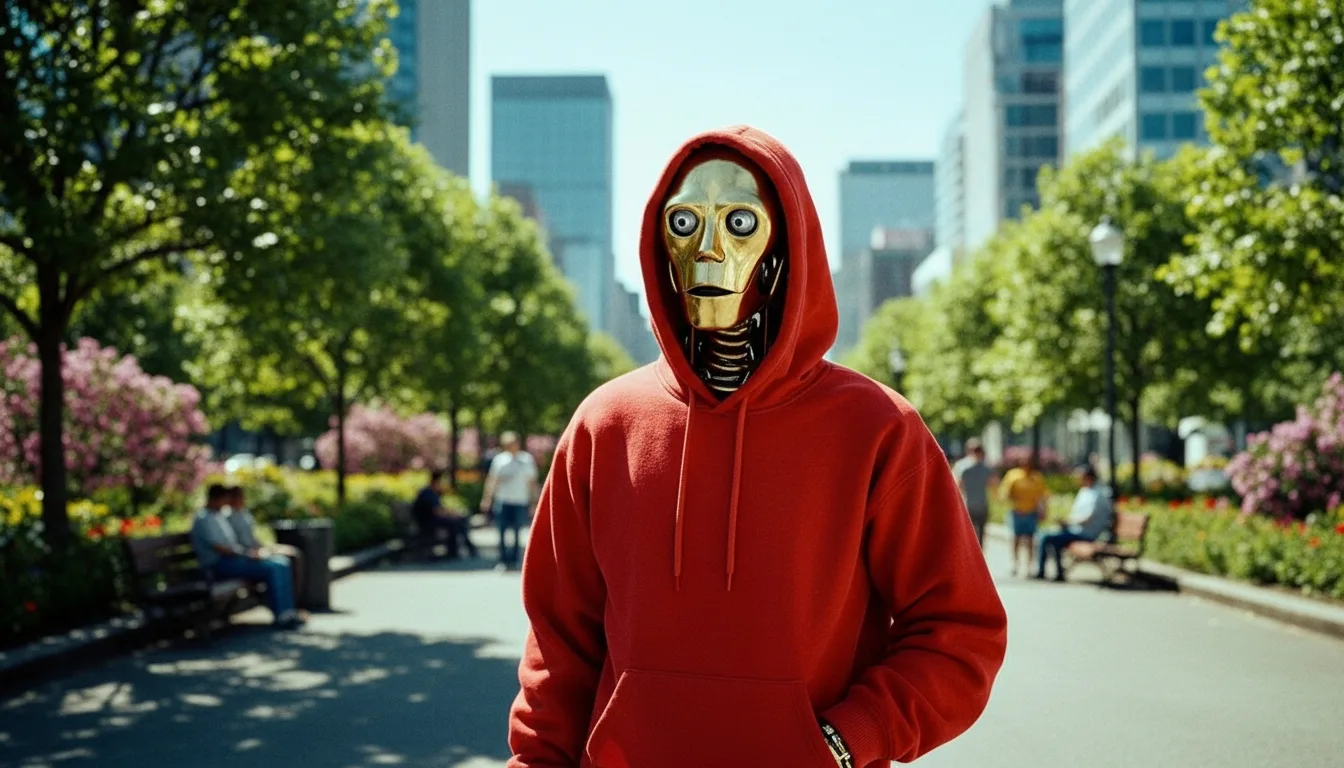
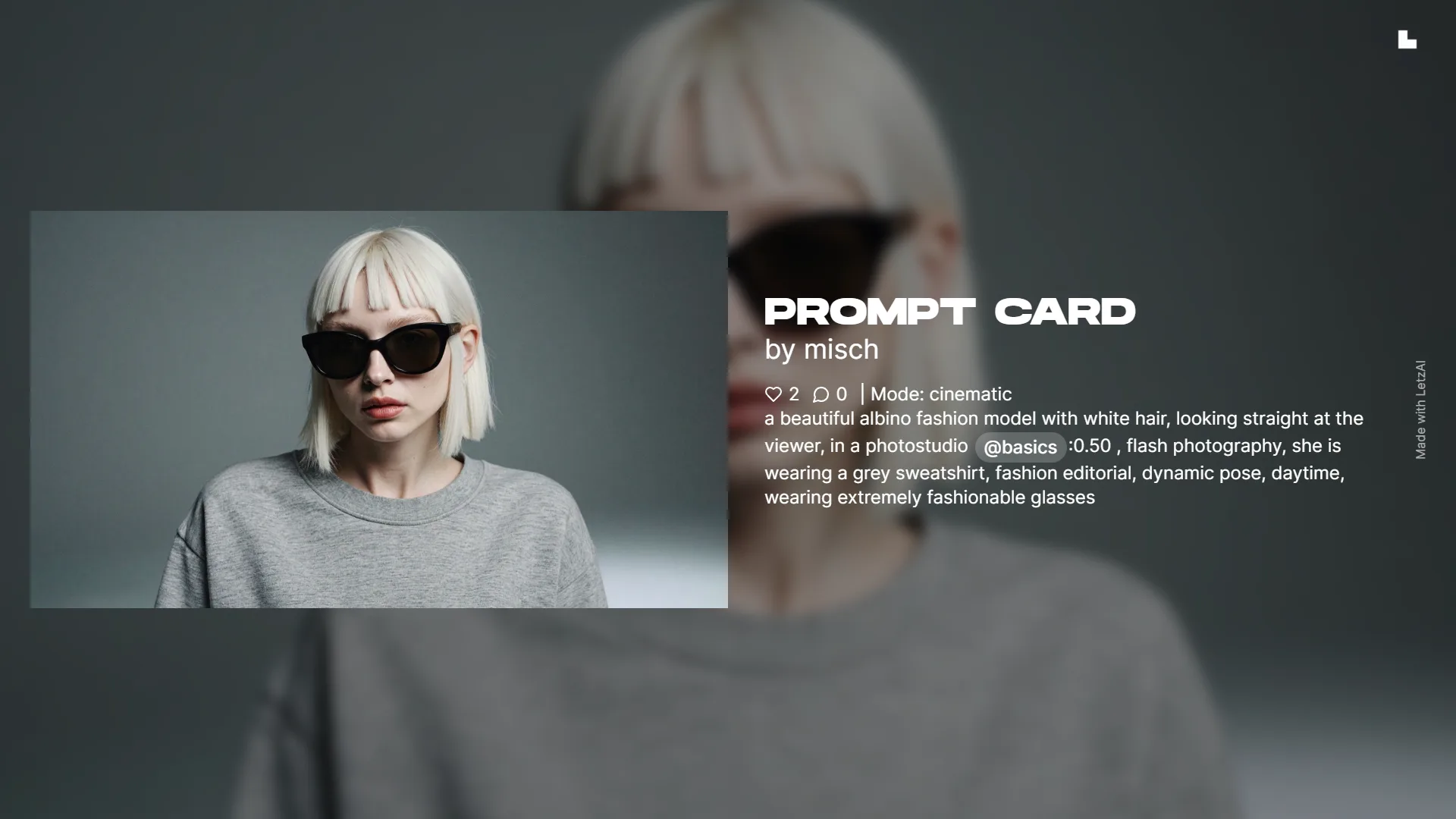
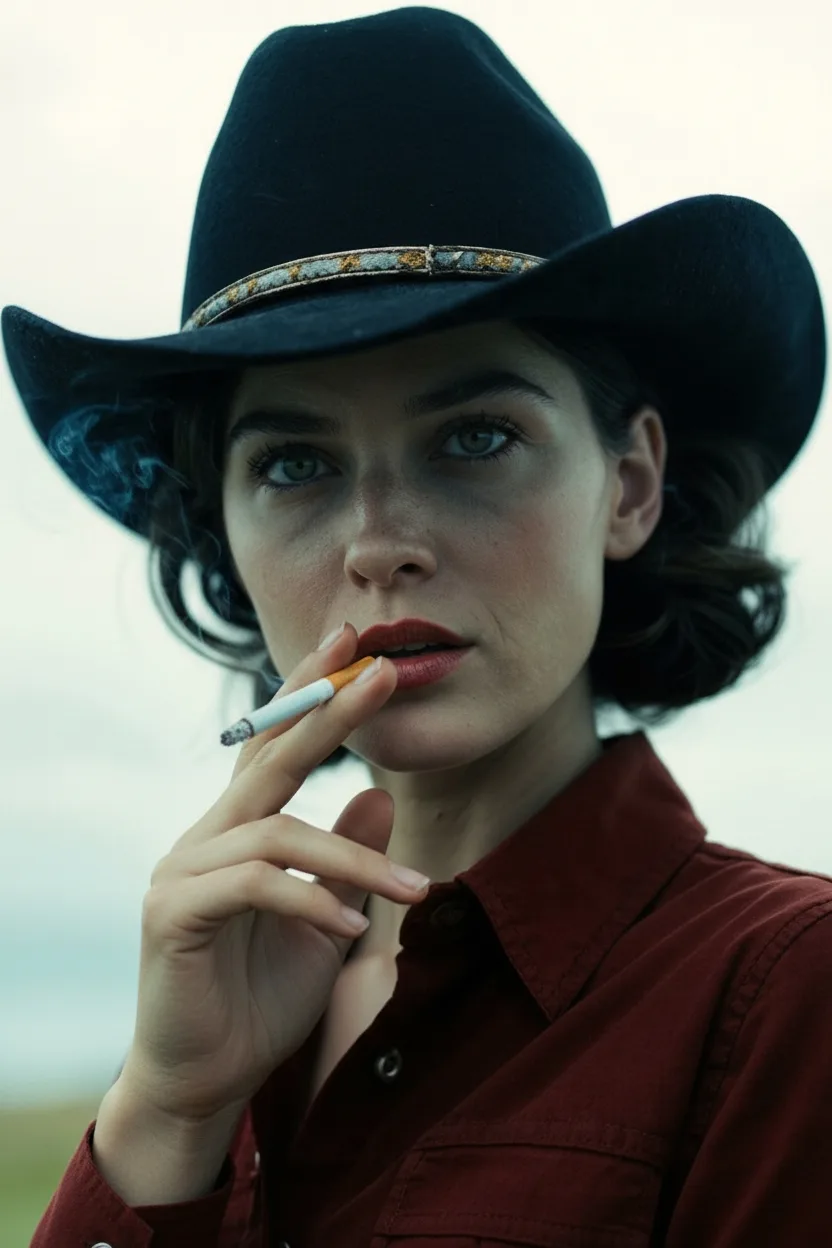
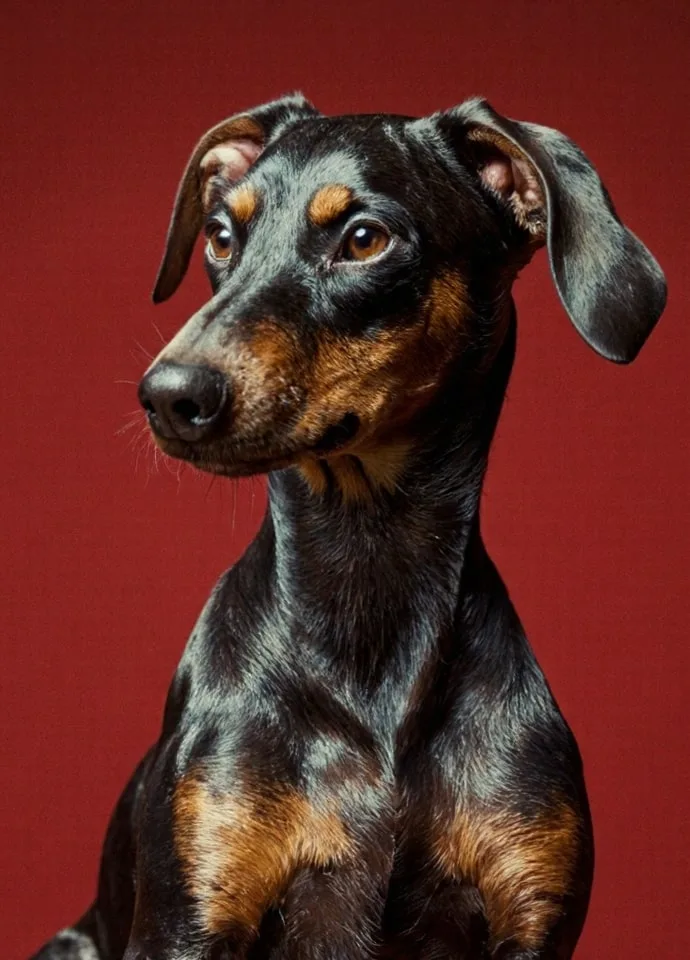
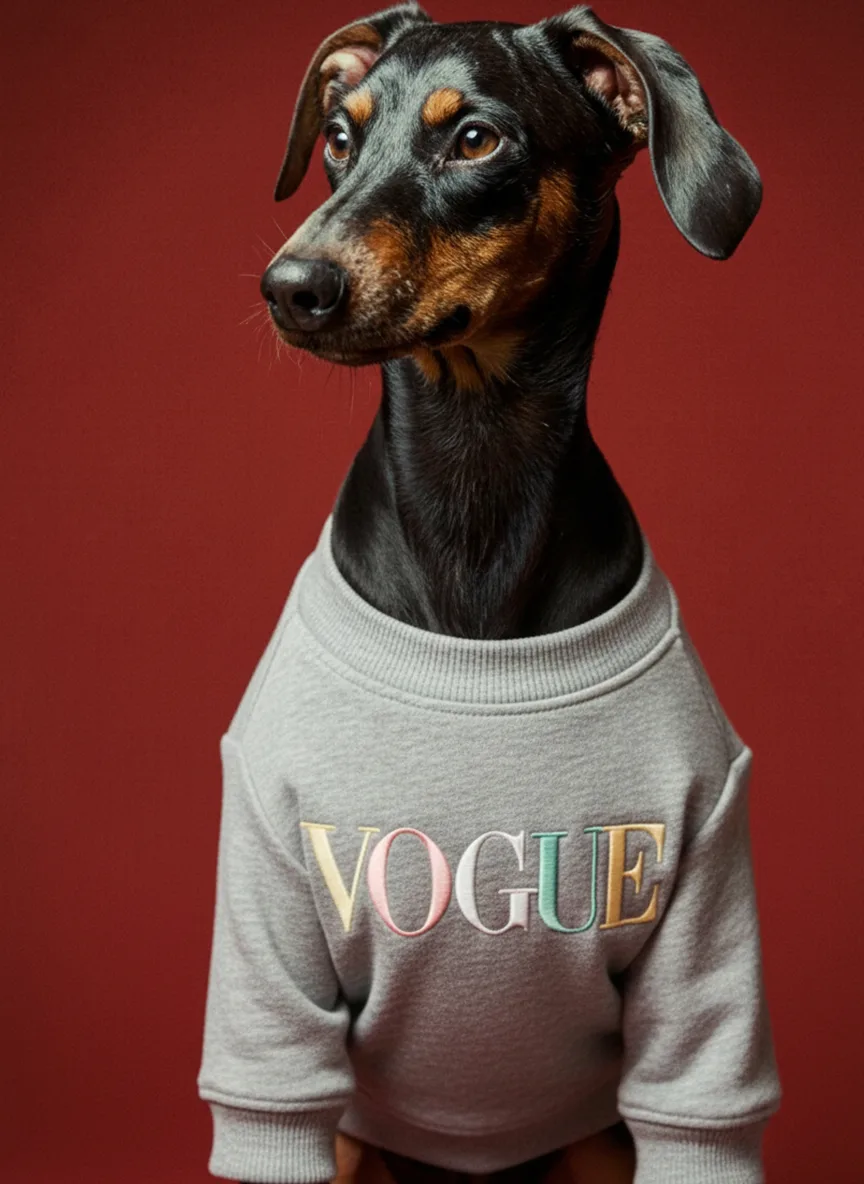
Cinematic Mode Examples
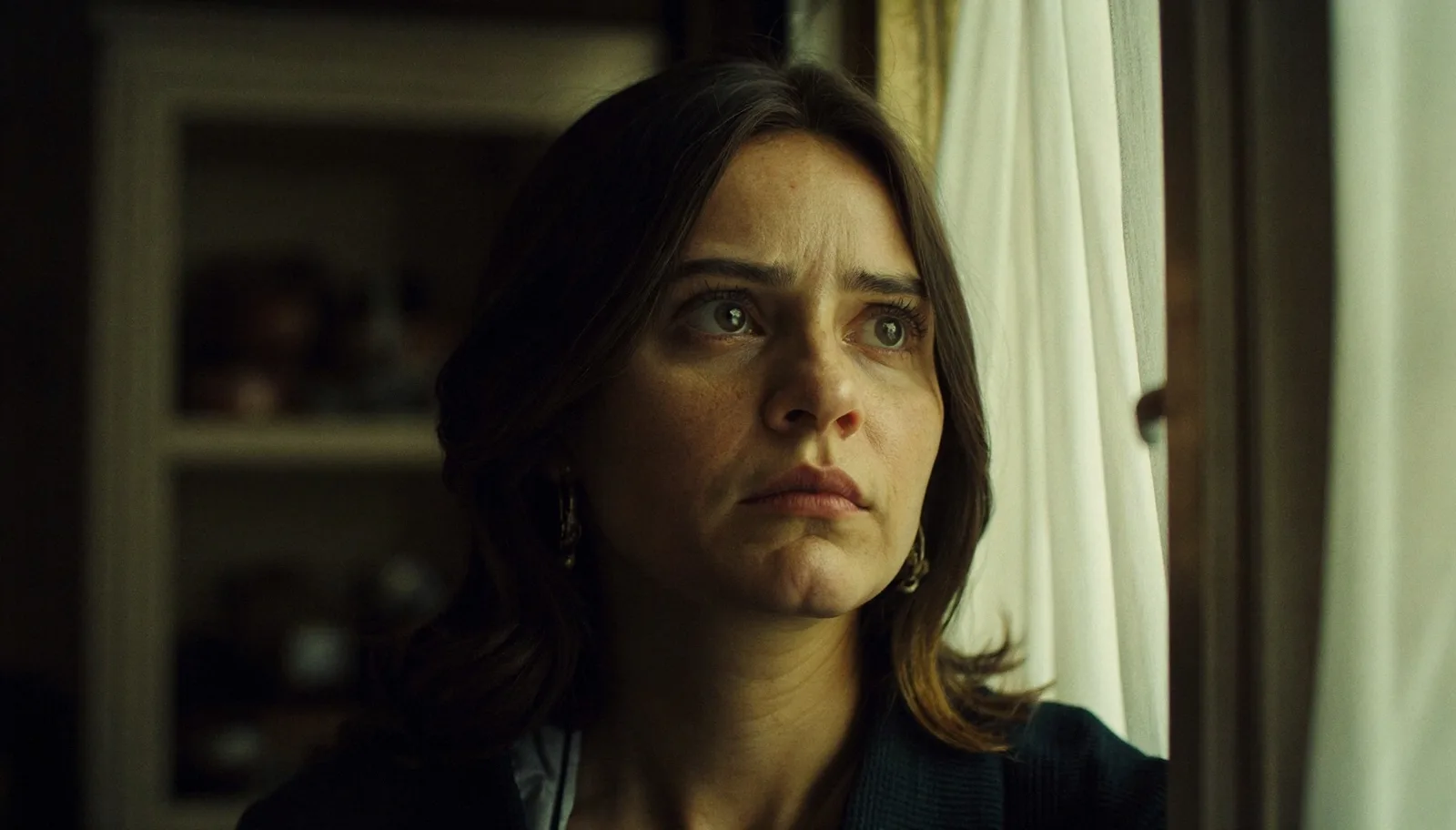
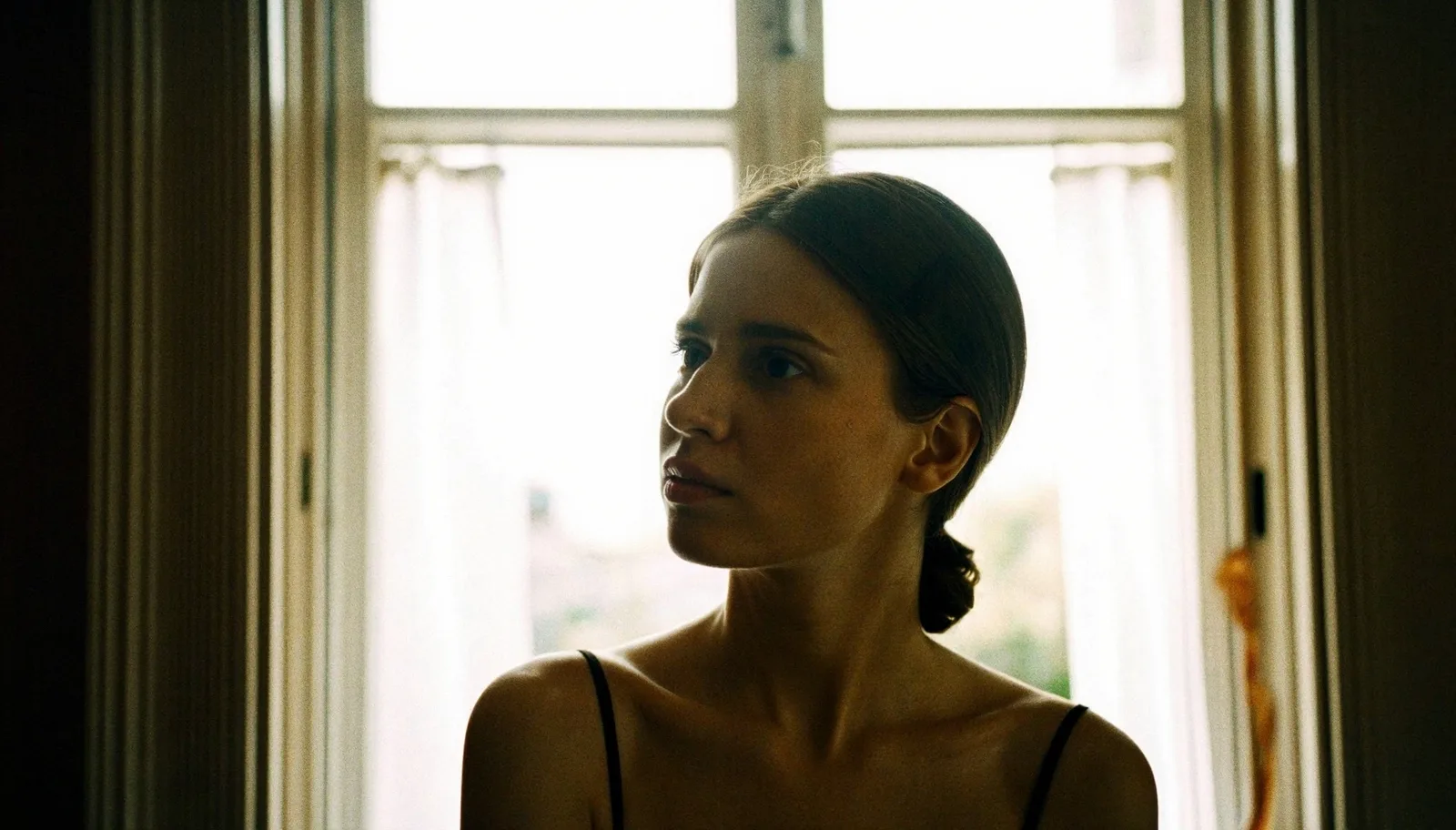
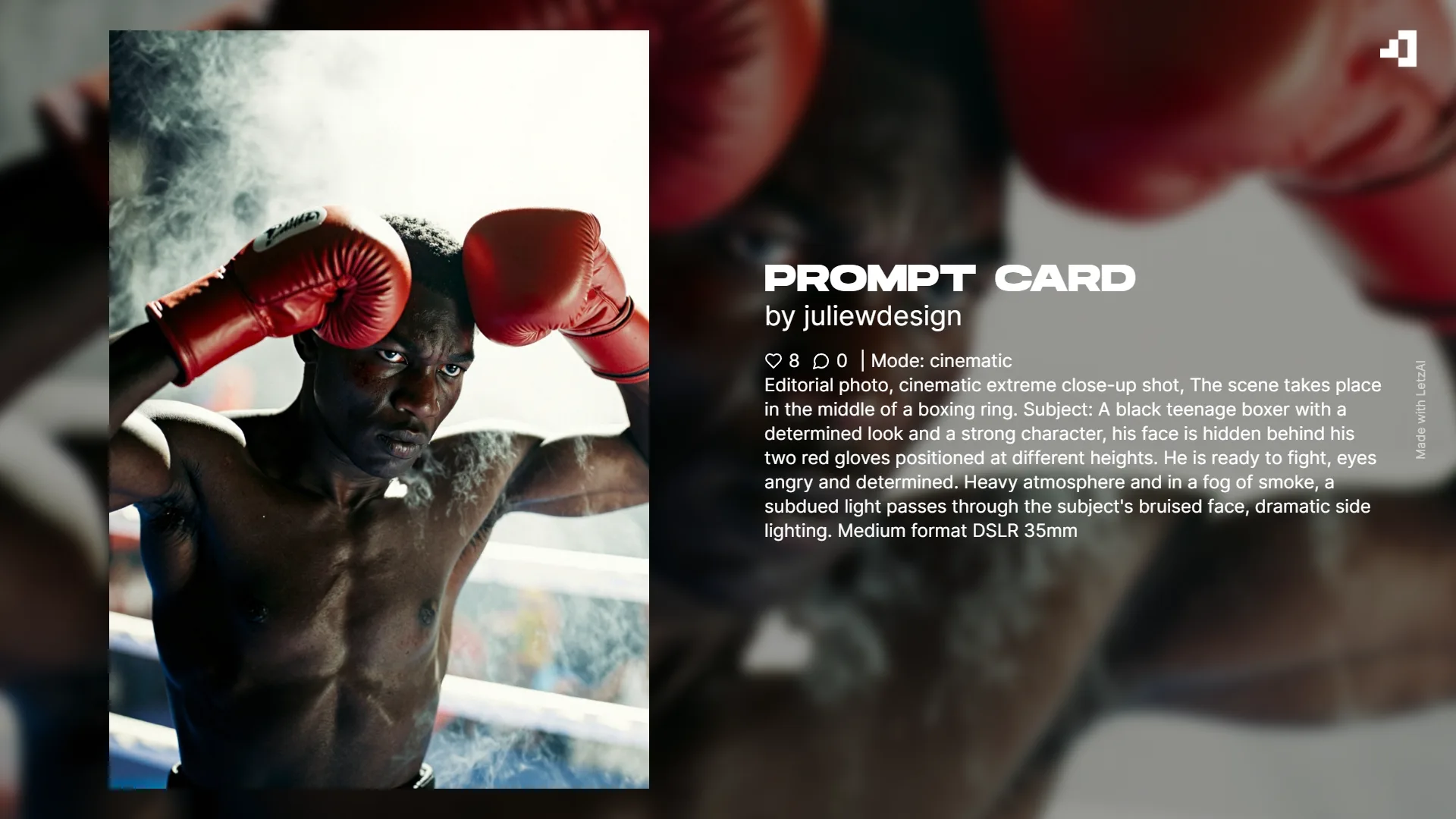


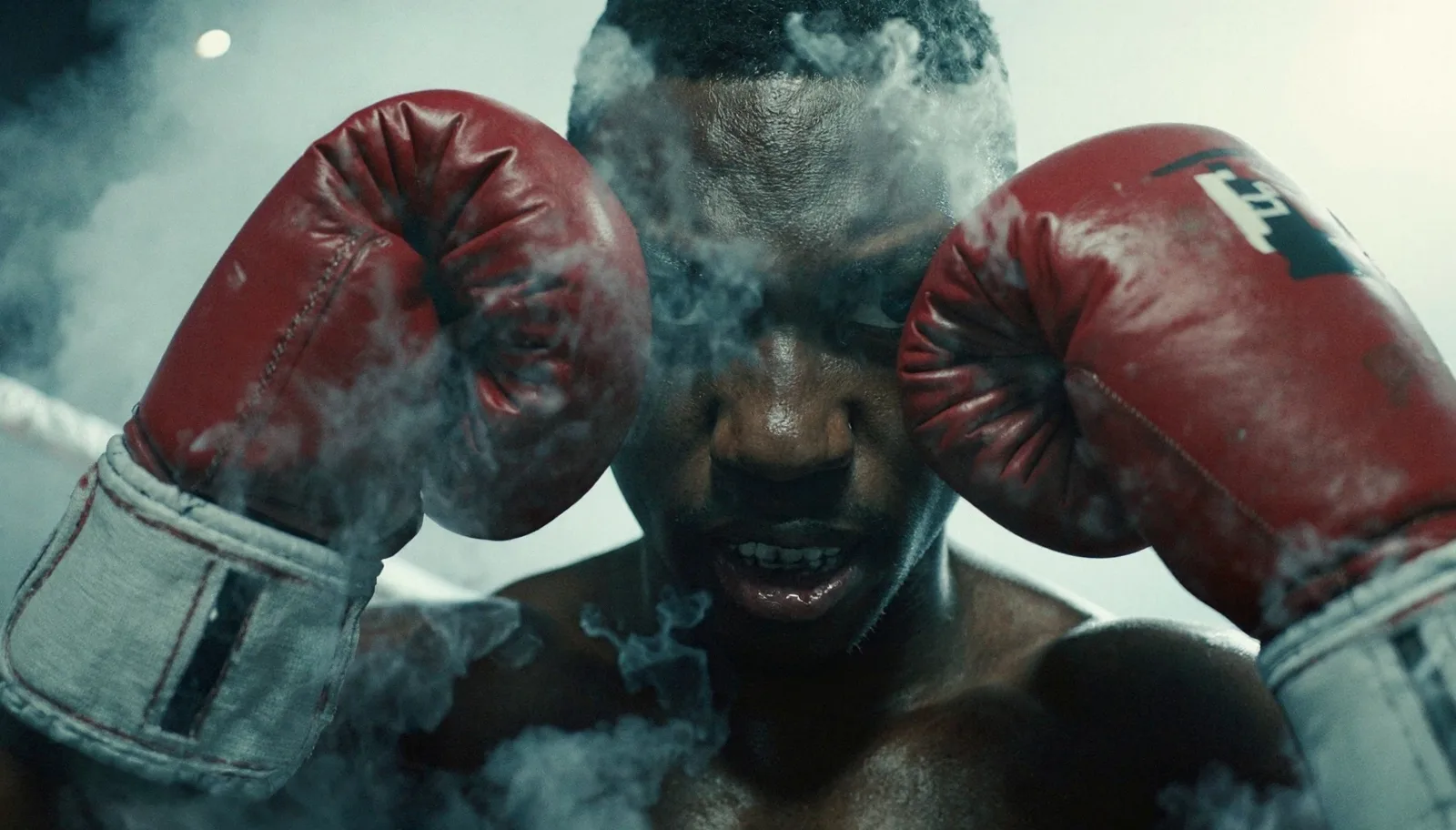



Editing with nano-banana
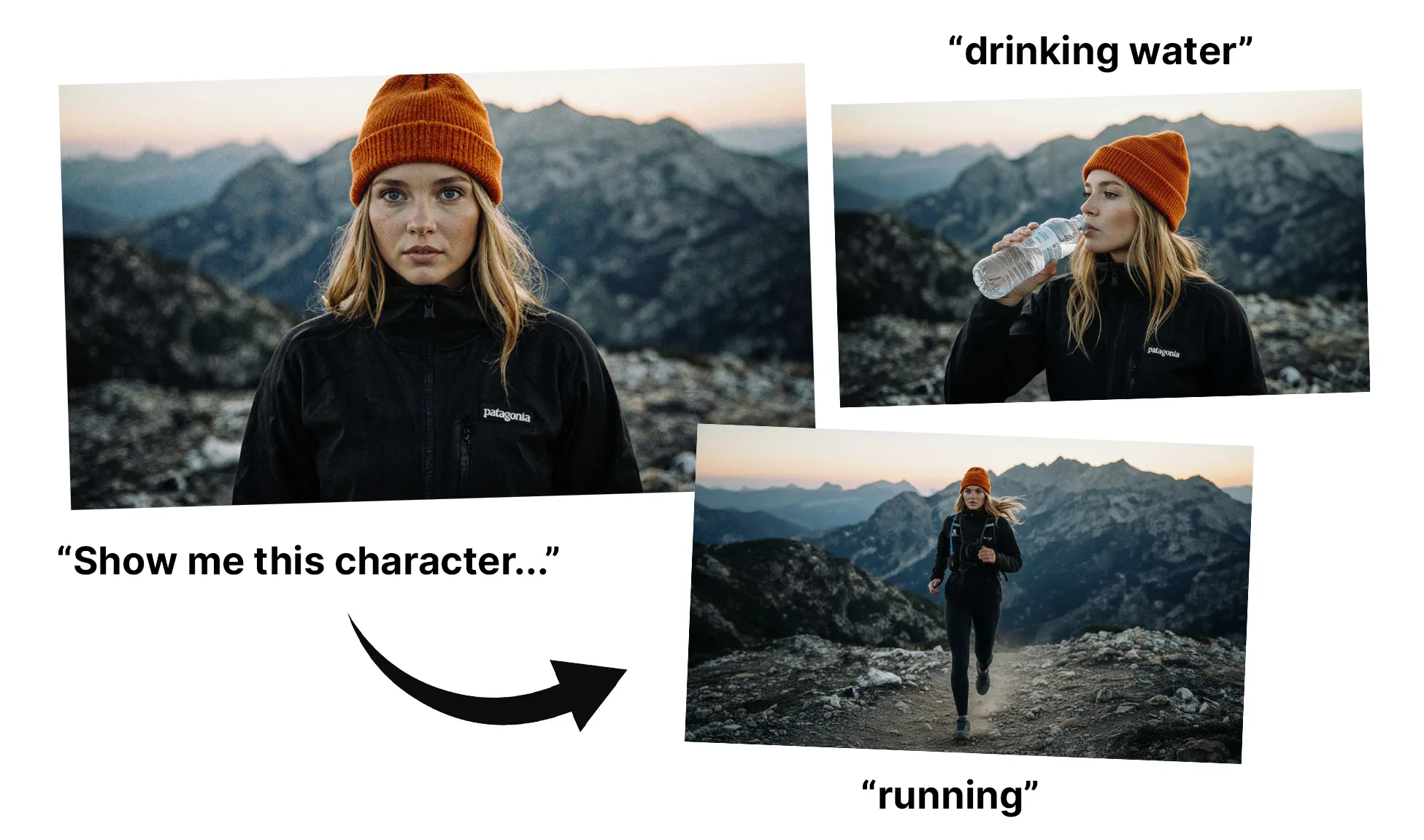
Besides the new Cinematic Mode, our Context Image Editor has also been updated and now features the new, much-spoken-about model by Google: nano-banana (or Gemini 2.5 Flash Image).
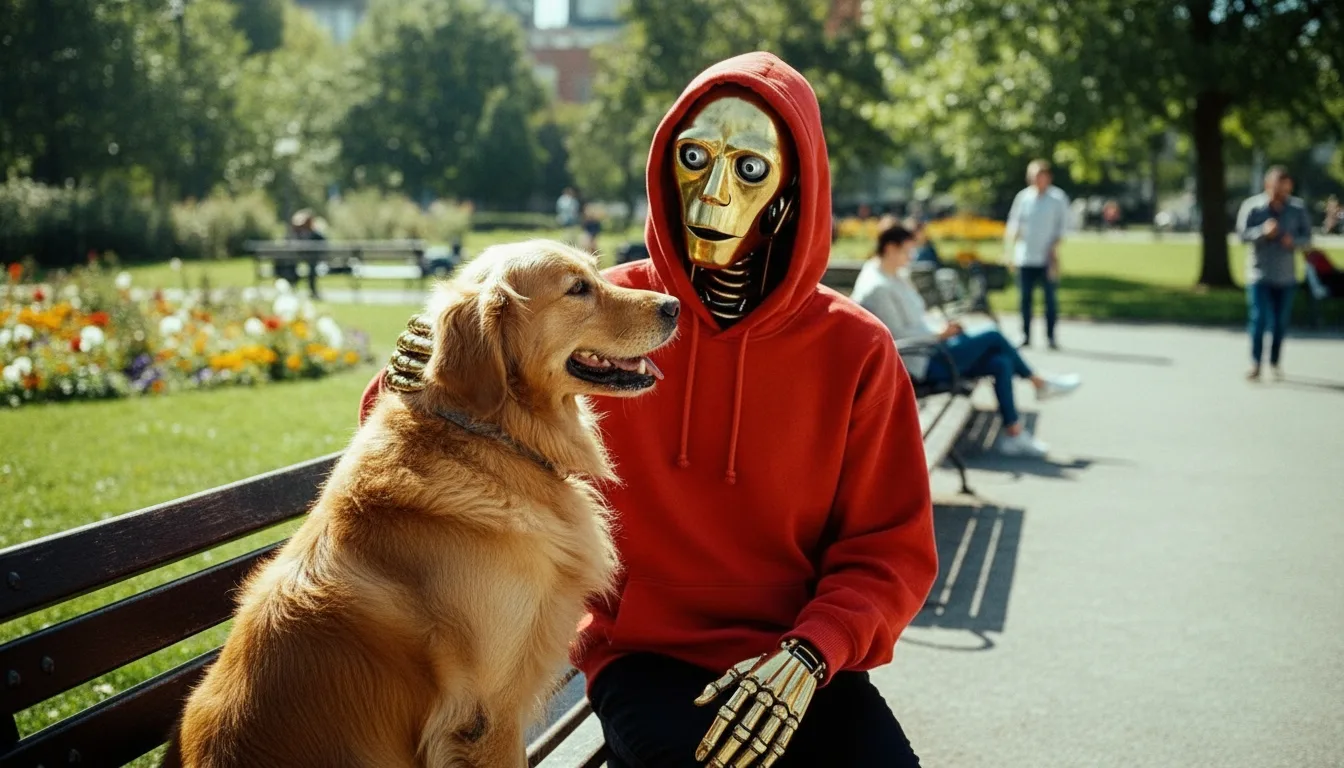
Nano-banana is the most powerful image editing model in the world today and enables a lot of new use cases. It particularly excels at showing different angles from the same scene while keeping characters, objects, and styles very consistent.
We have made sure that all our existing presets also keep working, giving users more capabilities besides only the ones nano-banana has to offer.
To put specific objects or characters into a scene, you can tag their models in the editing prompt bar. This feature is experimental and may not work for all models.
Editing an Image in Context mode will cost 30 Credits.
Image Editing Examples









Get started
We hope you enjoy these new capabilities and can't wait to see what you will create.
If you need more inspiration, check out our Cinematic Mode Board.
Both, cinematic mode and nano-banana are available via the LetzAI API.
Coming up next: LetzAI Video.