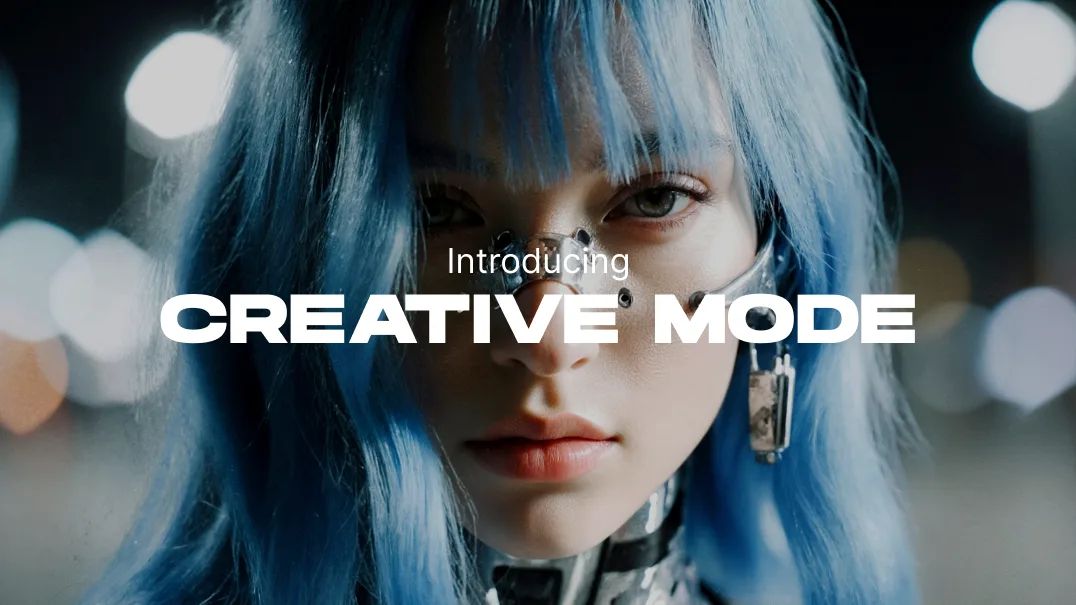
This new mode can be selected in Generation settings. It is available to all users, in LetzAI Chat, and via our API.
Creative Mode works with all your existing LetzAI Models and all our community Models.
Instead of boring you with a bunch of text, here’s what Creative Mode can do for you:
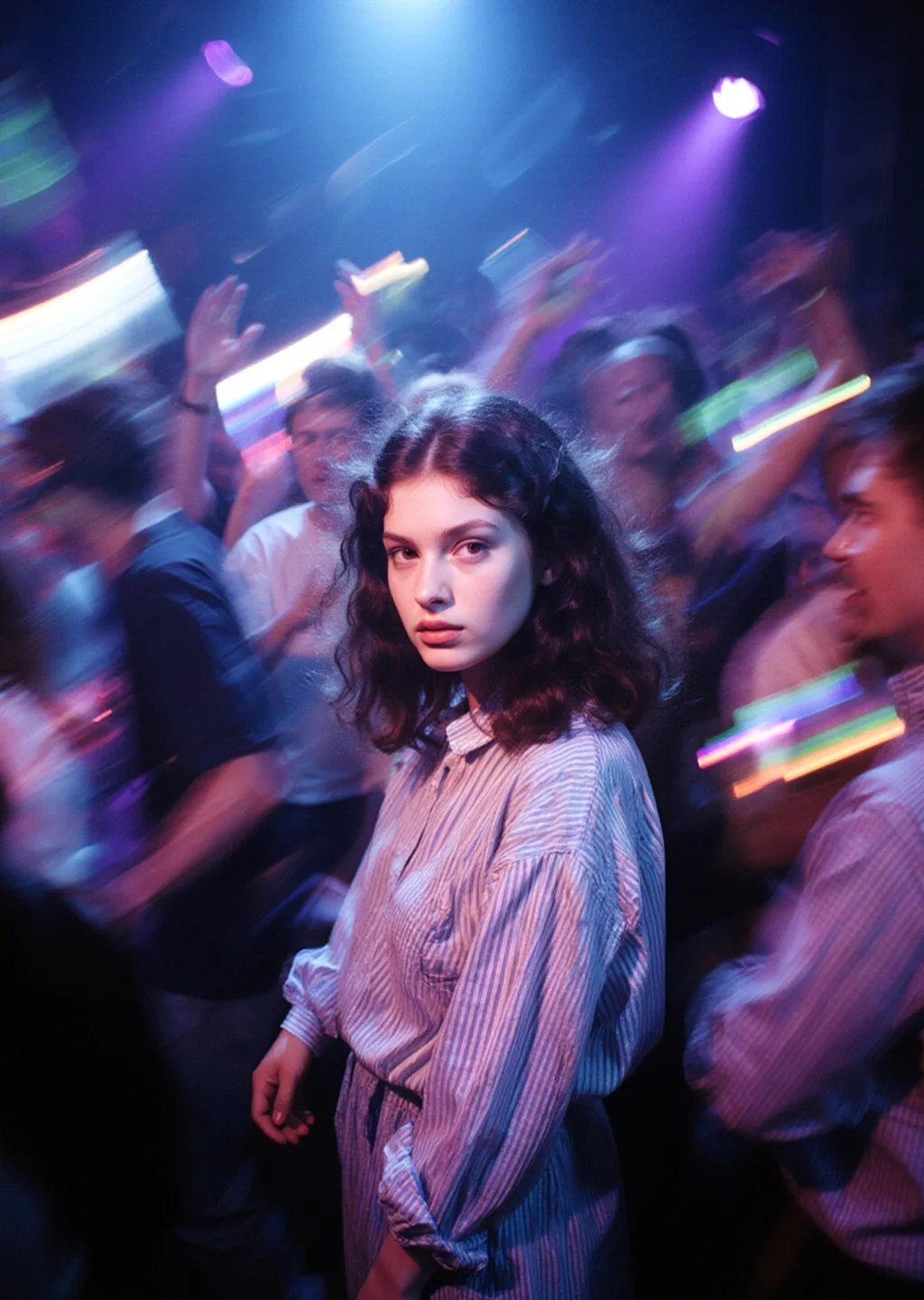
A young woman standing still in the middle of a crowded party, surrounded by dancing people, in motion blur, colorful light reflections, blue and purple tones, sharp focus on her face, emotional expression, background in chaotic movement, cinematic composition, sense of isolation in the crowd,
@motion_blur:0.50
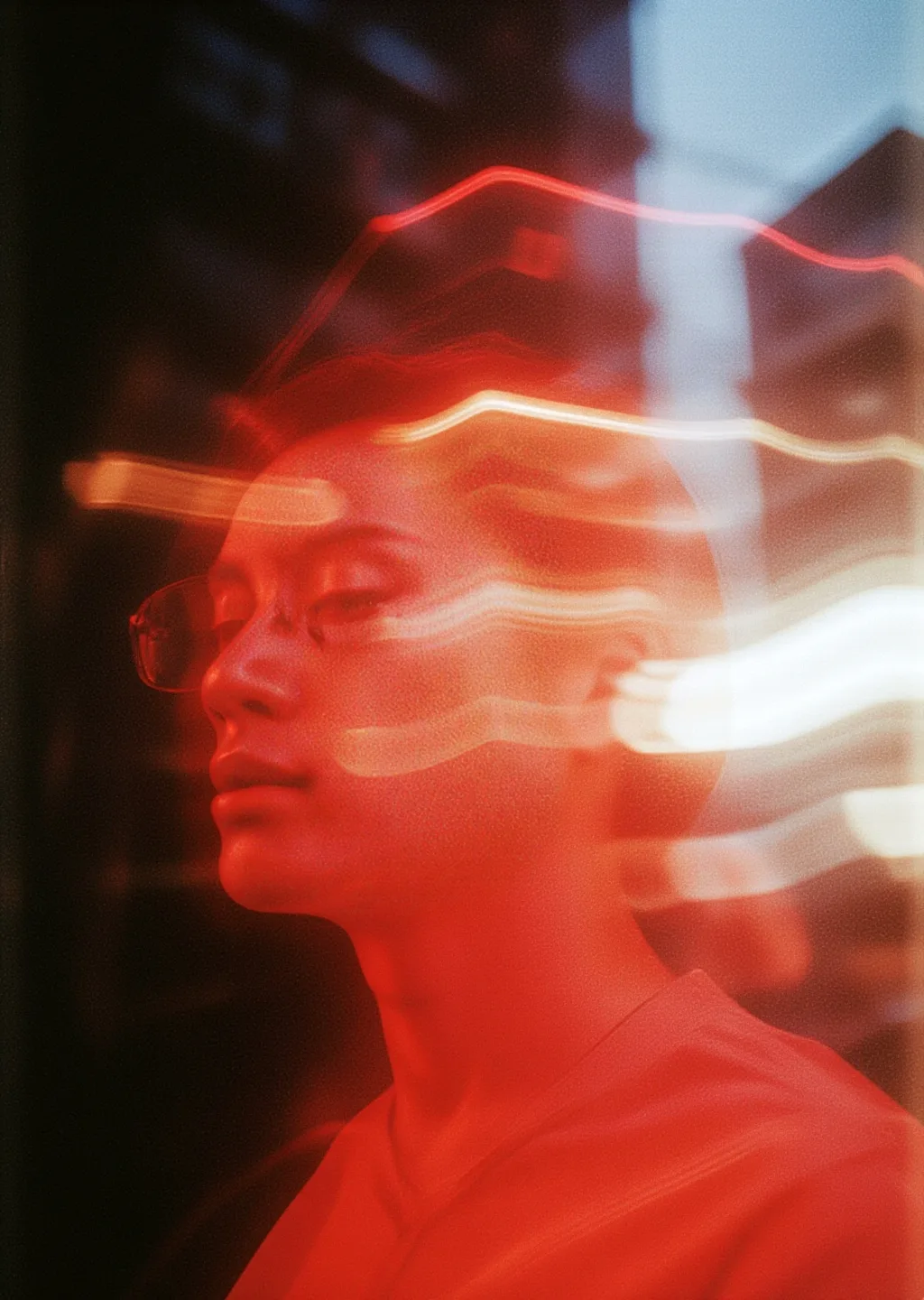
@motion_blur @juliewdesign_redlight cinematic lighting, dramatic shadows, film grain texture, 35mm film photography, urban landscape, twilight, soft hues, natural light
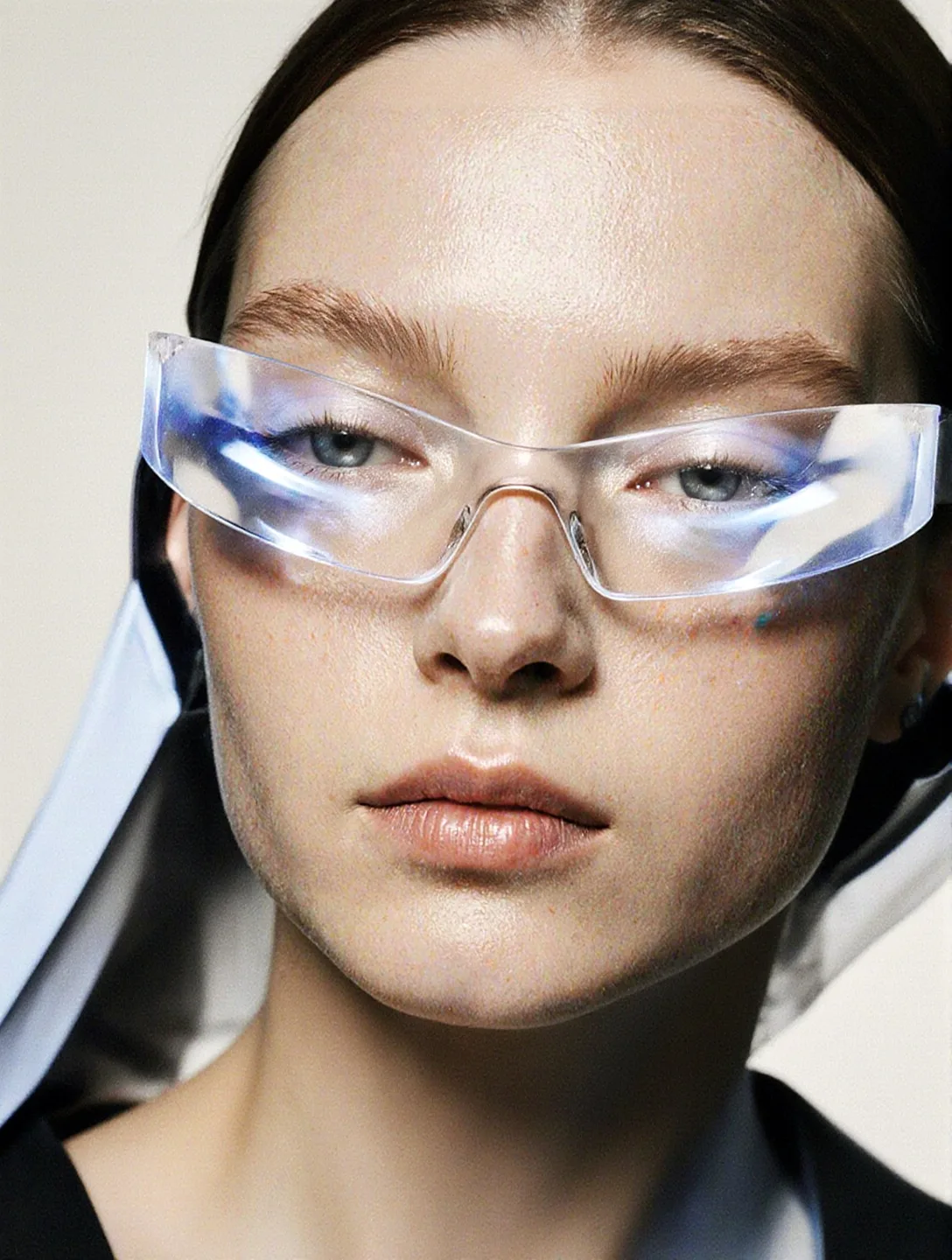
@basicallymypinterest
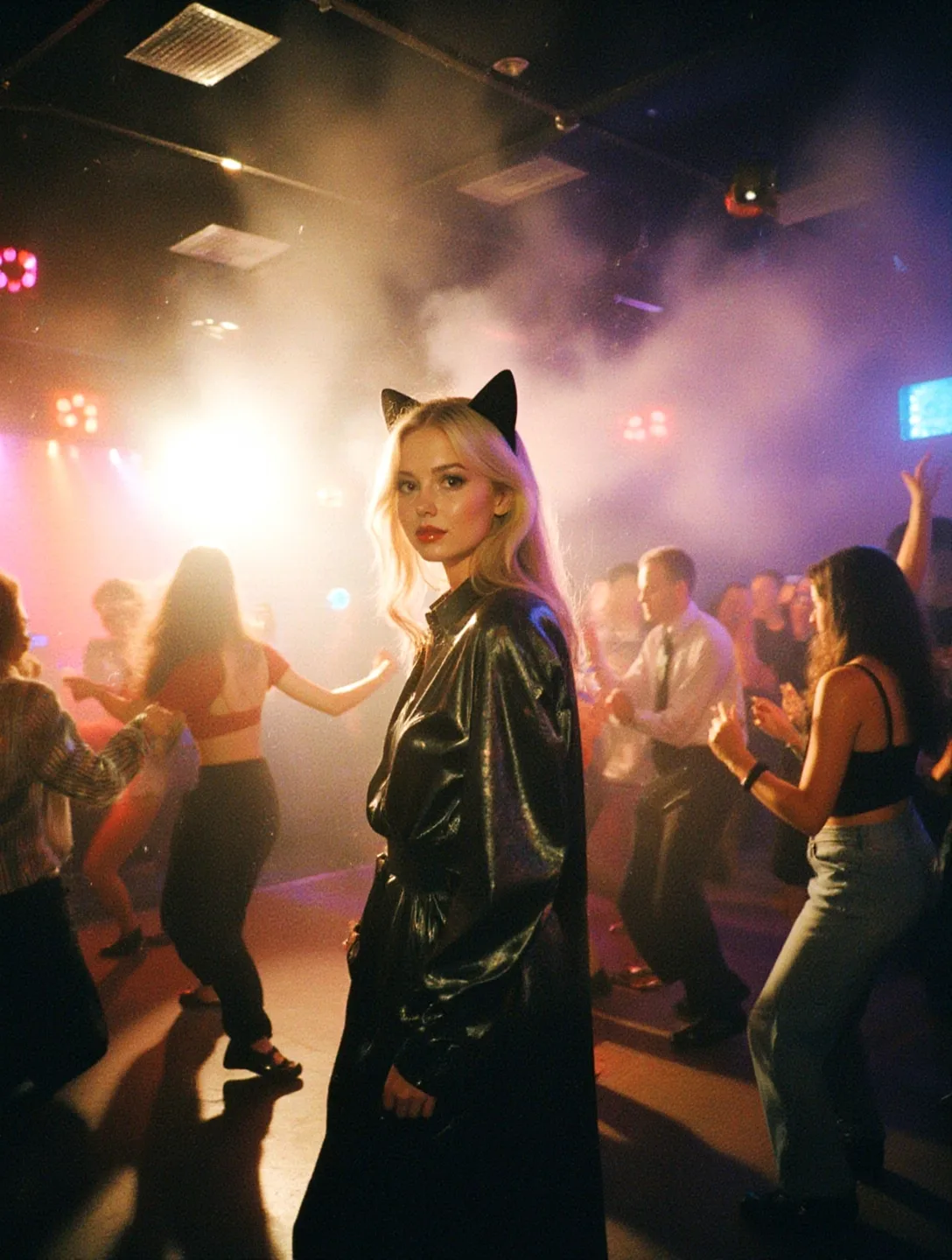
A dynamic scene of flash photography in a bustling nightclub, a lone figure, a blonde beautiful woman with cat ears, she stands alone in the middle of the scene, capturing vibrant dancers illuminated by sudden bursts of light, with colorful neon lights and fog swirling in the background, warm tones and a subtle film grain effect to emphasize the energetic, moody atmosphere, @vhs_style
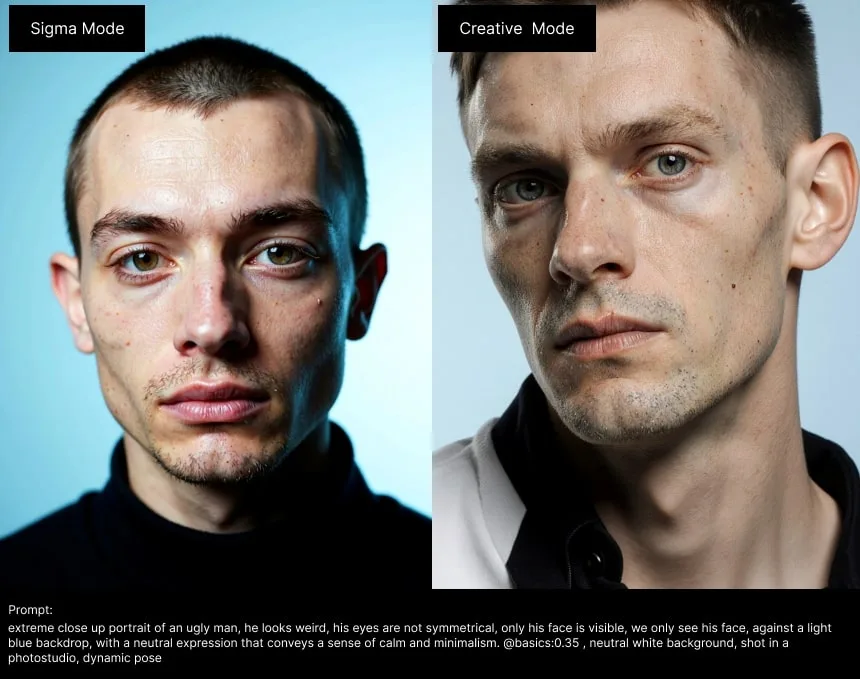
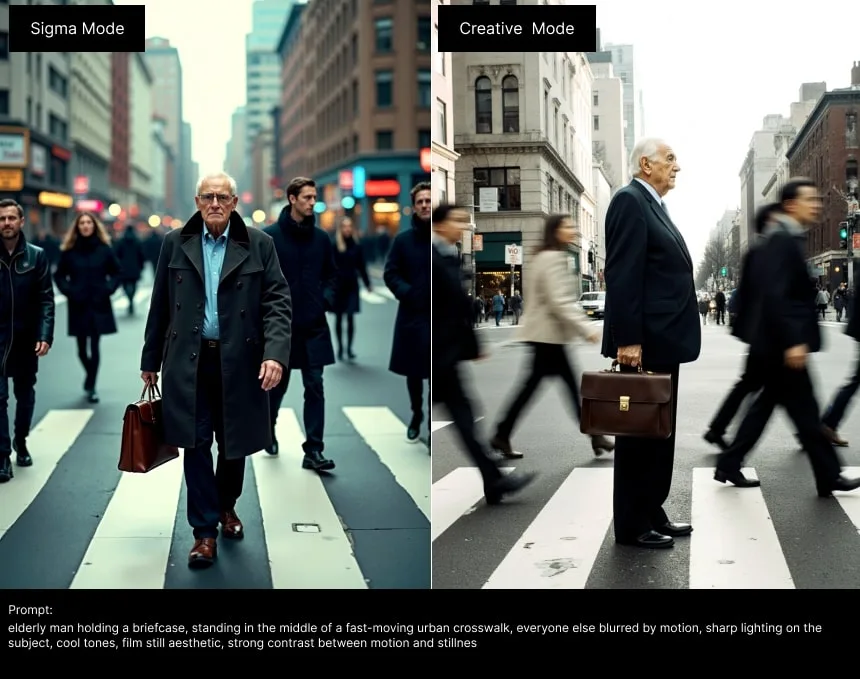
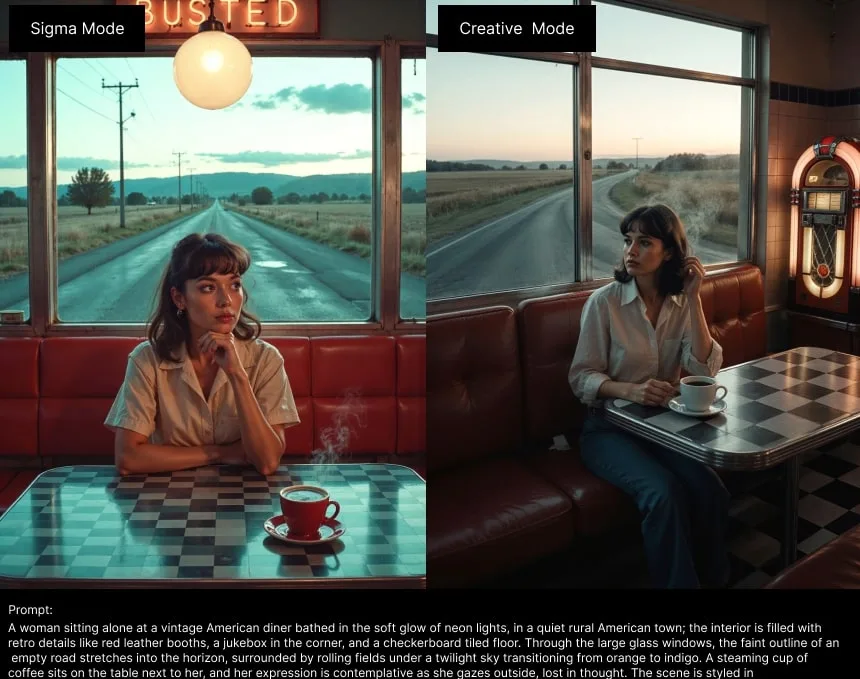
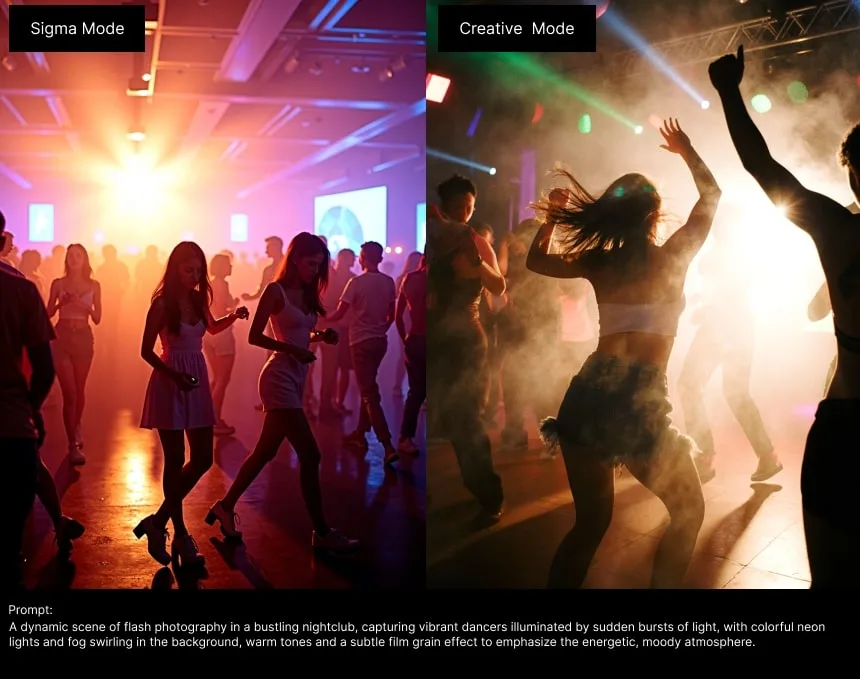
Comparison to Sigma Mode
Creative Mode images take around the same time and same amount of Credits as Sigma Mode to complete (around 25 credits per image).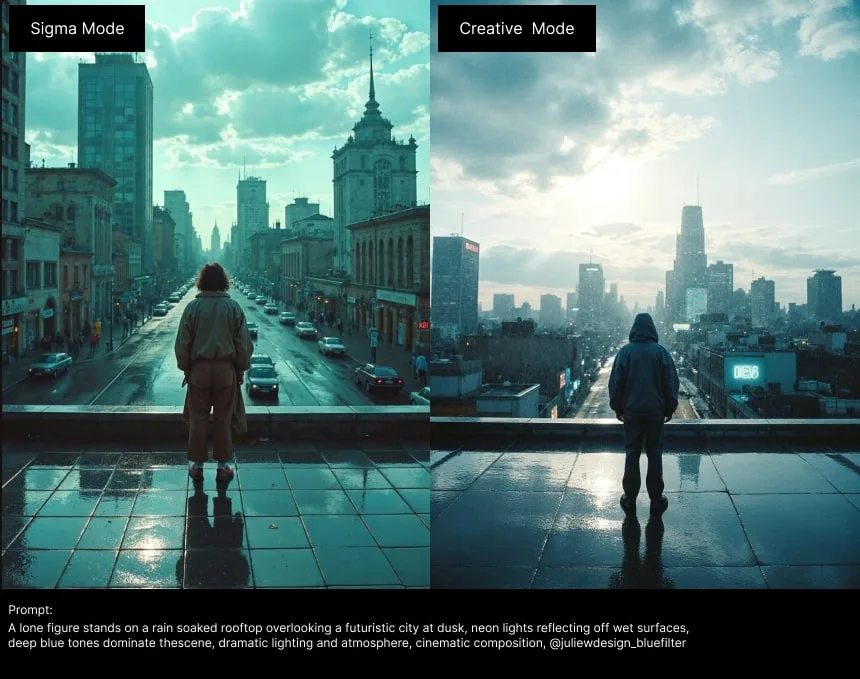
Try it out now!
Head over to your prompt area, and start creating with Letz AI's new "Creative Mode" now!Try Creative Mode