Two New Frontier Video Models on LetzAI
We're adding two major video models to LetzAI today: Flux 3 Video from Black Forest Labs, and MiniMax H3 (also known as Hailuo 3.0). Together they expand what you can do in Animate: longer HD clips with synchronized audio, and sharp 2K generations steered by rich multimodal references.
Both are available now for all users in the Animate tab. Pick the model that fits the job, or keep using Seedance, Kling, Veo, and the rest of the lineup when those are a better match.
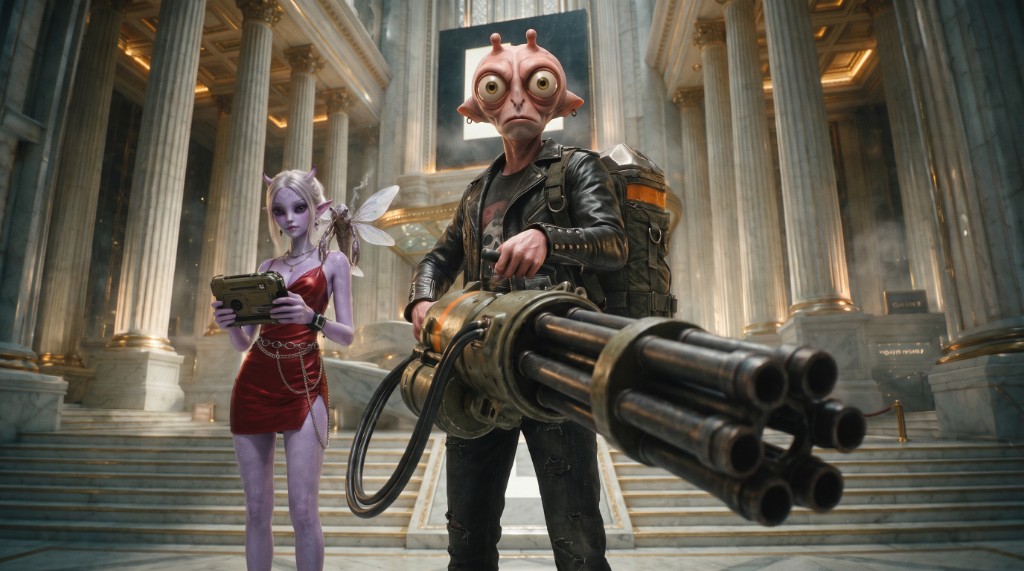
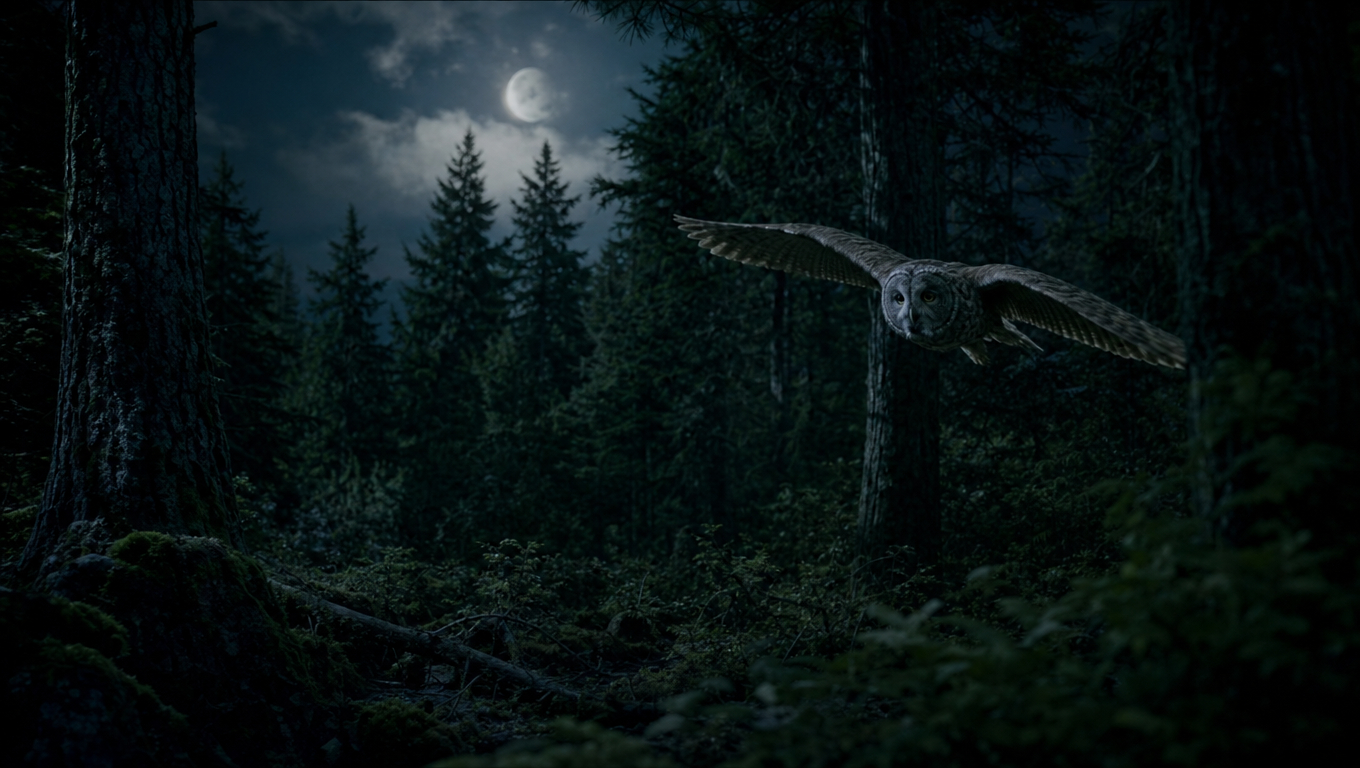
Generated with Flux 3 Video on LetzAI
Flux 3 Video by Black Forest Labs
Black Forest Labs built its reputation on the Flux image family. Flux 3 is their next step: a multimodal foundation model trained jointly on images, video, and audio, so motion, sound, and visual structure reinforce each other instead of being bolted on after the fact.
Where Flux 3 really shines for creators is retro and stylized footage. It handles period looks, film grain, camcorder and VHS vibes, analog warmth, and other non-photoreal aesthetics with unusual confidence, while still staying coherent across a longer take. That same flexibility makes it a strong pick when you want very creative results: bold art direction, surreal motion, graphic title energy, or a look that feels authored rather than generic "AI video default."
On LetzAI, we're shipping Flux 3 Video, BFL's video + audio generation path, with the workflows creators need most:
- Text-to-video from a prompt alone
- Image-to-video using a start / first frame
- First + last frame keyframes for controlled start-to-end transitions
Flux 3 on LetzAI does not support Omni / multimodal reference stacks (extra style boards, video refs, or audio refs). For that, use MiniMax H3 or Seedance.
What stands out in practice:
- Up to 20 seconds in a single generation, longer than most studio-ready defaults
- Native audio always on: ambient sound, physical events, and dialogue cues are generated with the picture (no audio toggle, no extra fee)
- 720p and 1080p, with a wide set of aspect ratios including auto, cinematic, and social formats
- Strong facial expression, style range, and multilingual dialogue, strengths BFL highlights in their early evaluations
- Especially strong for retro looks and experimental / creative direction
Reach for Flux 3 when you want the BFL look and motion, a clean keyframe pass between two stills, a longer take with sound baked in, or a stylized / retro result that still feels intentional.
MiniMax H3: Frontier 2K Multimodal Video
MiniMax H3 is MiniMax's next-generation general-purpose video model (the third generation of the Hailuo line). It treats text, images, video, and audio as one shared context, then generates up to 2K video with strong instruction following, brand/text rendering, and subject consistency.
On LetzAI, H3 is tuned for production control:
- Text-to-video and image-to-video (optional last frame)
- First + last frame keyframe animation
- Reference-to-video with up to 9 images, 1 video, and 1 audio reference in a generation
- Native 2K output (the only resolution tier on LetzAI)
- 5-15 seconds depending on the workflow
MiniMax designed H3 for commercial creative work: ads, product shots, UI motion, brand films, and games. It is strongest when you need the model to follow complex multimodal instructions ("match this camera move, keep this character, use this audio mood") rather than only inventing from a short prompt.
Use H3 when you need maximum resolution and reference-driven consistency. Use Flux 3 when you want longer HD/FHD takes with always-on audio, simple keyframe control, or a more creative / retro look.
Which Model Should You Pick?
| Flux 3 Video | MiniMax H3 | |
|---|---|---|
| Best for | Longer takes, keyframes, native audio, retro / creative looks | 2K detail, multimodal refs, brand/product work |
| Duration | 5-20 seconds | 5-15 seconds |
| Resolution | 720p / 1080p | 2K |
| Audio | Always included | Reference audio input supported |
| References | Start frame or first + last frame only | Up to 9 images, 1 video, 1 audio (Omni) |
Technical Specs on LetzAI
Flux 3 Video
- Duration: 5-20 seconds
- Resolution: 720p, 1080p
- Aspect ratios: auto, 21:9, 2:1, 16:9, 4:3, 1:1, 3:4, 9:16
- Modes: Text-to-Video, Image-to-Video, First + Last Frame
- Audio: Always on (included in the credit price)
- Omni refs: Not supported
MiniMax H3
- Duration: 5-15 seconds
- Resolution: 2K
- Aspect ratios: adaptive, 21:9, 16:9, 4:3, 1:1, 3:4, 9:16
- Modes: Text-to-Video, Image-to-Video (optional last frame), Reference-to-Video
- References: up to 9 images, 1 video, 1 audio (cannot mix Omni refs with first/last frame in the same run)
Pricing
Both models are billed per second of generated video:
- Flux 3 Video 720p: 100 credits / second (audio included)
- Flux 3 Video 1080p: 160 credits / second (audio included)
- MiniMax H3 2K: 210 credits / second
Examples: a 10-second Flux 3 clip at 720p costs 1,000 credits; the same length at 1080p costs 1,600 credits. A 10-second MiniMax H3 clip at 2K costs 2,100 credits.
For a full overview of all model pricing, visit our pricing page.
Getting Started
- Open the Animate tab on letz.ai
- Select Flux 3 Video or MiniMax H3 from the model picker
- Choose text-only, a start image, first + last frames, or (for H3) multimodal references
- Set duration, resolution / aspect ratio, and write your prompt
- Click Animate
Both models also work through Chat, Canvas, and the API. Use mode video-flux3 or video-minimax-h3.
Questions?
If you have questions about Flux 3, MiniMax H3, or need help picking a model, reach out at support@letz.ai.
Happy creating!
The LetzAI Team