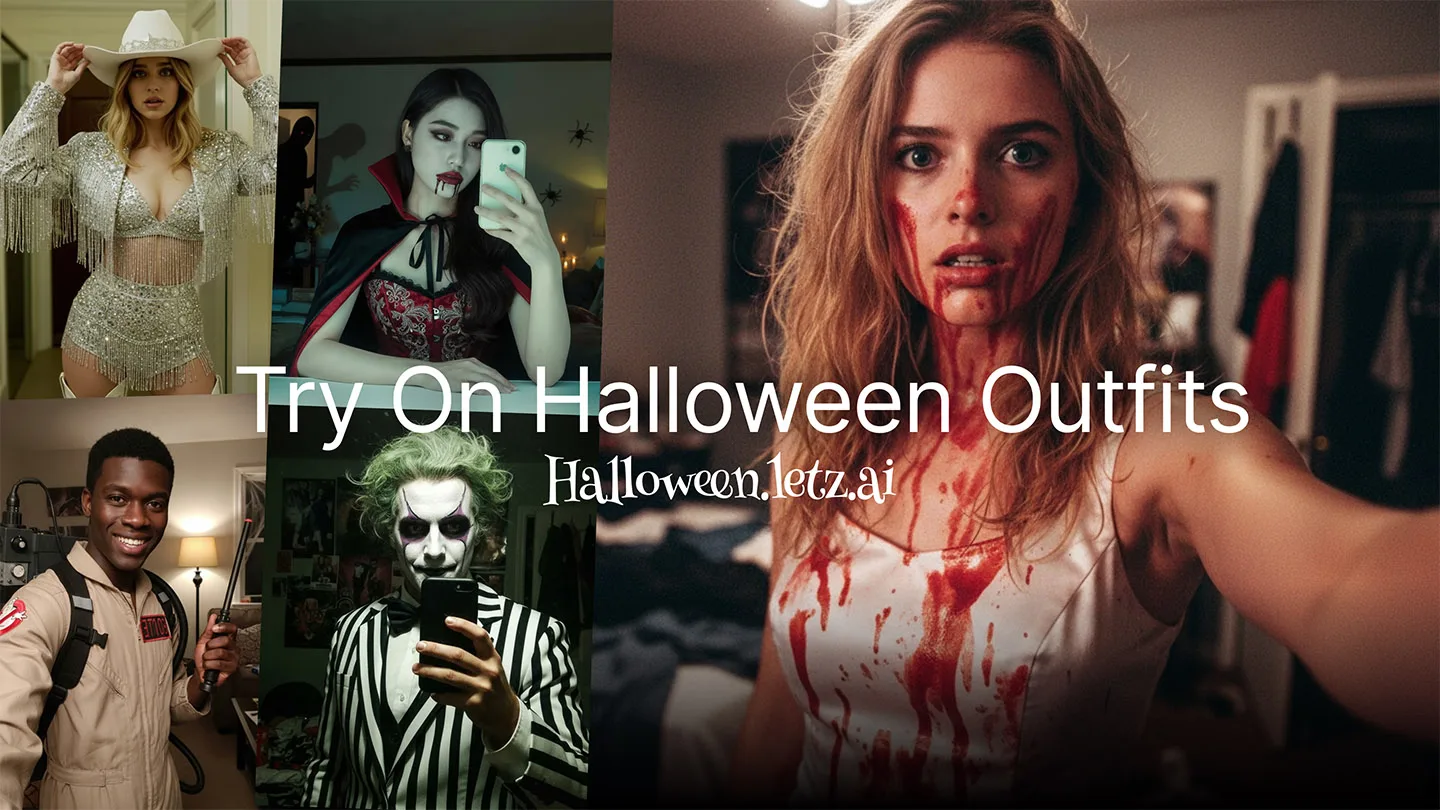
Halloween is just around the corner, and what better way to get into the spirit than by transforming yourself into your favorite spooky character? With LetzAI's powerful Image Editing tool, you can turn any photo of yourself into a vampire, zombie, witch, ghostbuster, pirate, or any of our 10+ Halloween characters. All in just a few minutes!
In this tutorial, we'll walk you through the step-by-step process of using our Image Editing feature to create spooky Halloween transformations. No professional makeup artist or photo editing skills required!
What You'll Need
- A clear photo of yourself (front-facing works best)
- A LetzAI account (free to start at letz.ai)
- 5-10 minutes of your time
- Your imagination for spooky transformations!
Step 1: Access the Image Editing Tool
First, log into your LetzAI account and navigate to the main generation page. Look for the Image Editing option in the toolbar. This powerful tool allows you to transform existing images rather than generating from scratch.
Step 2: Upload Your Photo
Click the upload button and select a photo of yourself. For the best Halloween transformation results, choose a photo with:
- Good lighting - Well-lit faces transform better
- Front-facing angle - Direct face shots work best
- Clear features - Make sure your face is clearly visible
- Simple background - Helps the AI focus on your transformation
Pro Tip: You can use any quality of photo! Whether it's a professional portrait or a casual selfie, our Image Editing tool works with both. Just match your prompt style to your photo type (see Step 3).
Step 3: Choose Your Halloween Character
Now comes the fun part! Here are some popular Halloween transformations and the prompts that work best for each. We've included a mix of amateur selfie-style and more cinematic looks:
🧛 Spooky Vampire
This transformation gives you a mysterious vampire look with dramatic lighting and professional costume vibes. Perfect for that classic undead aristocrat aesthetic.
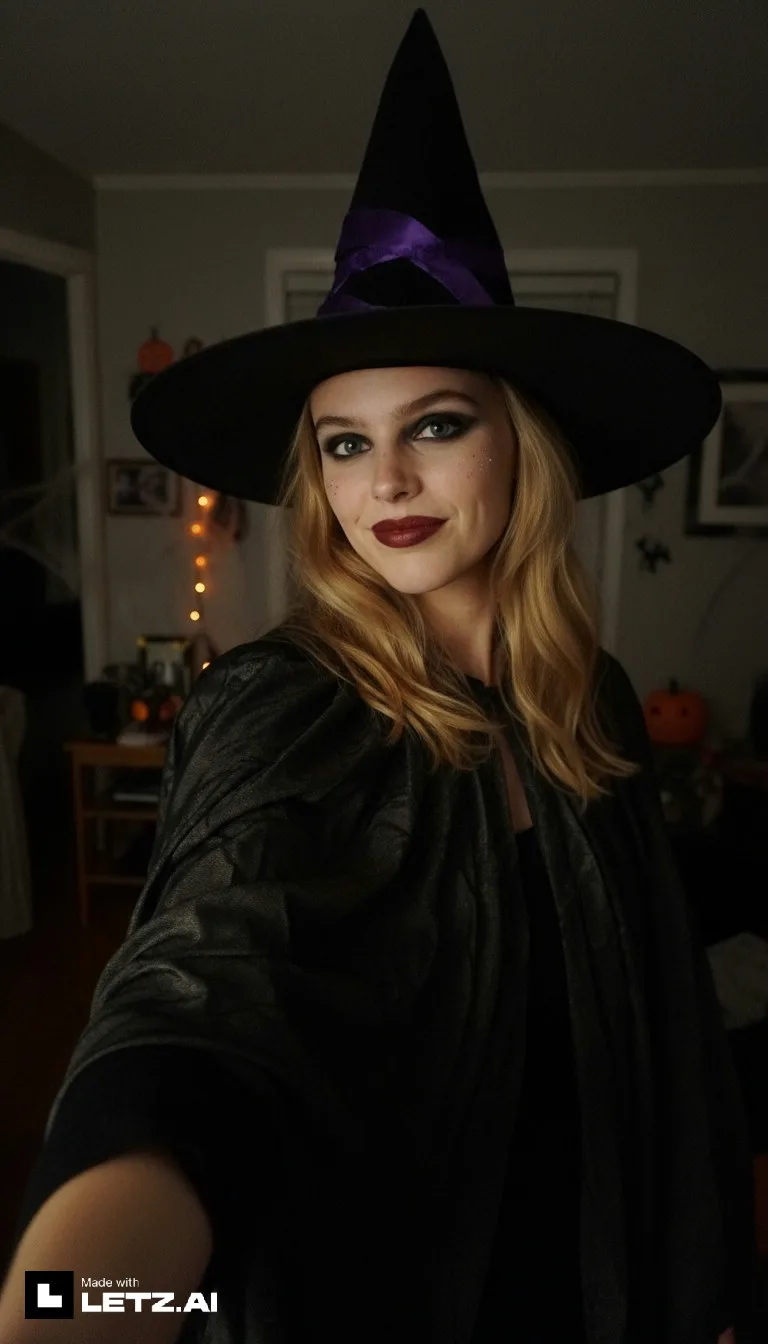
🧙 Cute Witch
A fun, friendly witch transformation perfect for smartphone selfies. Maintains your recognizable features with a playful, approachable witch aesthetic.
🧟 Funny Zombie
Go full walking dead with this funny zombie look! Perfect for those who want the undead aesthetic without being too scary.
👻 Spooky Ghost
Become a haunting specter with this ghostly transformation that balances spooky and recognizable.
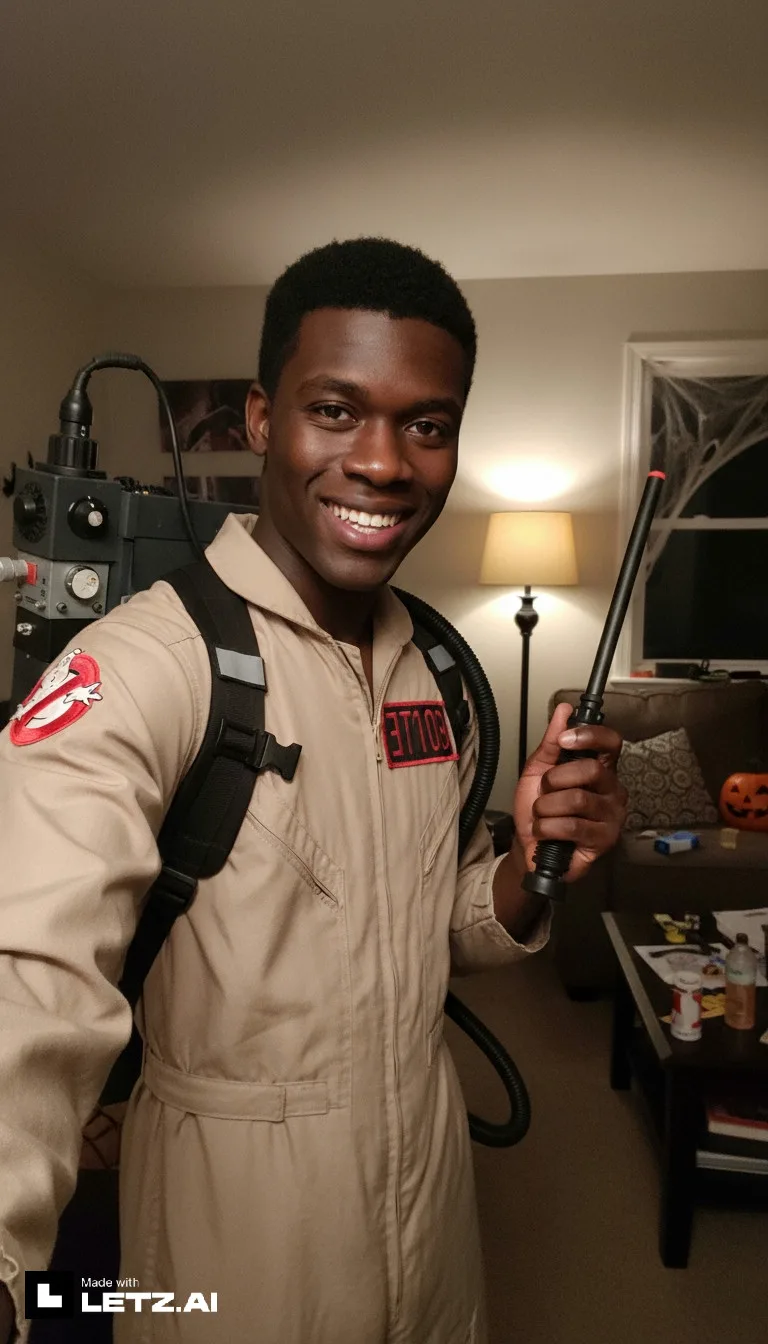
👻 Cute Ghostbuster
Who you gonna call? Transform into a friendly Ghostbuster ready to catch some spirits! Perfect for fans of the classic movies.
💀 Funny Skeleton
Get that skeletal look while keeping your smile! Great for a fun, lighthearted Halloween vibe.
💉 Spooky Halloween Nurse
Channel classic horror with this vintage Halloween nurse costume featuring authentic medical aesthetics and atmospheric lighting.
🦇 Cute Batman
Become the Dark Knight in this fun, approachable Batman transformation. Perfect for superhero fans!
🏴☠️ Funny Pirate
Arrr matey! Set sail with this fun pirate transformation complete with classic pirate attire and accessories.
🐱 Cute Cat Costume
Classic and adorable! Transform into a cute cat for a friendly, approachable Halloween look.
Step 4: Generate Your Transformation
Once you've entered your prompt and adjusted settings, hit that Generate button! LetzAI will process your image and create your Halloween transformation in just a few seconds.
The AI will analyze your facial features and apply the Halloween transformation while keeping your unique characteristics intact. You'll get multiple variations to choose from!
Step 5: Refine Your Results
Not quite what you expected? Here's how to improve your results:
If the transformation is too subtle:
- Add more descriptive words to your prompt like "dramatic," "intense," or "extreme"
- Try adding words like "professional Halloween makeup", "cinematic lighting", "professional costume photography", "dramatic shadows" to your prompt
- Try adding a second or third image as reference! Keep in mind that more images may decrease your personal likeness.
If colors look off:
- Be specific about colors in your prompt (e.g., "pale white skin," "deep red eyes")
- Try different style modes
- Add "cinematic lighting" or "dramatic lighting" to your prompt
Tips for Different Photo Styles
Notice how our prompts include both amateur selfie style and cinematic/professional approaches? Here's when to use each:
📱 Amateur Selfie Style
Best for: Casual social media posts, relatable content, fun with friends
Keywords to include: "smartphone selfie," "amateur photo quality," "funny and happy"
🎬 Cinematic/Professional Style
Best for: Impressive portfolio shots, dramatic posts, professional-looking content
Keywords to include: "cinematic lighting," "atmospheric lighting," "professional costume photography," "dramatic shadows"
Mix and Match Styles
Want to create your own custom transformation? Here are some style modifiers you can add to any character:
Professional/Cinematic
Add: "cinematic lighting, professional costume photography, dramatic atmospheric lighting, high quality"
Amateur Selfie
Add: "smartphone selfie, amateur photo quality, casual style, taken on phone"
Funny/Cute
Add: "funny and happy, cute, friendly style, approachable, whimsical"
Spooky/Mysterious
Add: "mysterious look, atmospheric lighting, spooky aesthetic, dramatic shadows"
Combining Multiple Effects
For truly unique Halloween looks, try combining different character elements from our prompts above:
Save and Share Your Creations
Once you've created your perfect Halloween transformation:
- Try upscaling your image to up to 12MP resolution
- Download the high-resolution version
- Share it to your LetzAI profile for the community to see
- Try different variations by regenerating with slight prompt changes
- Create a Halloween board with all your character transformations
- Animate your image using the Animate tool
Halloween Party Ideas
Use your AI-generated transformations for more than just social media:
- Costume Inspiration: Use your AI transformation as a guide for your real makeup
- Party Invitations: Send transformed photos as spooky invites
- Costume Contest Submissions: Submit your creative AI transformation
- Profile Pictures: Update all your social media with your Halloween persona
- Print Decorations: Print your transformations for party decorations
Beyond Halloween: Year-Round Transformations
While this guide focuses on Halloween, the same Image Editing technique works for:
- Christmas transformations (elf, Santa, Grinch)
- Superhero costumes
- Historical figures
- Fantasy characters (elf, dwarf, orc)
- Movie character cosplay
- Artistic transformations (painting styles, sculptures)
Get Creative and Have Fun!
The best part about using AI for Halloween transformations is the ability to experiment without commitment. Try as many characters as you want, mix and match styles, and discover looks you never thought possible. There's no mess, no expensive makeup to buy, and unlimited do-overs!
🎃 Need more guidance?
Start creating your Halloween character transformation now with our dedicated tool!
Share Your Creations!
We'd love to see what spooky characters you create! Share your Halloween transformations on social media using #LetzAI and #AIHalloween. The most creative transformations might be featured on our community showcase!
Happy Halloween! 🎃👻🧛