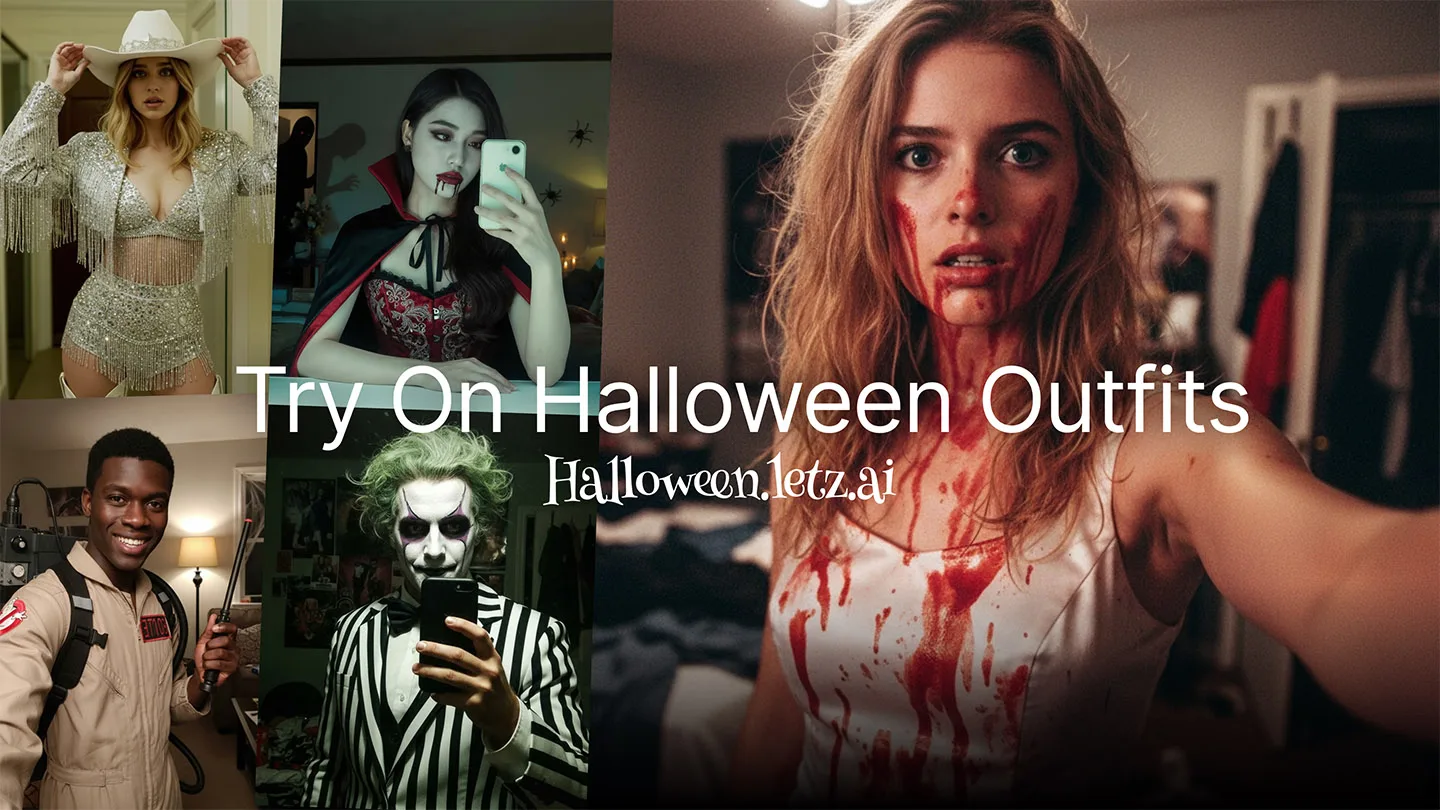
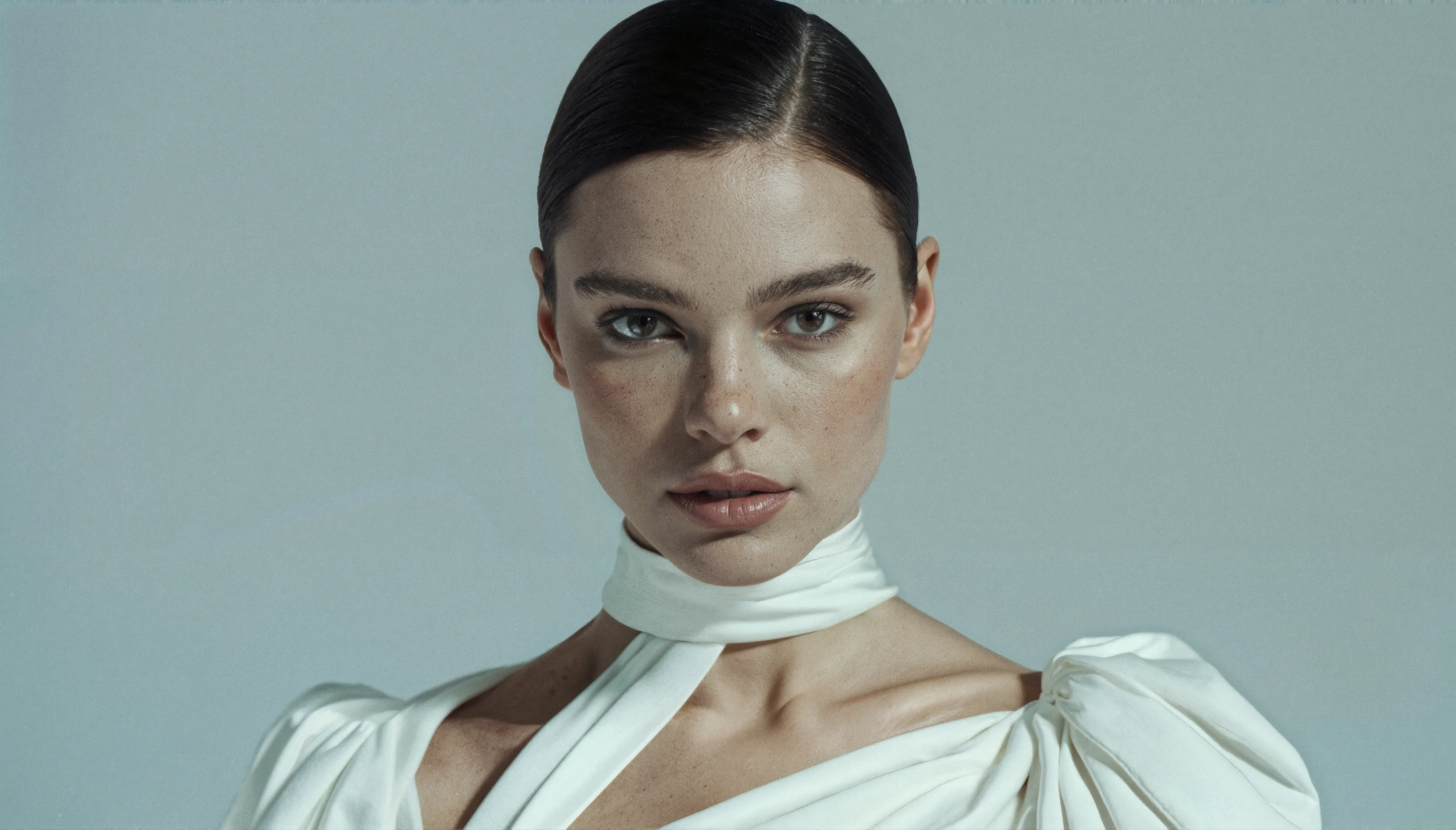
We're excited to announce a much requested feature for video generation on LetzAI: First Frame, Last Frame. This feature allows you to create smooth transitions by defining both the starting and ending frames of your video.
With First Frame, Last Frame, you can now generate videos that blend beautifully between two distinct images, giving you precise control over the beginning and end of your animation. This opens up entirely new creative possibilities for storytelling, transformations, and dynamic scene transitions.
How It Works
Using First Frame, Last Frame is straightforward: upload two images when creating your video. The first image you upload becomes the starting frame of your animation, and the second image becomes the ending frame. Our AI then generates a smooth, natural animation that transitions between these two frames over the duration you specify.
This feature works seamlessly with both VEO3.1 and Default video generation modes, giving you flexibility in choosing the right model for your creative vision.
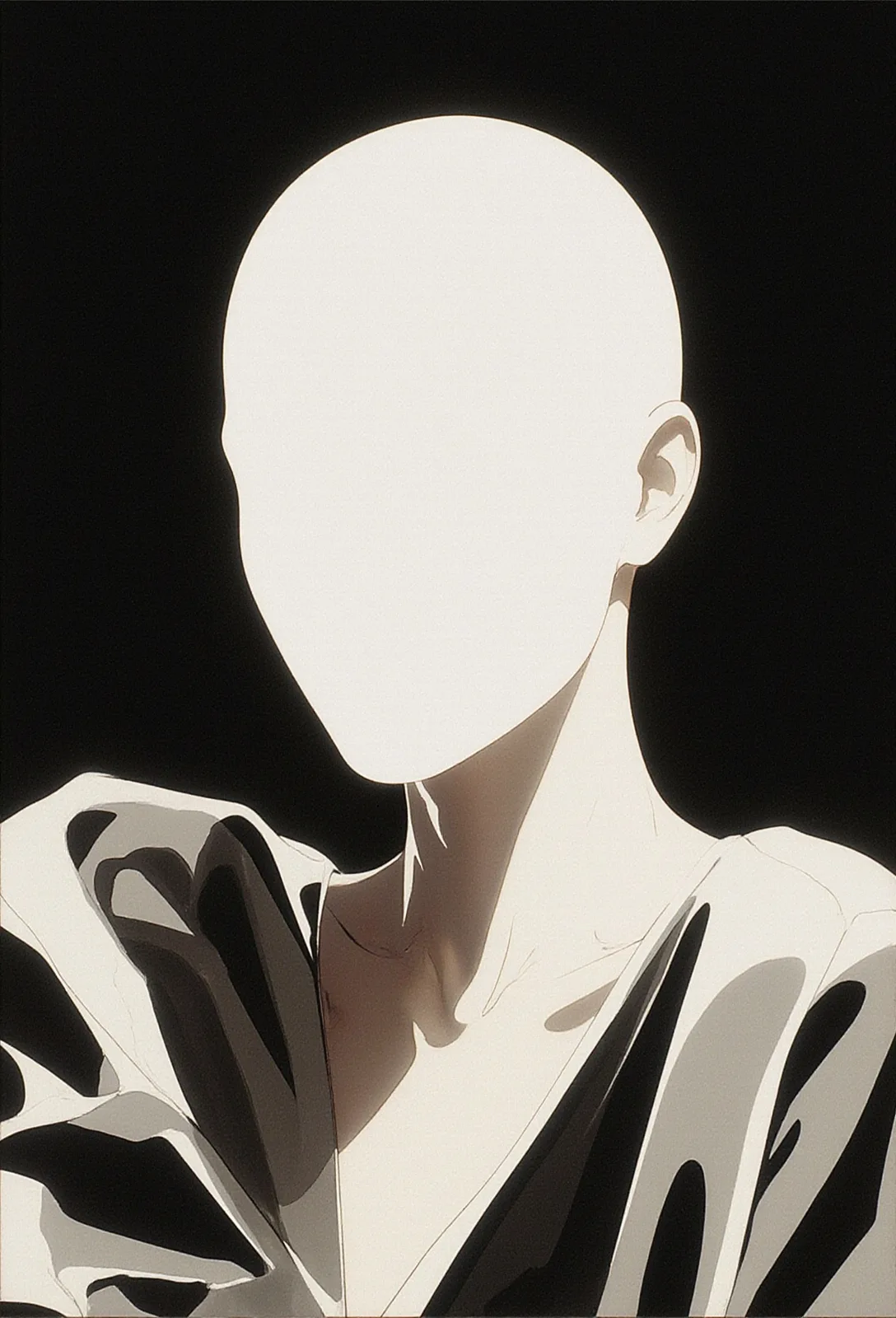
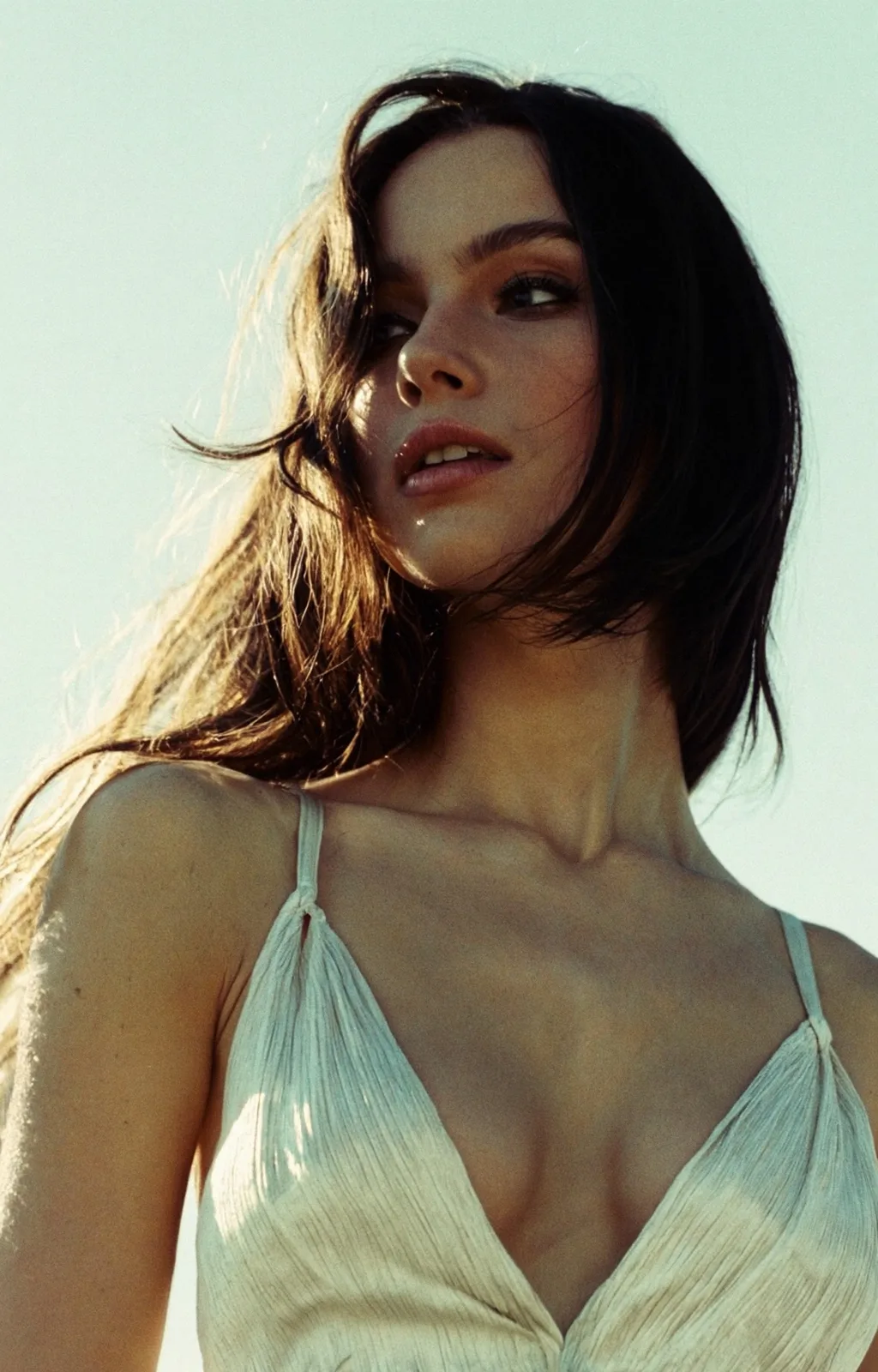
You can use images with different aspect ratios, as demonstrated in the below example. The resolution of the resulting video will be either 16:9 or 9:16, inspired by the aspect ratio of the First Frame.
Creative Applications
First Frame, Last Frame unlocks countless creative possibilities:
- Transformations: Show a character or object transforming from one state to another – day to night, young to old, or any visual transformation you can imagine.
- Scene Transitions: Create smooth transitions between different locations or environments, perfect for cinematic storytelling.
- Morphing Effects: Generate mesmerizing morphing effects between two subjects or scenes.
- Before and After: Showcase dramatic changes, whether it's a makeover, environment restoration, or any before/after scenario.
- Motion Control: Have precise control over both the start and end states of your animation, ensuring your video ends exactly where you want it to.
Available in VEO3.1 and Default Mode
First Frame, Last Frame is now available in two of our video generation modes:
- VEO3.1: Google's advanced video model, offering high-quality animations with integrated audio capabilities.
- Default Mode: Our cost-effective default video generation mode, perfect for experimenting with the feature.
Getting Started on the Platform
Using First Frame, Last Frame is simple on the LetzAI platform. When creating a video, you'll see the option to upload multiple images. Simply upload two images – the first will serve as your starting frame, and the second as your ending frame.
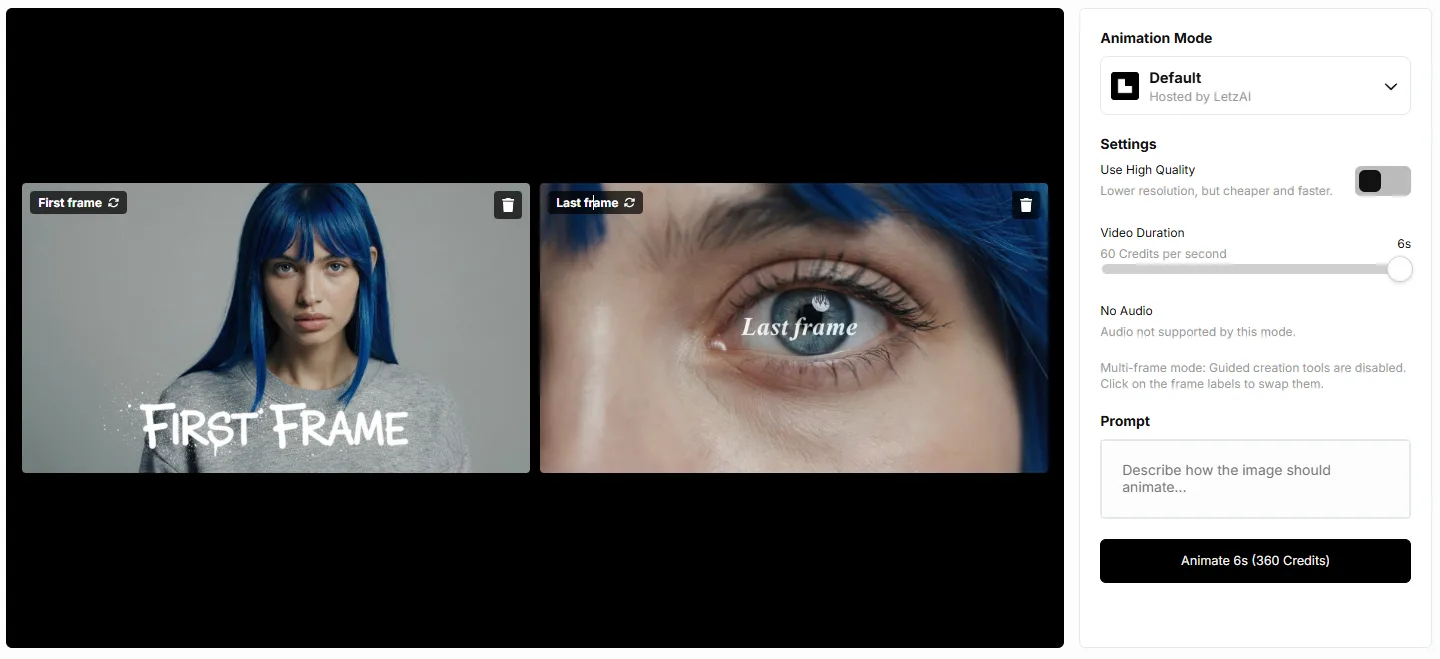
After selecting your images, add a prompt to guide the animation style and transition between the frames. Choose your preferred mode (VEO3.1 or Default), set your duration, and click generate. The AI will create a smooth animation that transitions from your first frame to your last frame over the specified duration.
The feature is perfect for creators who want precise control over both the beginning and end of their videos, ensuring your animation starts and ends exactly where you envision.
We can't wait to see what you'll create with First Frame, Last Frame! Share your creations with us on Twitter/X and tag us @letz_ai.
Use via API
You can also use First Frame, Last Frame through our API by providing an array of two image URLs using the imageUrls parameter. The first image (index 0) becomes the starting frame, and the second image (index 1) becomes the ending frame. Both images must be publicly accessible URLs. For detailed API documentation, visit our API Documentation.
Examples
First frame, Last frame can blend between images that are related to each other, but also between completely unrelated images.
What's Next
We're continuously working on expanding video generation capabilities and adding new features and models to give you even more creative control. Stay tuned for more updates!
Happy creating!