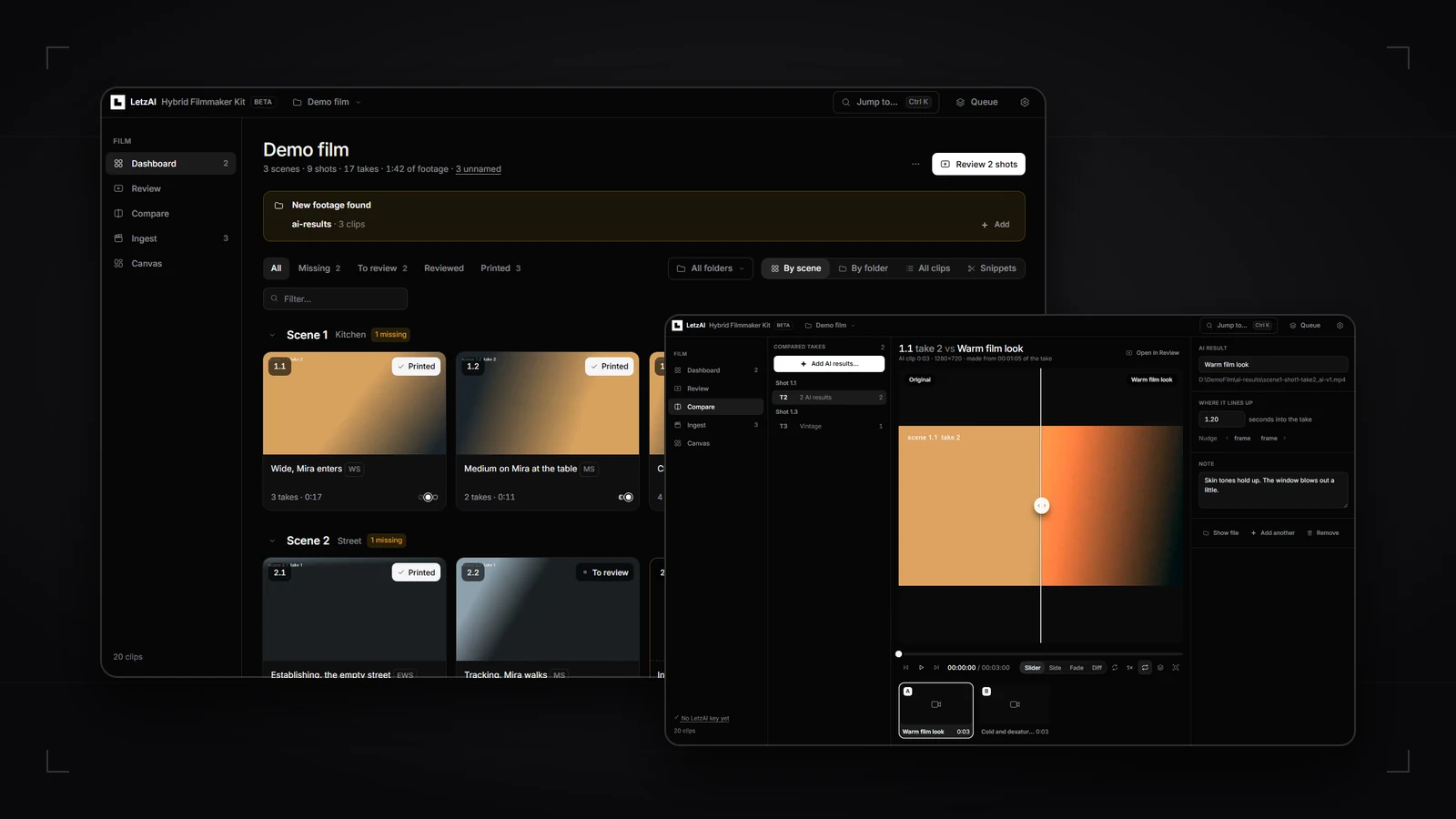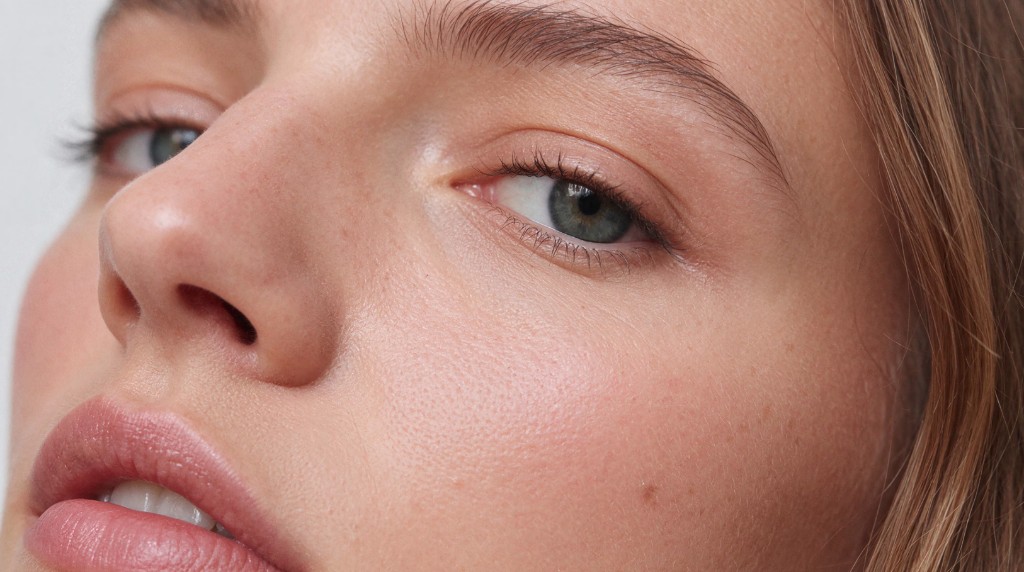
LetzAI Upscaler is live on LetzAI, taking your images from 4K all the way up to 36K — up to 1.4 gigapixels.
Most creative work starts small: a quick generation, a storyboard frame, a favorite look from a shoot. The trouble usually starts when a client asks for a billboard, a double-page magazine spread, a trade-show wall, or a tight crop into a product detail.
With LetzAI Upscaler, a single studio frame can carry an entire campaign — from hero poster down to extreme close-ups of skin, fabric weave, leather grain, and jewelry, without losing the mood, lighting, or natural softness of the original shot.
We believe images speak louder than words.
Click any image below to open a full-resolution comparison. Wipe between the original and the upscaled version, then scroll or pinch straight into the pixels.
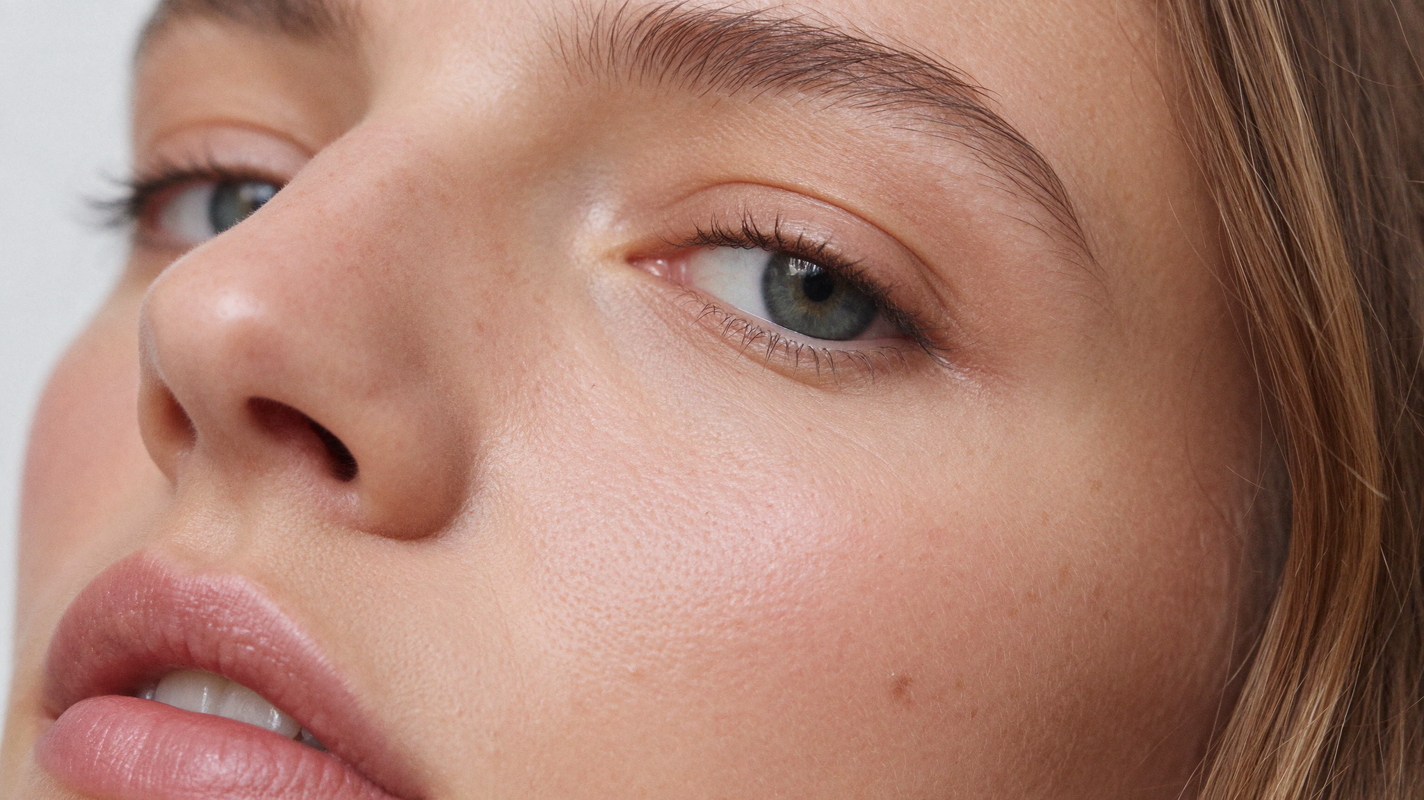 Compare · 24K
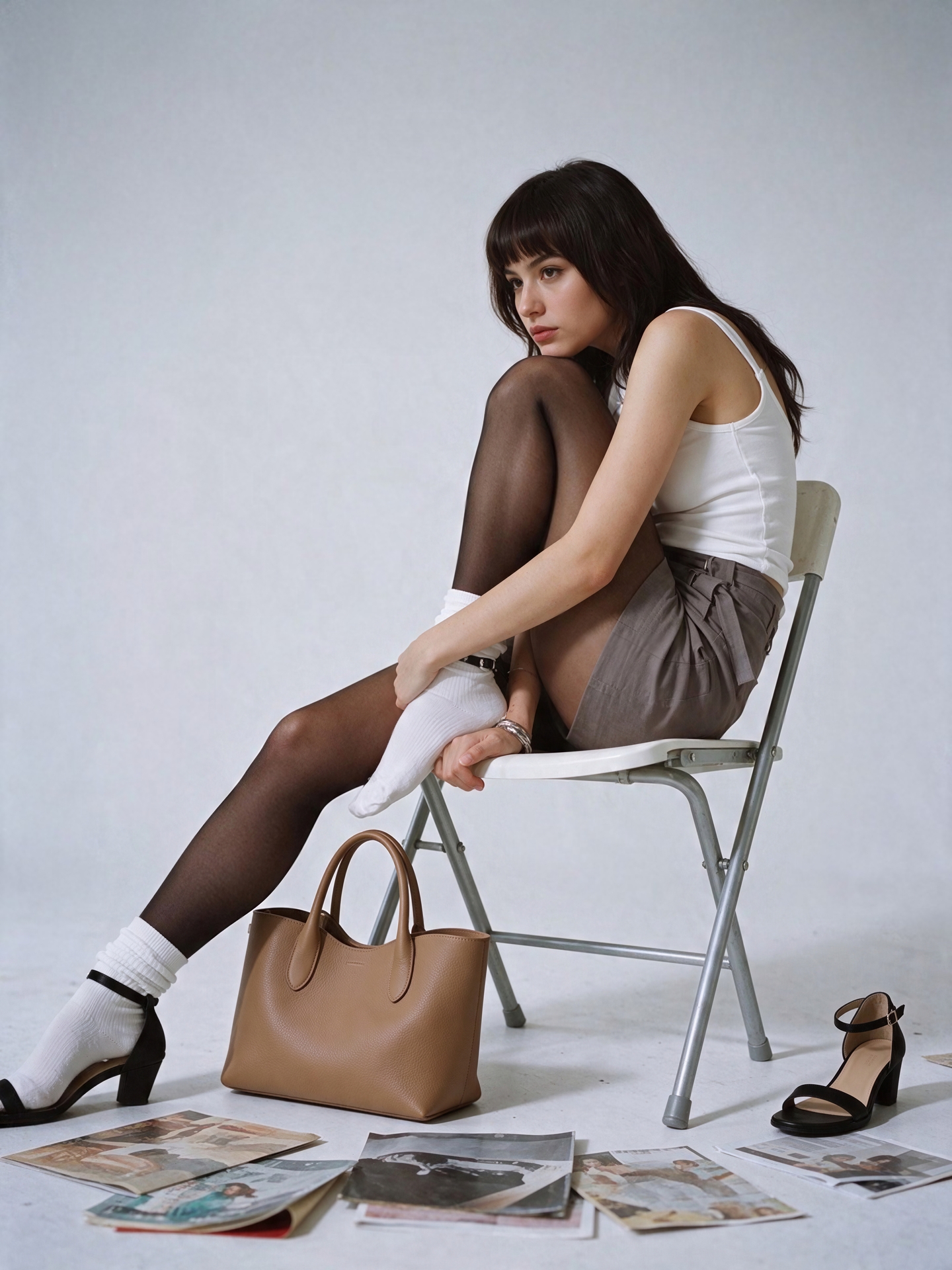 Compare · 16K
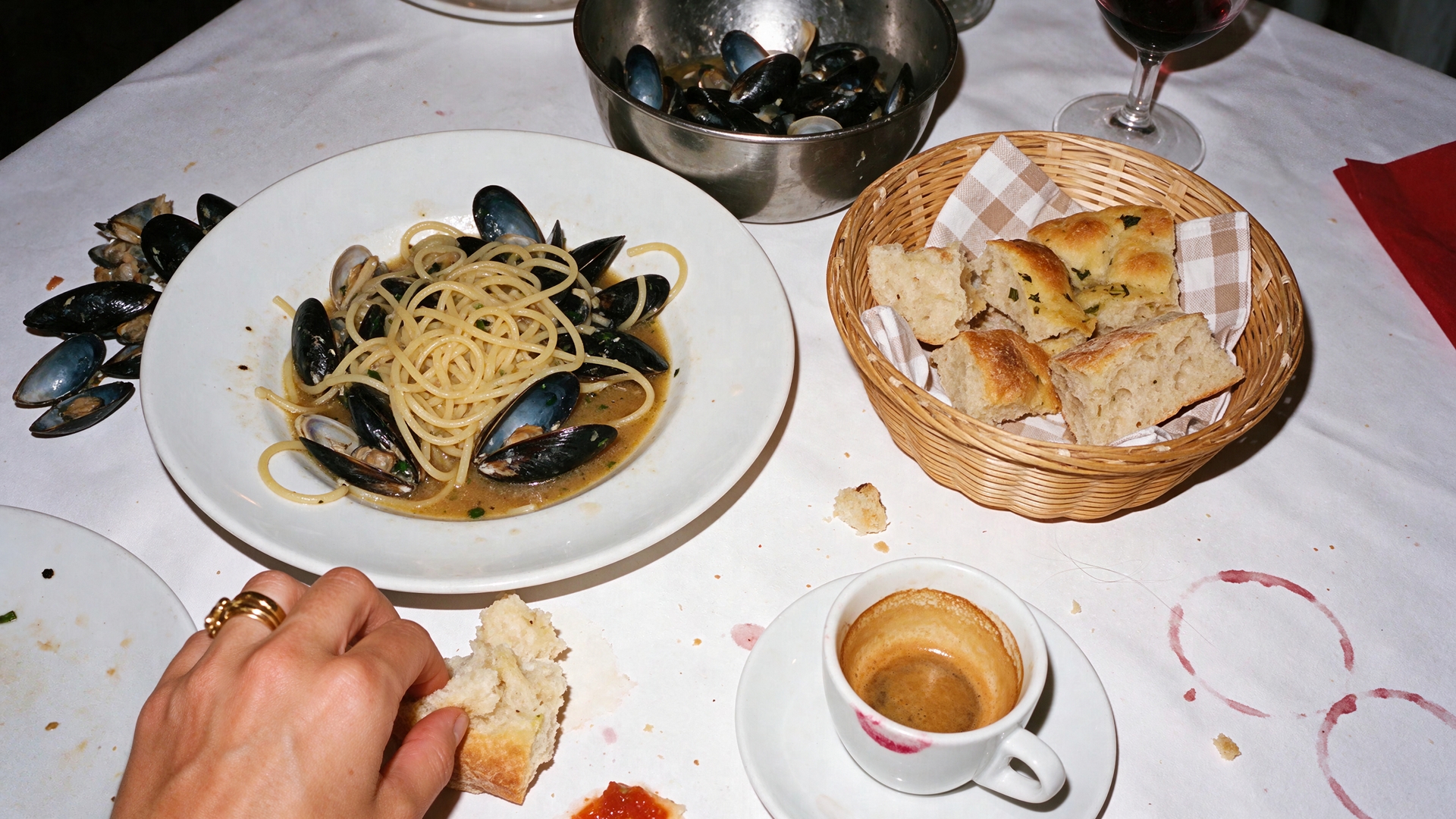 Compare · 12K
Worlds you can step inside
Dense scenes are the hardest test for any upscaler. Crowded night streets, neon signs, reflections, architecture, and distant skylines collapse quickly when blown up ten or twenty times.
Click into any of the three cityscapes below and zoom all the way in. Every corner becomes a photograph of its own — ready for large-format gallery prints, exhibition walls, environmental key art, or reframing one wide shot into a dozen distinct deliverables.
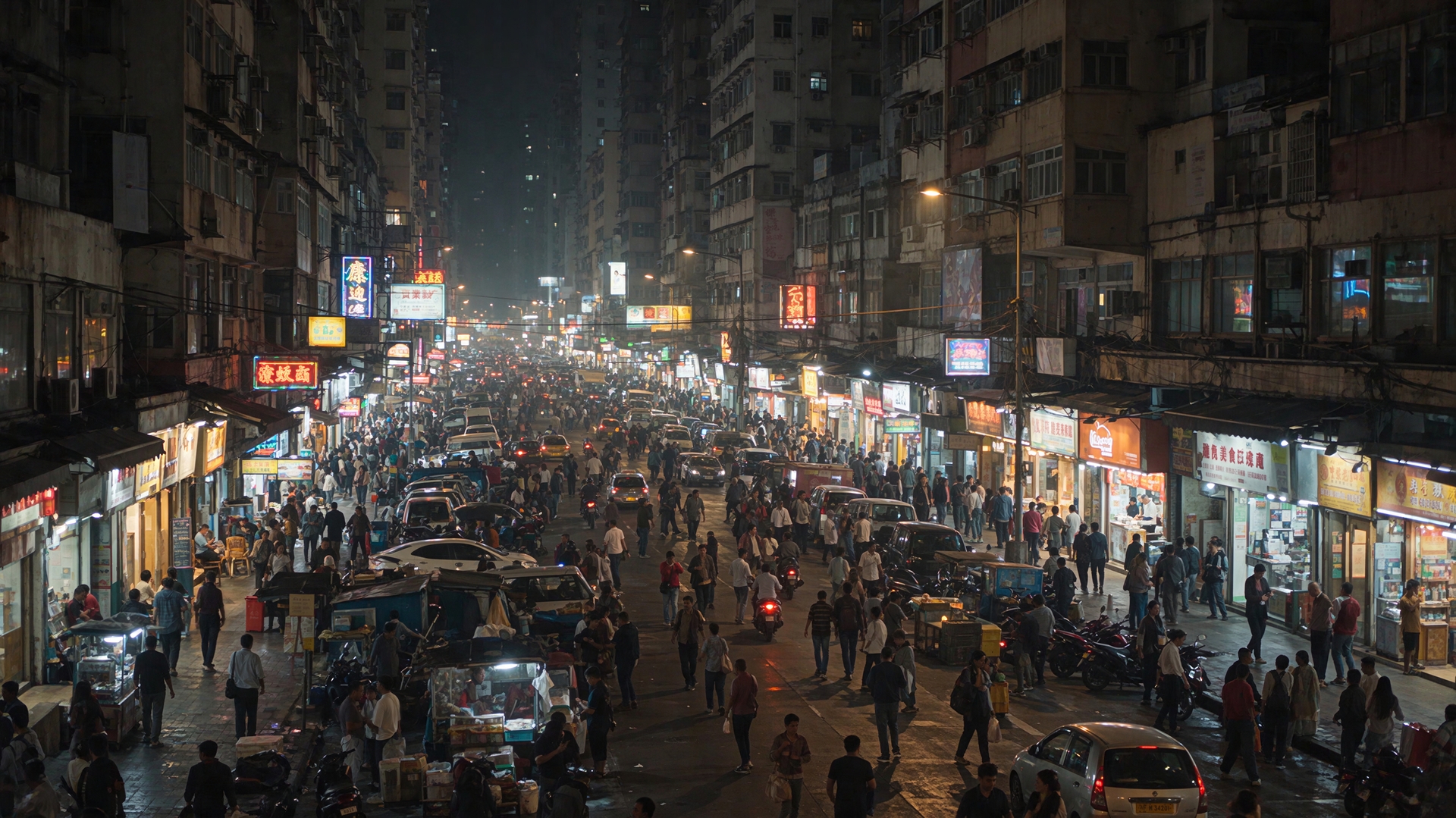 Compare · 12K
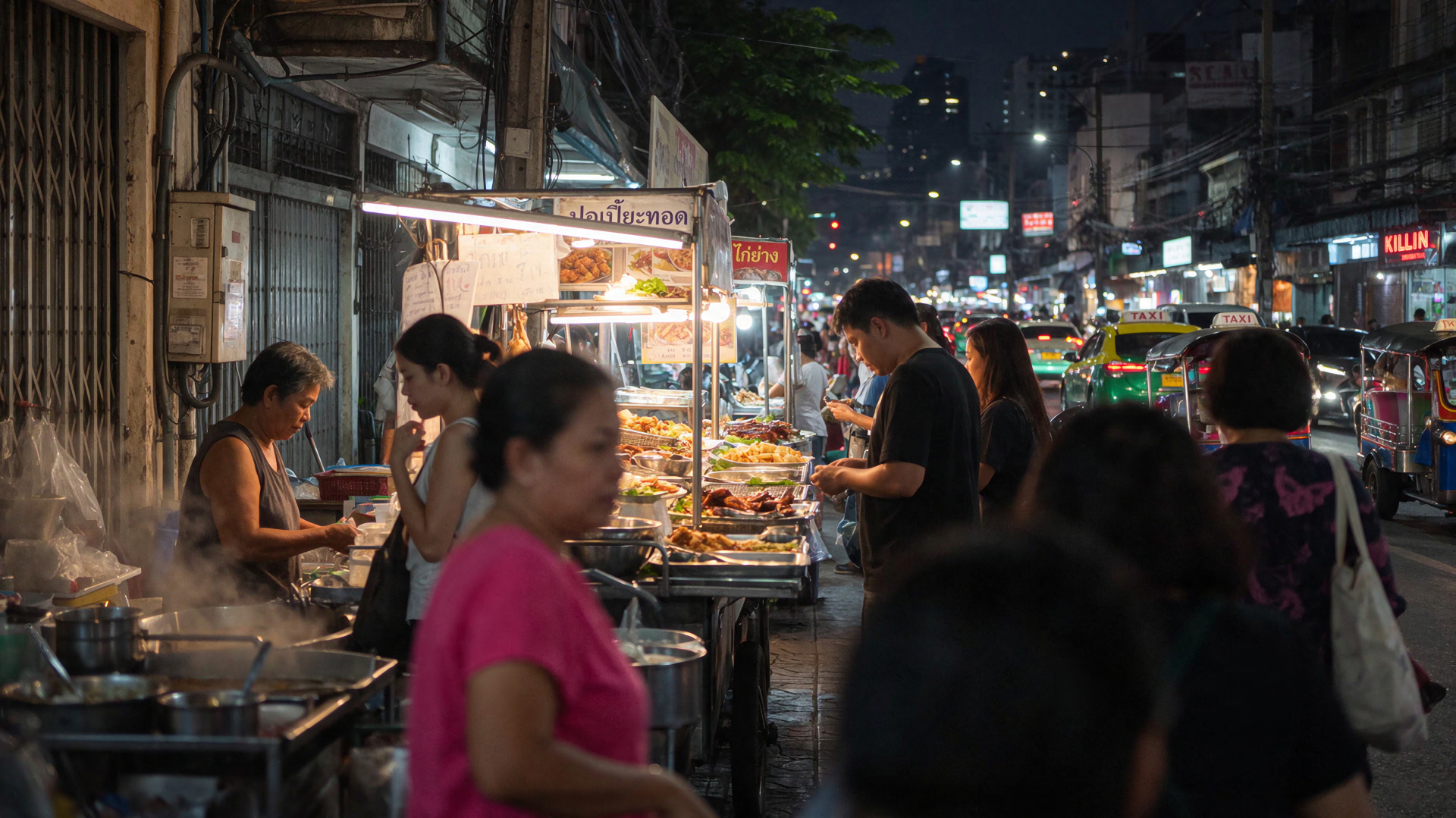 Compare · 24K
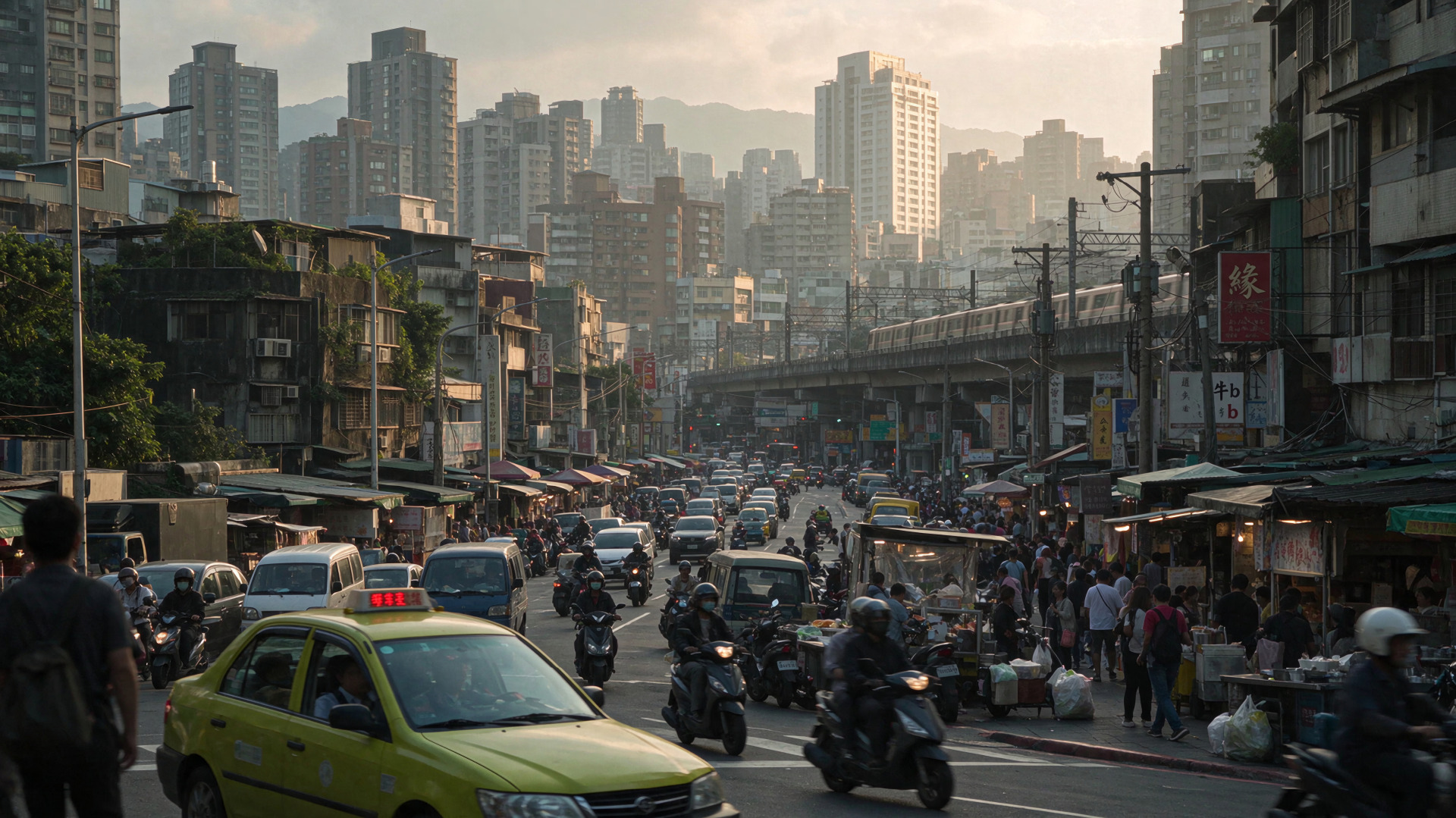 Compare · 24K
New forms of art, built from the inside out
Upscaling isn't only about taking a finished photograph and printing it bigger. Because LetzAI Upscaler creatively refines and resolves individual elements inside an artwork, it opens the door to entirely different forms of visual art.
In the illustrated tapestry below, the original 864 × 1,152 image is packed with hundreds of tiny figures, arches, masks, and clockwork structures that are barely a handful of pixels wide. Click to compare and zoom in: every character, face, costume, and miniature scene resolves into its own intricate illustration — turning one compact composition into an explorable world where viewers can wander from corner to corner discovering new details.
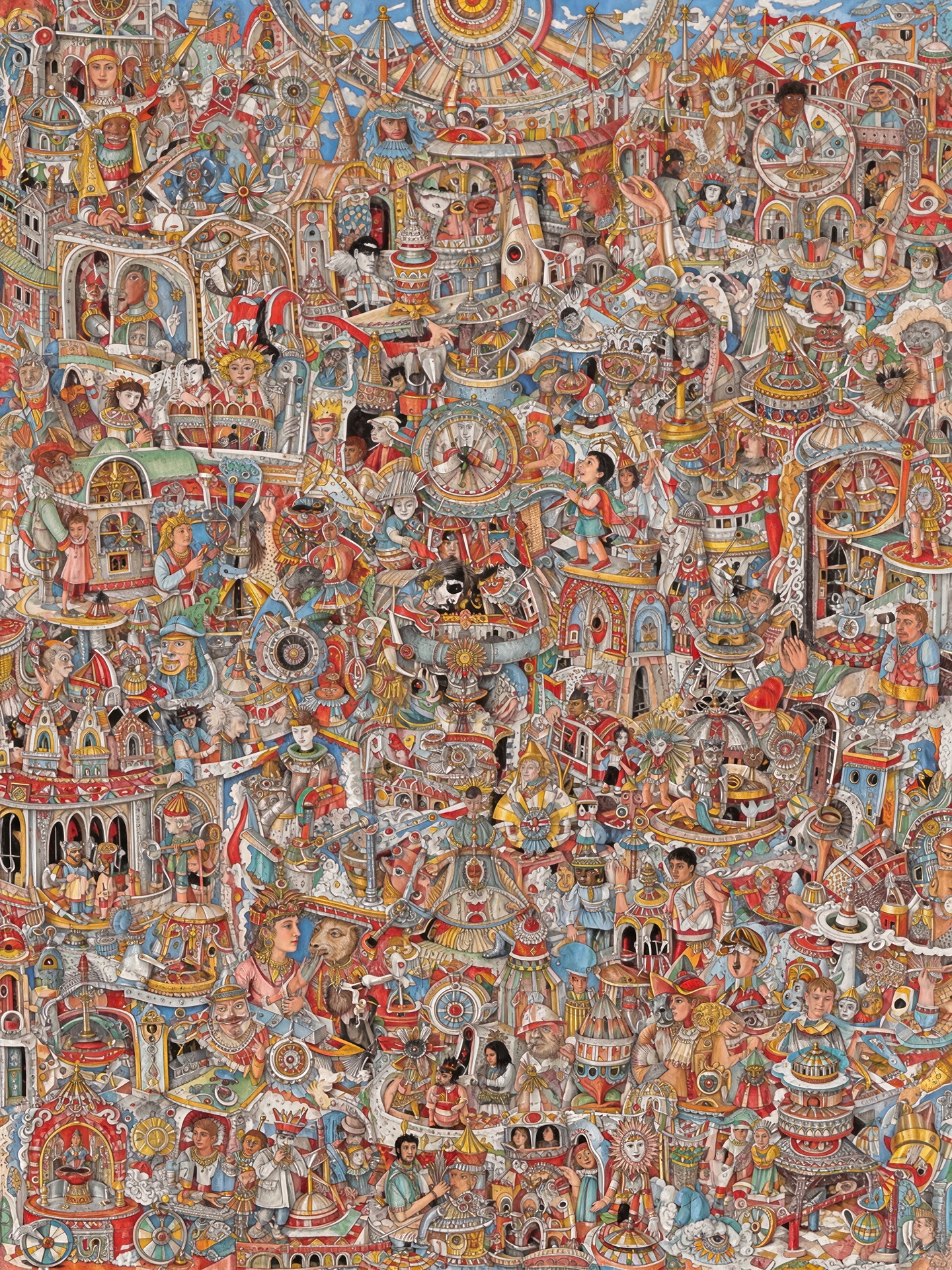 Compare · 16K
Where creators can use it
- Large-format print & OOH — Billboards, store displays, trade-show walls, packaging, and exhibition prints that stay crisp even inches from the surface.
- Editorial & commercial retouching — Deliver agency-ready high-resolution stills while keeping your original framing, lighting, and color grade untouched.
- Extreme cropping & reframing — Pull vertical social cuts, square thumbnails, and macro product crops from a single master image without going soft.
- Fine art & worldbuilding — Turn concept art, architectural renders, and dense visual worlds into museum-scale prints where viewers can explore every detail.
Getting started
- Open any generated or uploaded image on letz.ai, or head straight to the Upscale tab
- Select LetzAI Upscaler
- Choose your target resolution — 4K, 8K, 12K, 16K, 24K, 32K, or 36K — and see the exact pixel output and credit cost before you run
- Click Compare on the finished image to wipe Original vs. Upscaled and zoom all the way into the details
Full credit tables for every model are on letz.ai/pricing. Questions? Write to us at support@letz.ai.
Happy creating!
The LetzAI Team