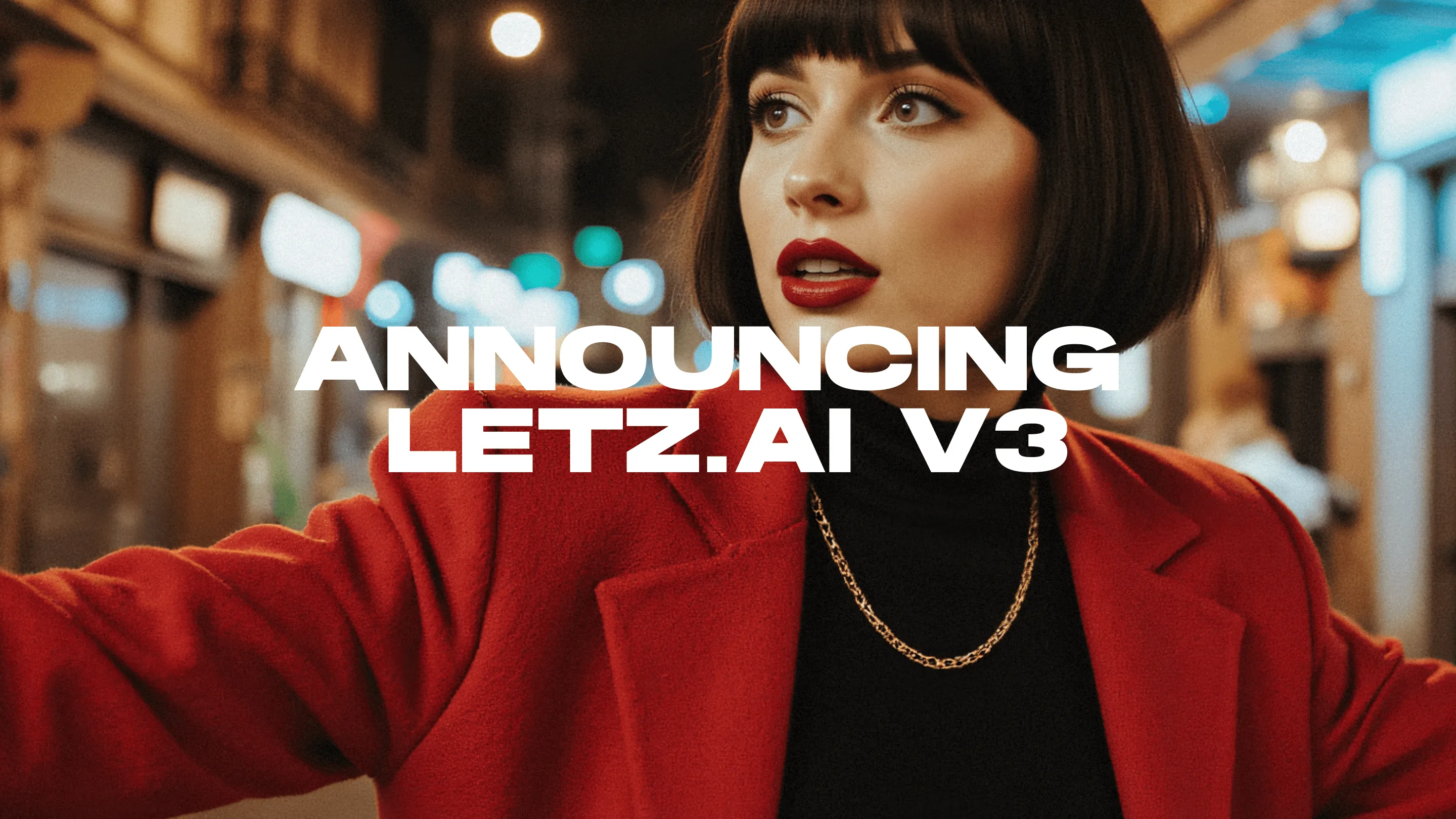
After 2 weeks of Early Access with selected users, V3 is finally available to everyone.
LetzAI V3 enables users around the world to easily combine their characters with specific objects or styles, marking a big step for the generative AI industry.
It excels in Object Details, Character Consistency, Photorealism, Art, and Text Generation. Thanks to our unique approach, V3 users can choose from thousands of community-contributed characters, objects, and styles from today onwards.
To activate V3 for your account, go to Generation Settings below the prompt area or to your account settings and switch from V2 to V3.
To get you started with V3, we have created a new Guides page with tips on Prompting and Training.
What's new with V3?
Improved Photorealism & Artistic Styles
V3 allows for more realistic images with improved quality and control over details. Whether you're looking for hyper-realistic visuals or artistic, stylized results, V3 can do it.
Smarter Text & Prompt Interpretation
We've made V3 smarter, allowing it to understand natural language prompts without the need for commas or specific structures.
Advanced Model Combinations
With V3, you can seamlessly blend products, styles, and people into stunning imagery. Imagine seeing yourself in that designer jacket you've been eyeing or picturing your product on different people without expensive photoshoots.
Costs of V3
Images generated with V3 will cost more (around 30 Credits per image) than those made with V2 (around 30 credits), at least for now. More quality requires more processing power. But don’t worry, V2 will remain as it is and will still be accessible to everyone. We continue to offer flexible subscription plans starting at 9.90€, with every plan offering unlimited Model Training and API access.
Robust Platform Performance
Thanks to our partnership with Gcore, a global edge AI, cloud, network, and security solutions provider, we have been able to upgrade our GPU resources in anticipation of V3. We have redesigned our backend to handle demanding tasks better, so you can focus on creating amazing content even more.
Enterprise Support
For large customers and Enterprise use-cases, LetzAI now offers dedicated support. This support includes Model Optimization for the LetzAI platform, and targeted Model support for specific cases.
Getting Started
To access LetzAI V3, simply visit www.letz.ai, create an account, and select V3 in the drop-down settings beneath the prompt bar.
For more advanced users, V3 is also available through our API.
For further inquiries, please contact us at contact@letz.ai
V3 Examples
Please find below a few examples of what you can do with LetzAI V3.Create ultra-realistic product shots
Example: Rayban Wayfarer Meta Glasses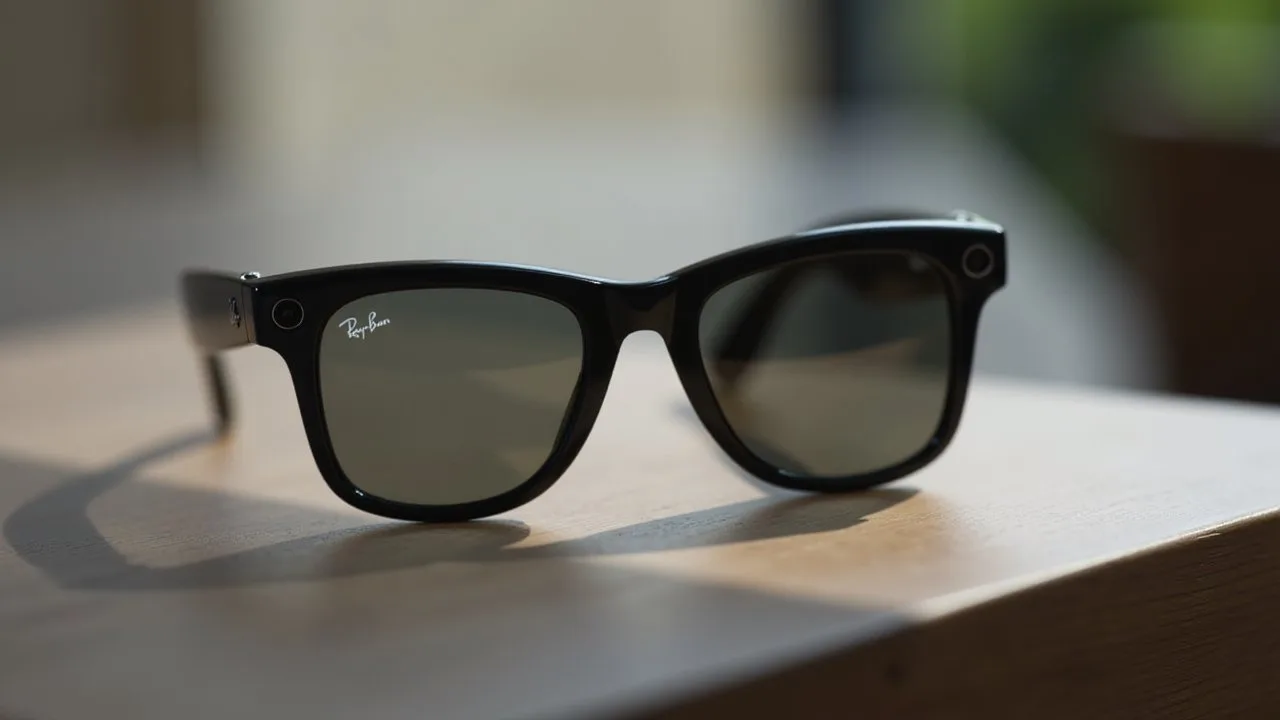
Combine Objects with People
Example: LetzAI CEO Misch Strotz wearing 'Founder Mode' Hat by levels.io
Example: Rayban Wayfarer Meta Glasses worn by Linus Ekenstam

Create Models that mimic your style
Example: @mitchozphotography by Misch Strotz
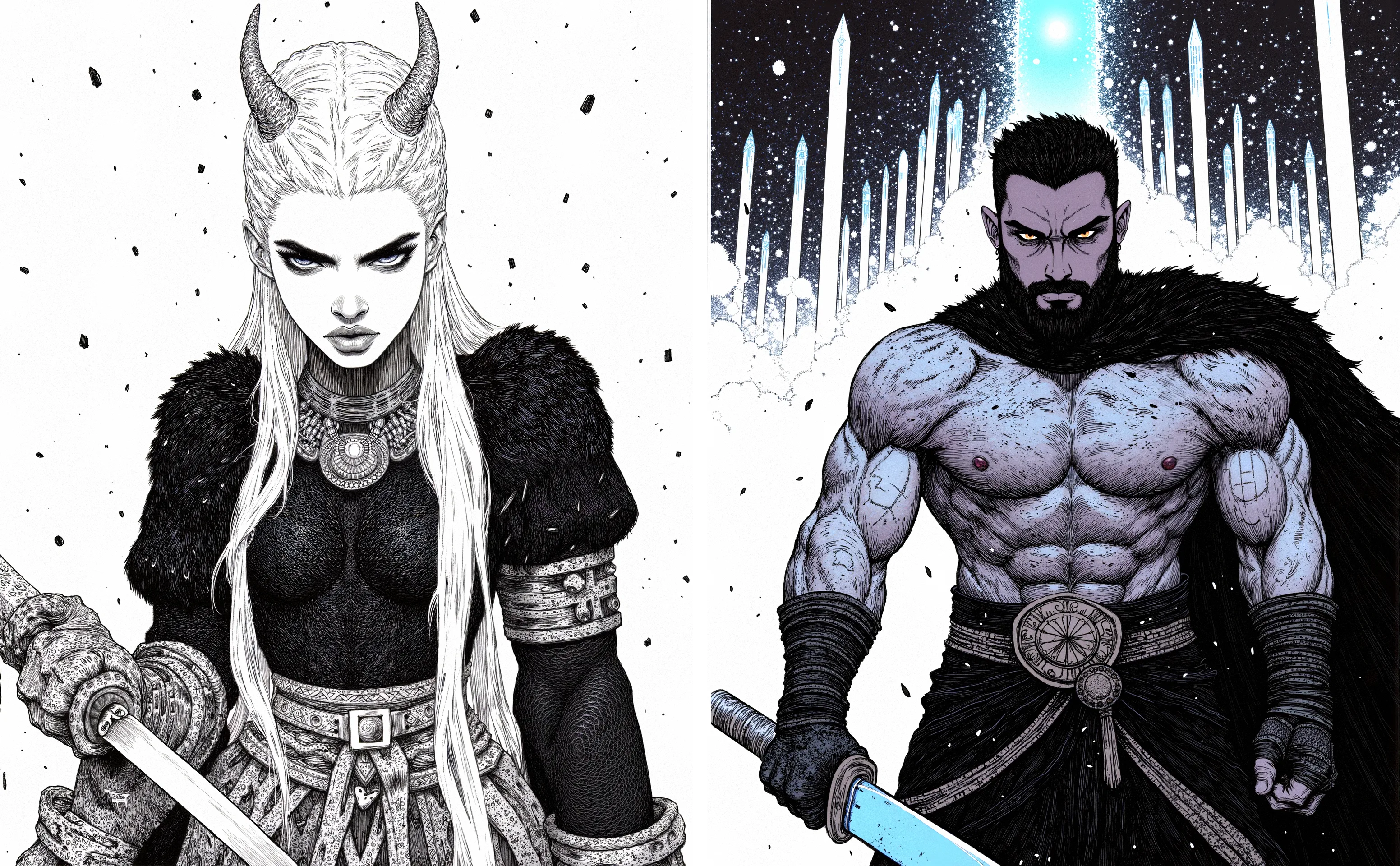
Example: @fantasy_ink by Mark Isle
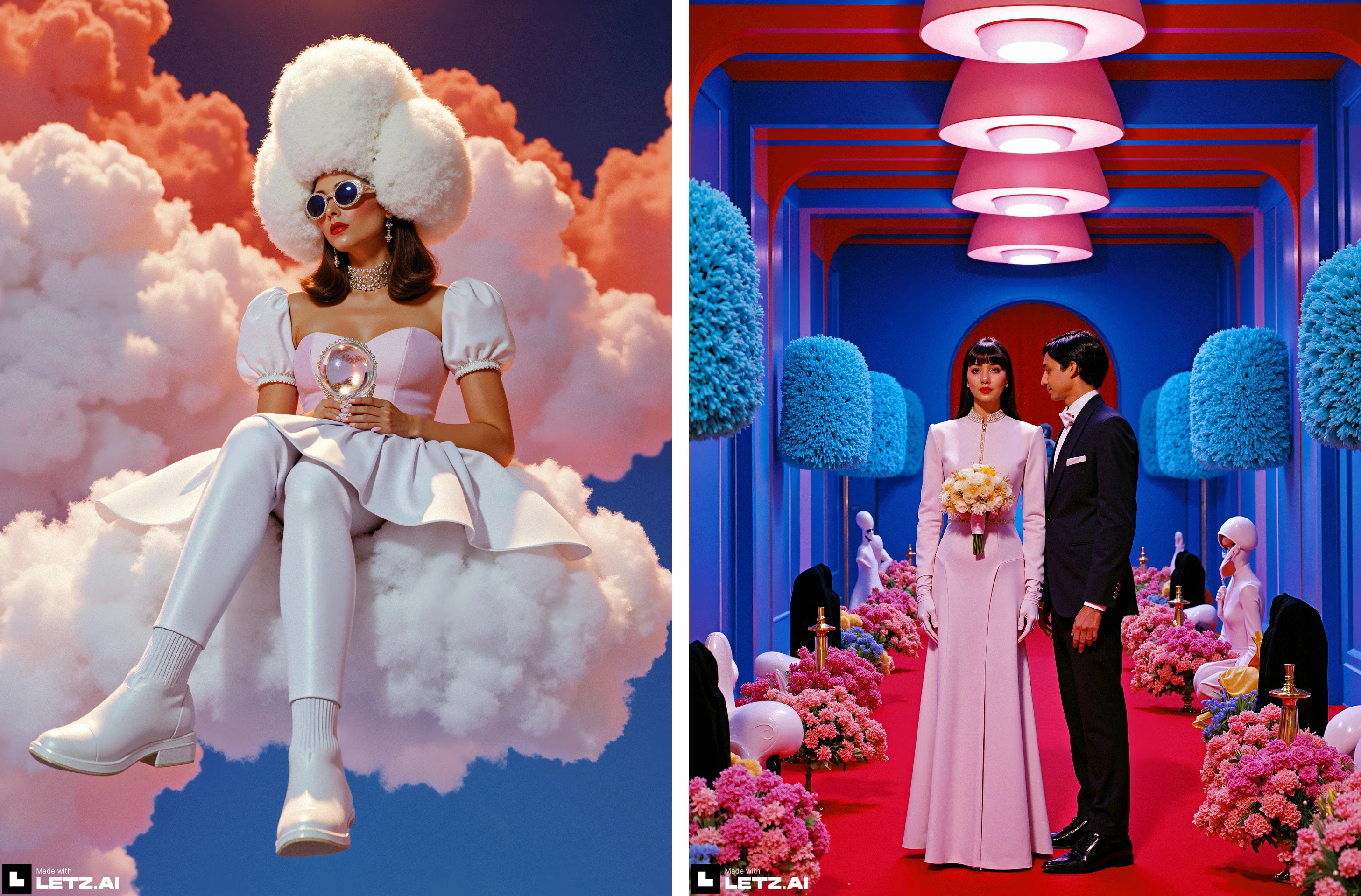
Example: @bluefilter by Julie Wieland

Example: @retrostic by Gizem Akdag
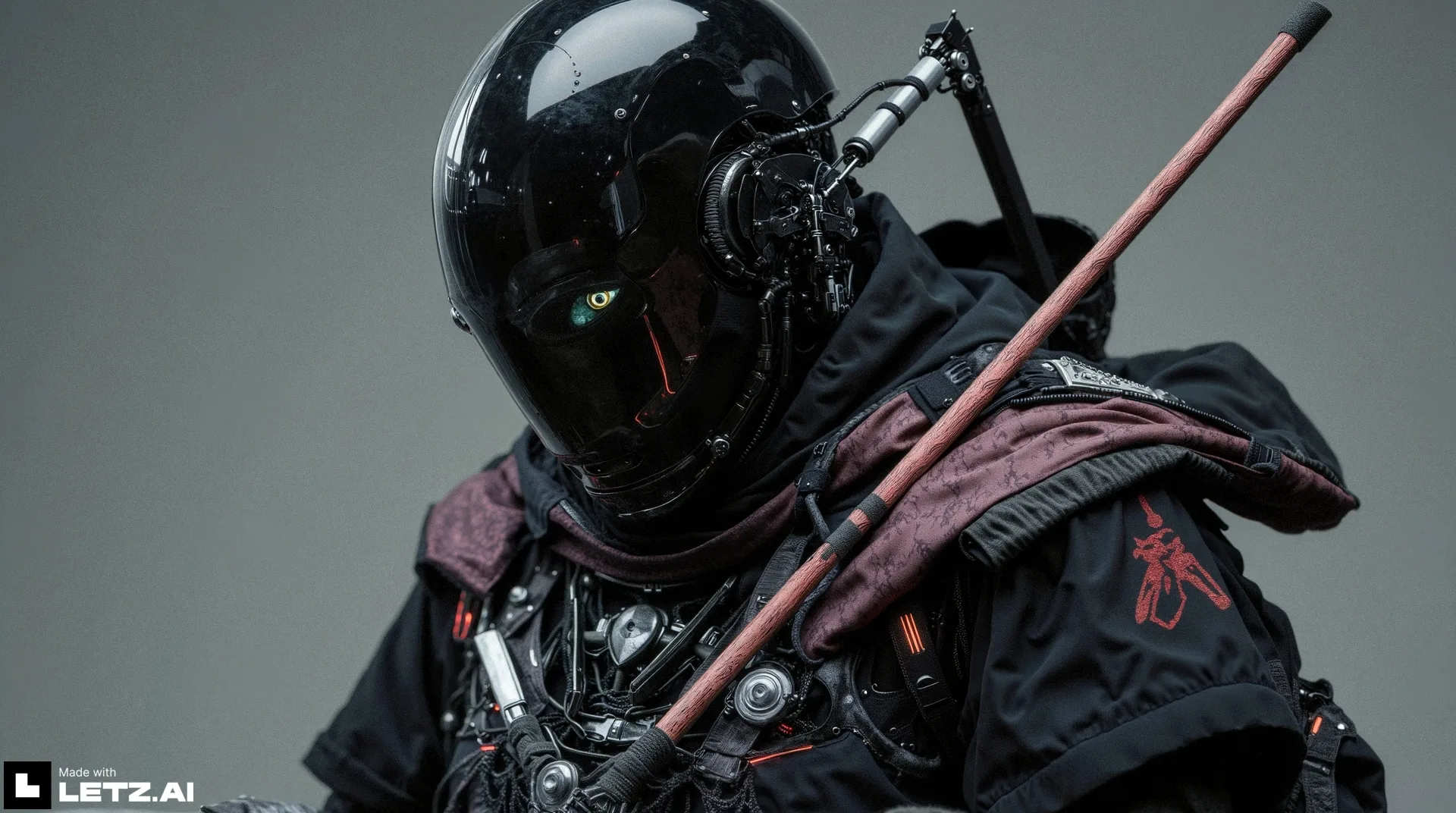
Example: @futuredust model by futuredust, used by Karim Youssef
Combine Styles with products
Example: Apple AirPods Max in the style of @aaron_by_harold_cohen (model created by Marco Barnig)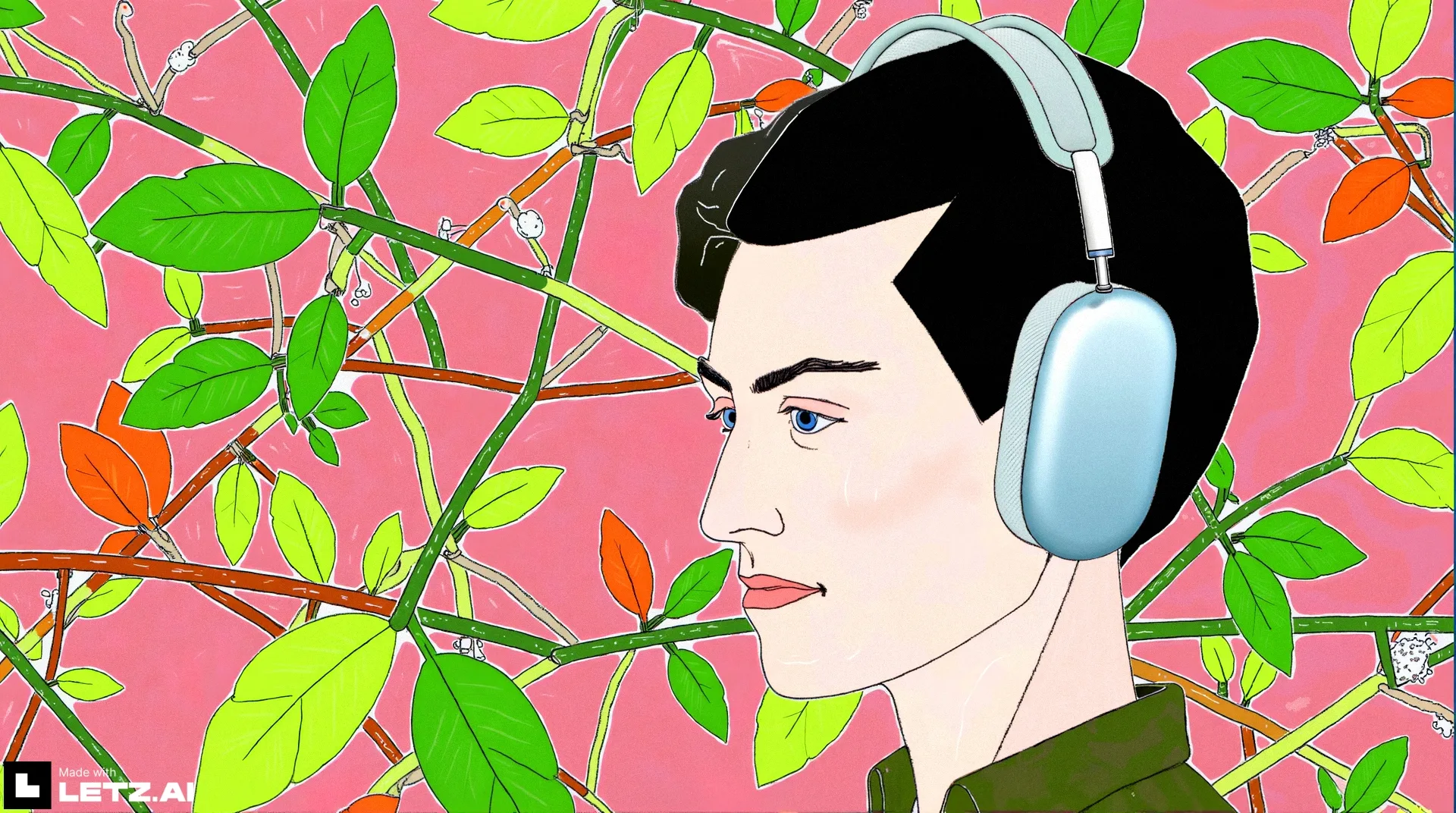
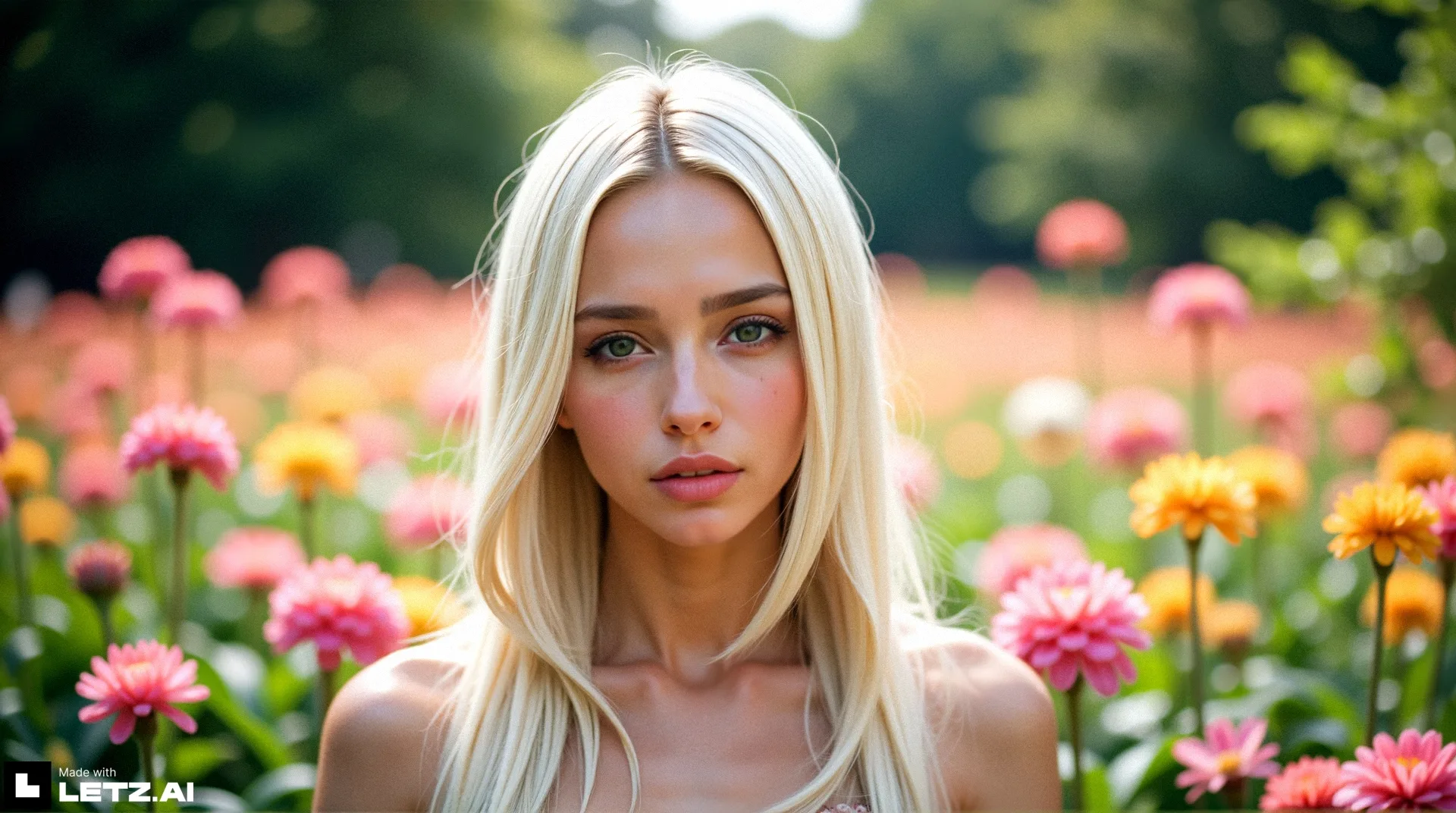
Create virtual influencers
Example: @redhead by Ramon Teleco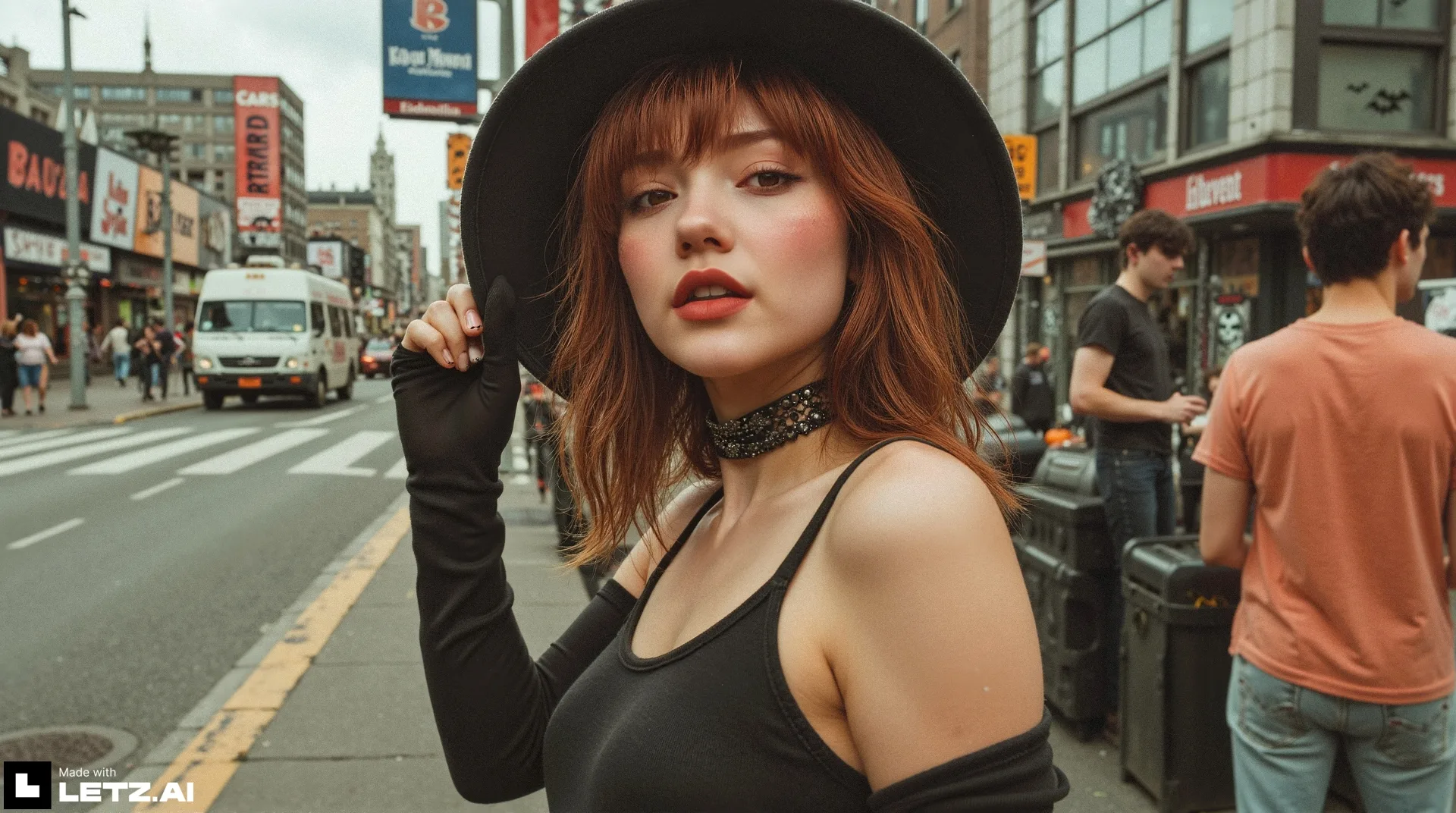
Example: @hailee by Misch Strotz
Put yourself into any image
Example: Misch Strotz as a fast super hero 👀
Be creative 😌
Example by Taher Dhanerawala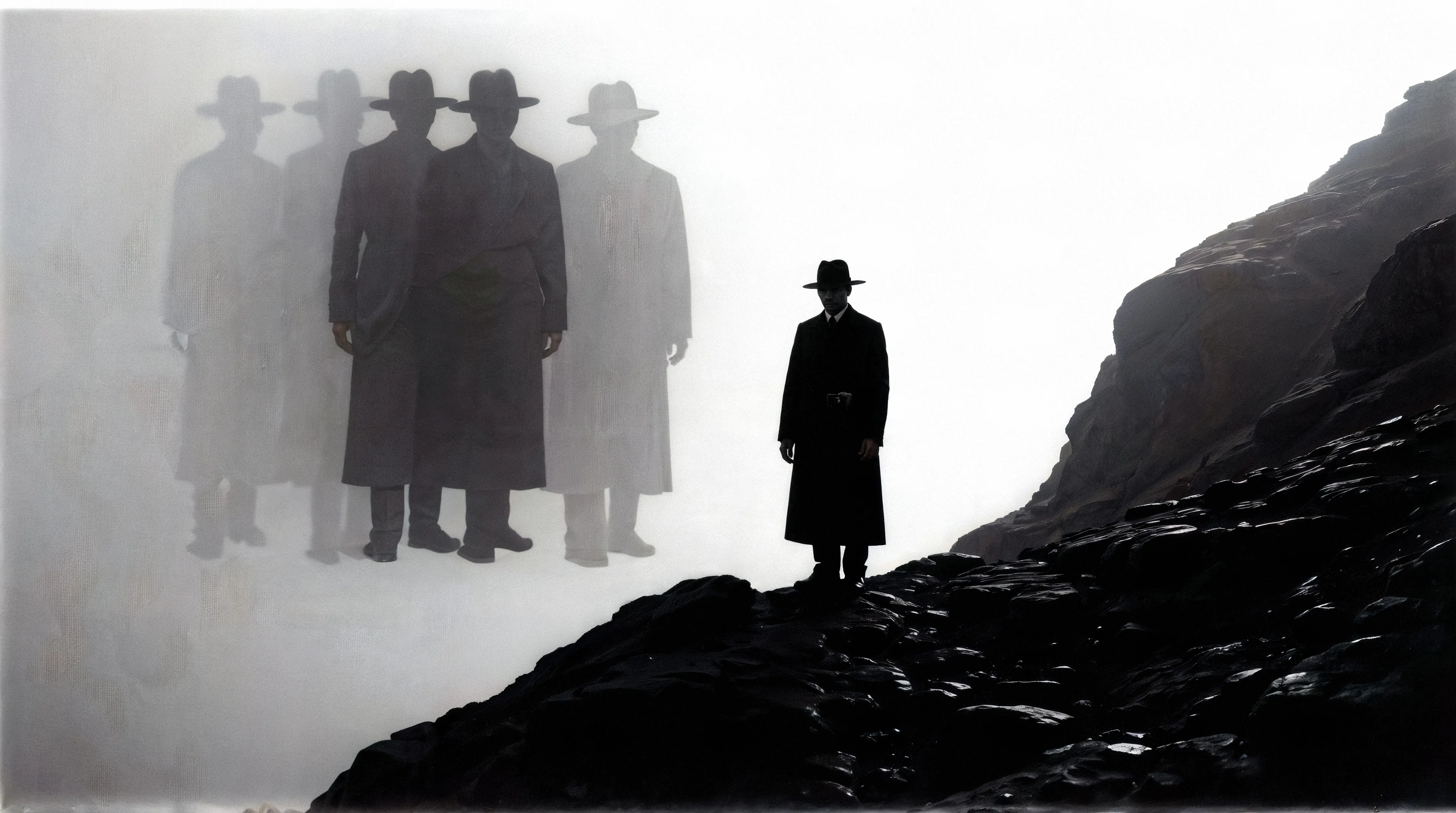
Example by 'mayo''
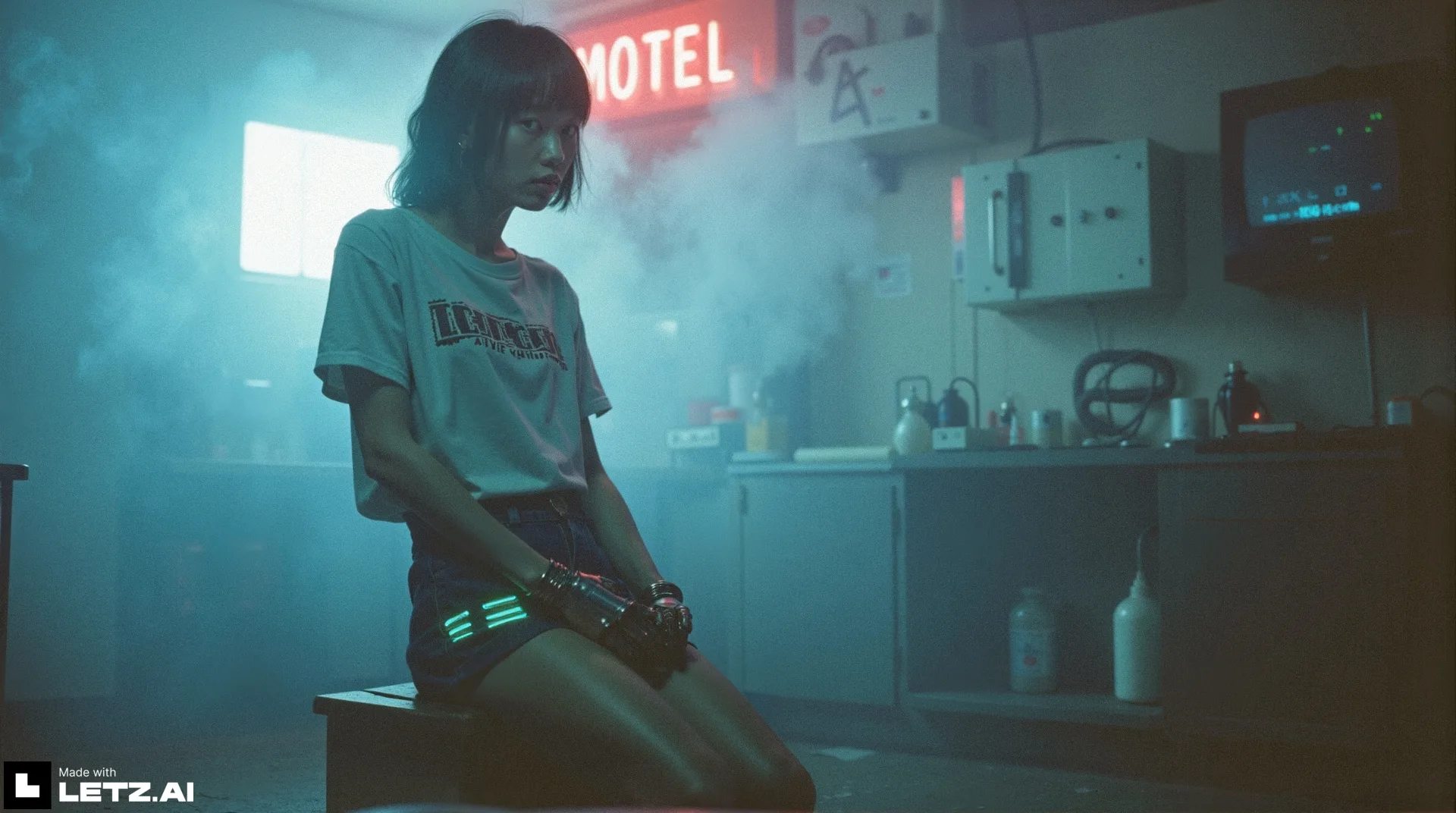
Example by Jesus Plaza

Example by Savitar
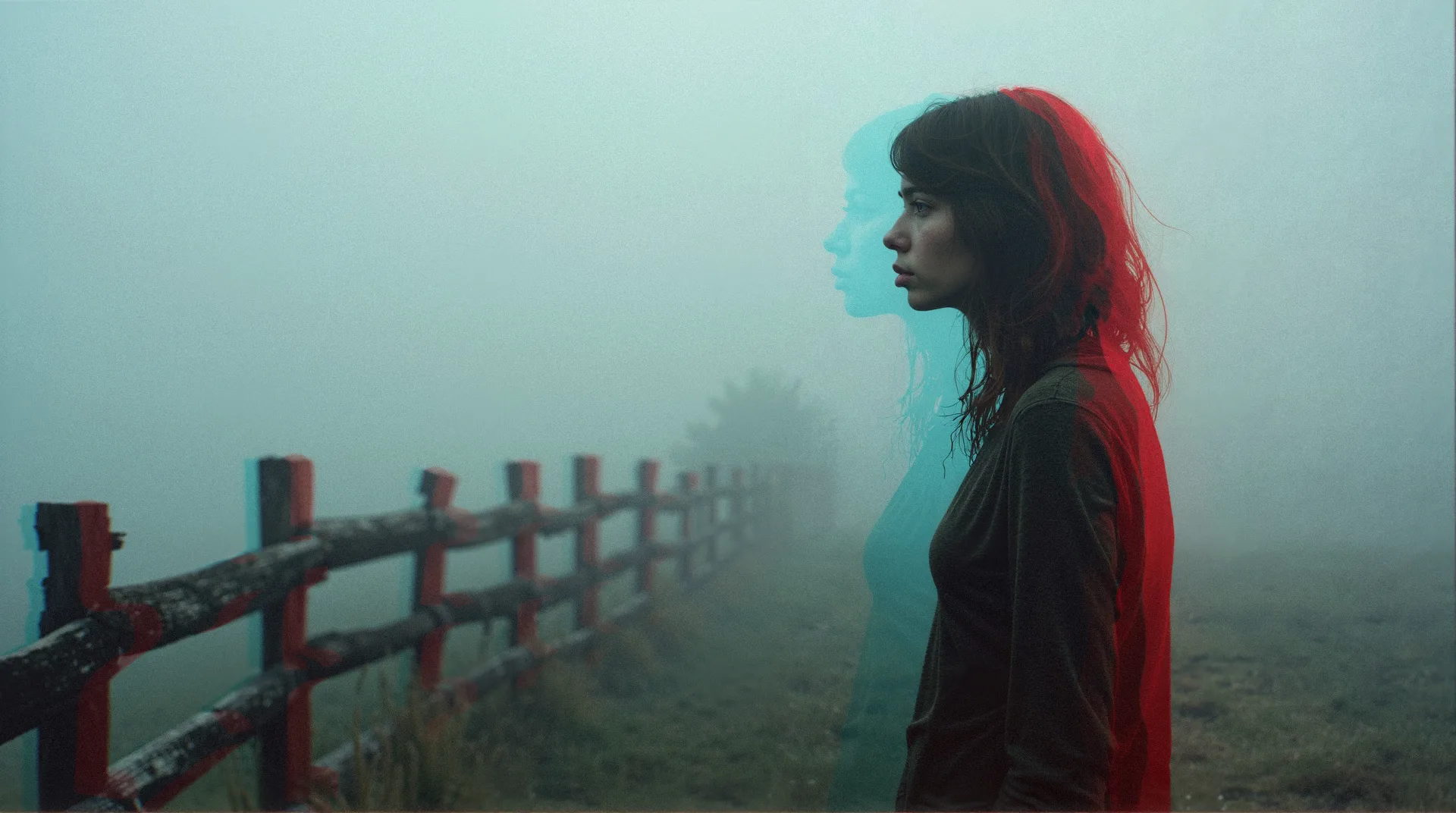
More examples on our feed
To find more amazing community creations and get inspired, visit the LetzAI feed or our Model Explore Page.We hope that you will enjoy V3 as much as we do!