Introducing “Find”
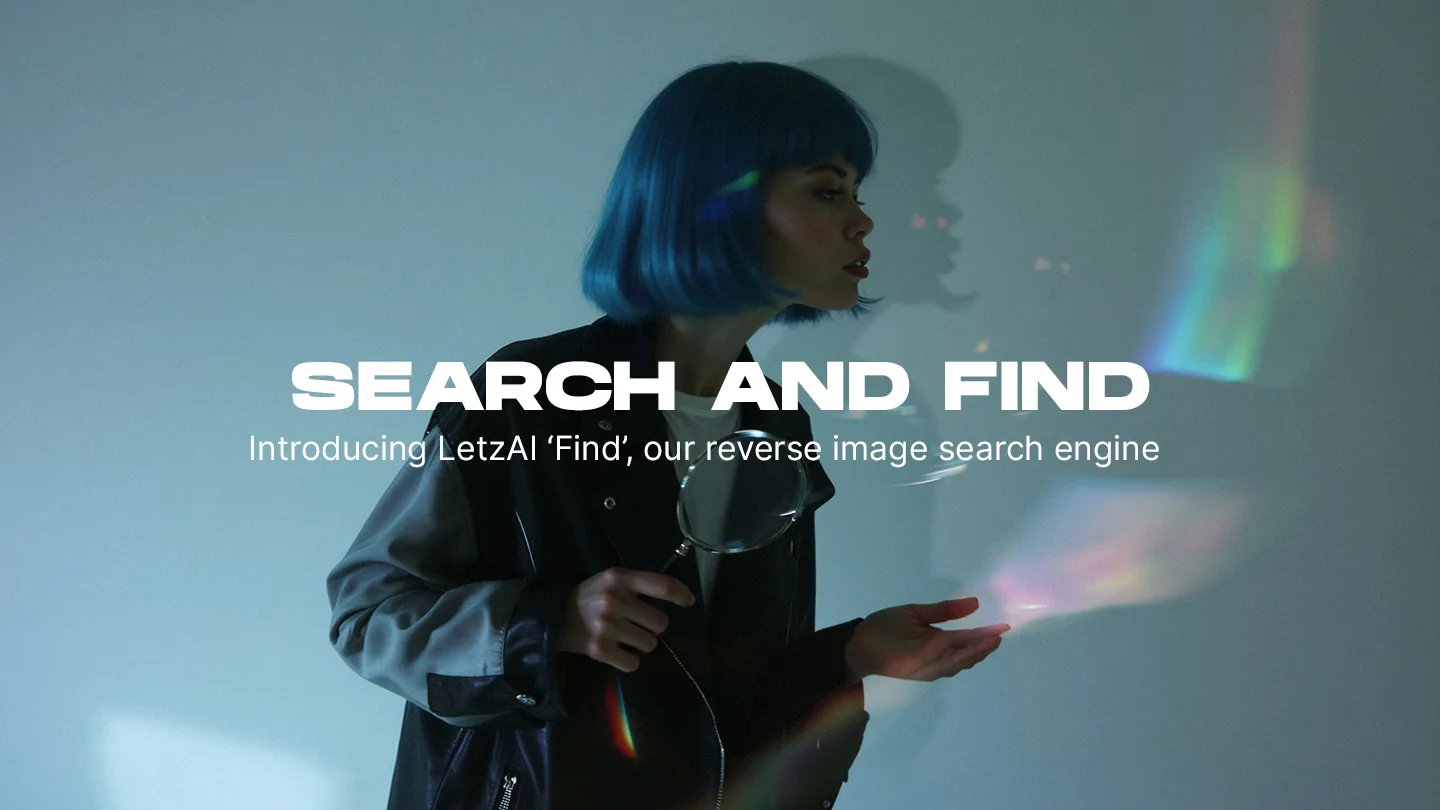
Today we’re launching a new feature called “Find”. With Find, subscribed users can discover products, locations, people, or styles that match their AI-generated images from sources across the internet.
Connecting Your Imagination with the World Wide Web
Generative AI has the power to enhance our imagination and lets us be creative in completely new ways. Especially when creating images with AI, every once in a while, we see something that completely blows our minds.
On LetzAI, this could be an image of you in a stunning new jacket, a photo of an otherworldly landscape, or a mouthwatering pizza that looks too good to be true.
And so if there’s one thing our team has learned over the past year, it’s this: The images we create often leave us wishing they could come to life in the real world.
With Find, you can now turn AI-generated ideas into reality.
The Solution: Find
Find will locate the subjects of your AI images on the internet.
Long for that sunset over the mountains? Find such places!
Love an artist’s style? Support them!
Crave that burger you’ve just generated? Order it!
Find opens up new possibilities to experience AI images, by connecting your imagination with the real world.
A New Space for Creators and Brands
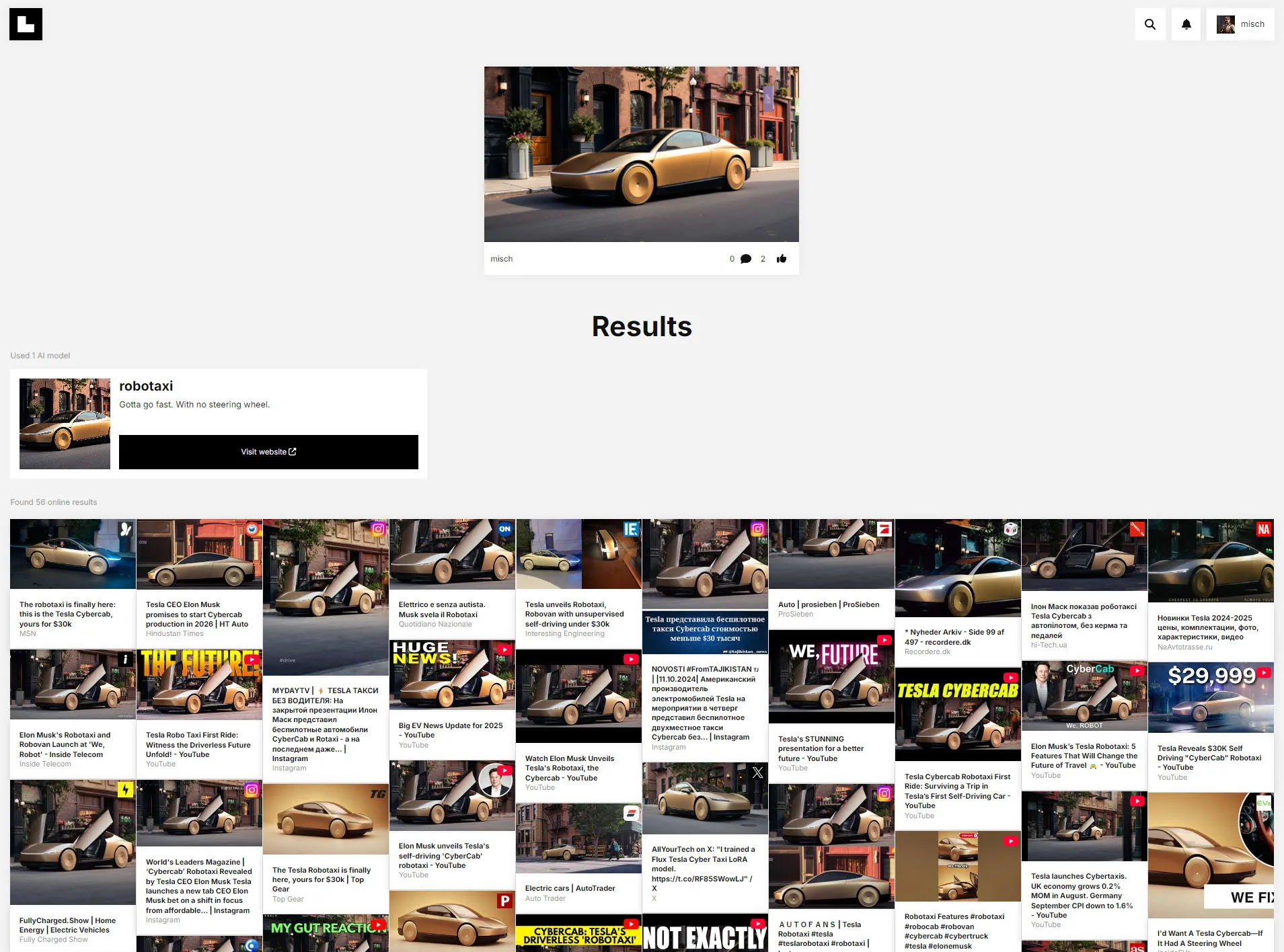
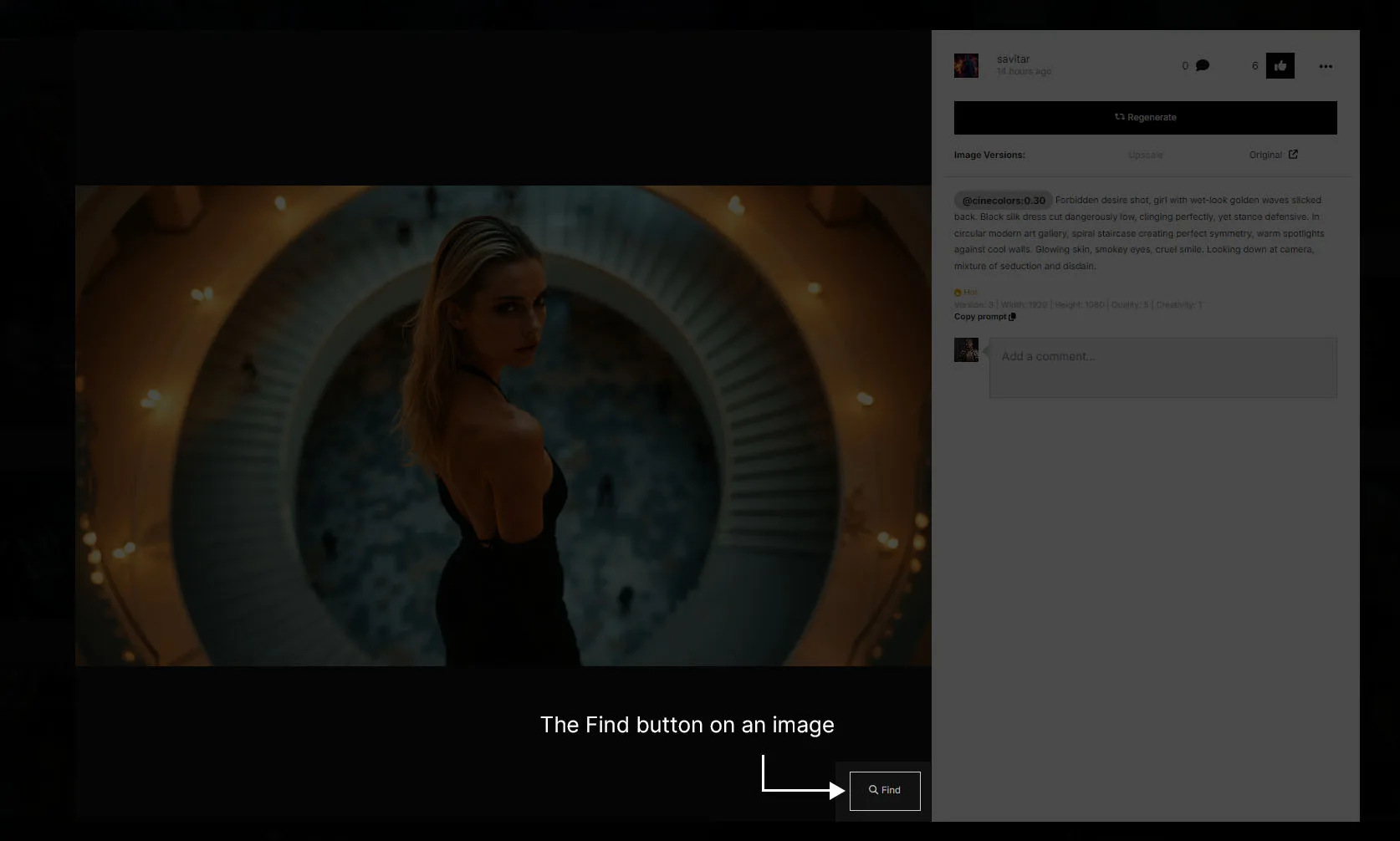
To use Find, open one of your images and click the “Find” icon on the bottom right of the popup. This will open up a new Find page.
The Find page consists of 2 main sections: Used AI Models and Find results.
If the image you selected was generated using a LetzAI Model, this models will appear first in the results, including their description and website link. This is particularly useful for specific products: If the creator of the product has added a website, you may access his product page directly.
Just below the models, you will find the new Find Results section. These results are aggregated from the internet and will show products, styles, and other similar-looking items, if available even with pricing information.
Opportunities for Creators and Brands
Find opens new possibilities for creators and brands who want to feature their items on our website. While the current release is an Early Access version and far from finished, we hope to extend this tool into a novel search engine for the generative AI age.
If you’re a creator or a brand and want to join “Find”, you can reach out to us here.
Please note that this first version of Find is an Early Access version and may not always provide the best results.
We have a lot of features planned to improve Find and will roll them out gradually over the coming weeks and months.
Get Started with Find
Ready to Search and Find?
Visit LetzAI, open an image, and find the Find button at the bottom
right of that image.