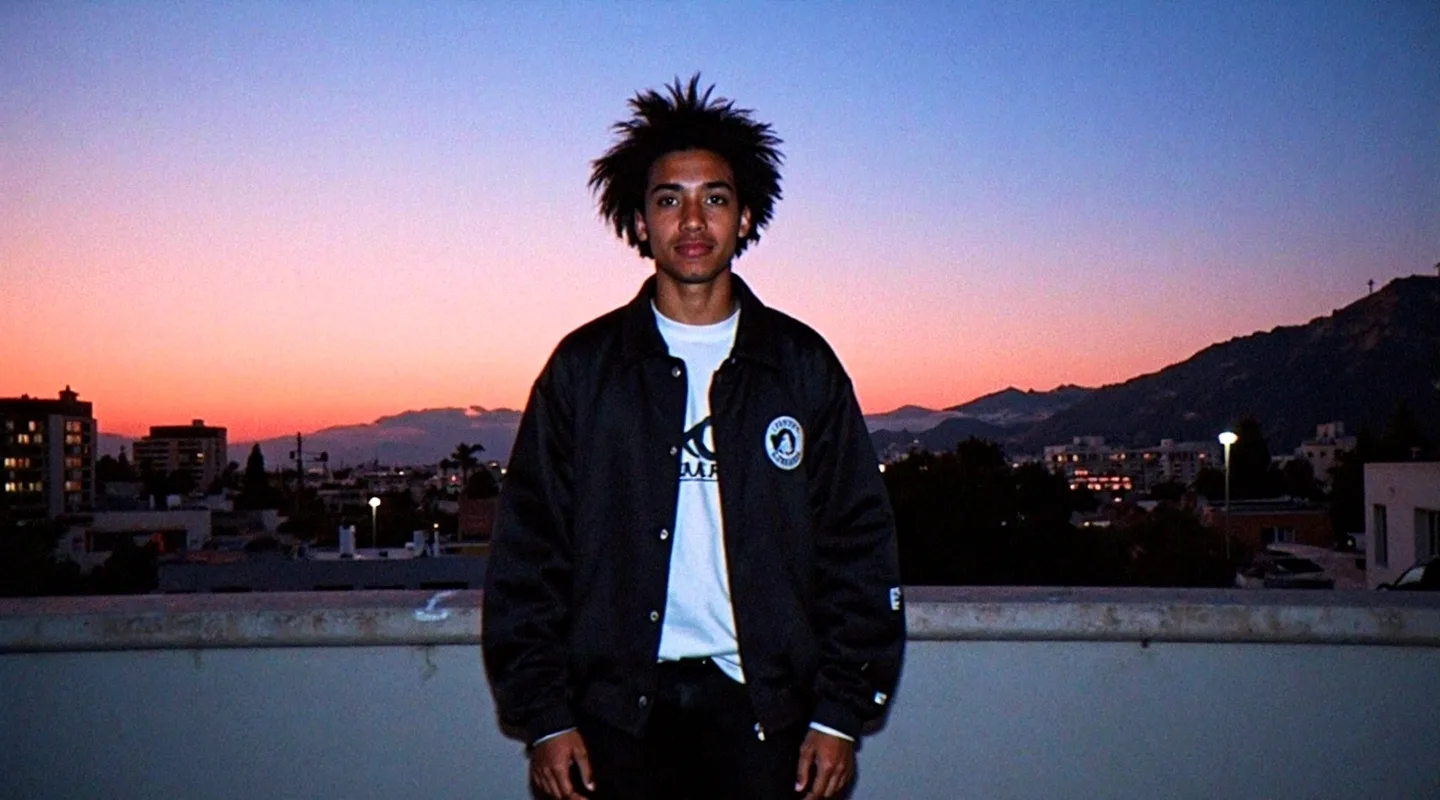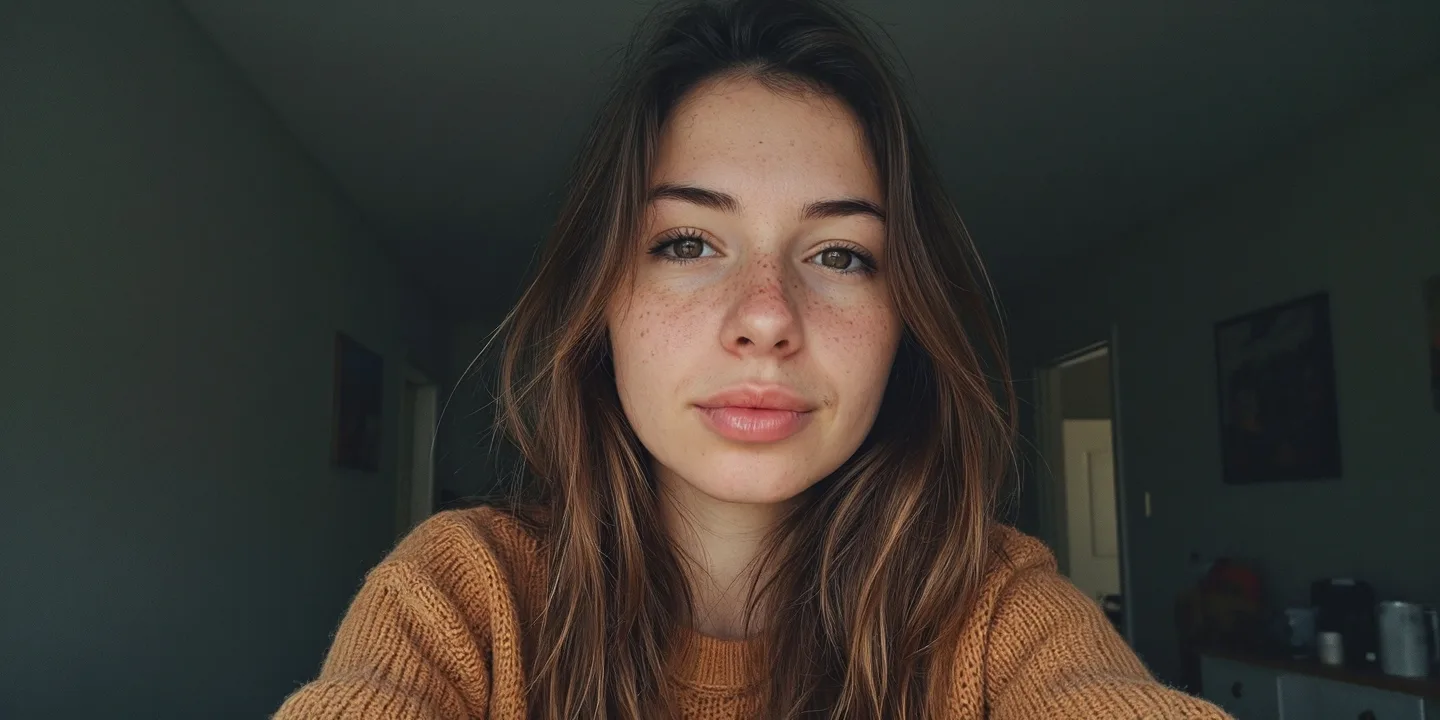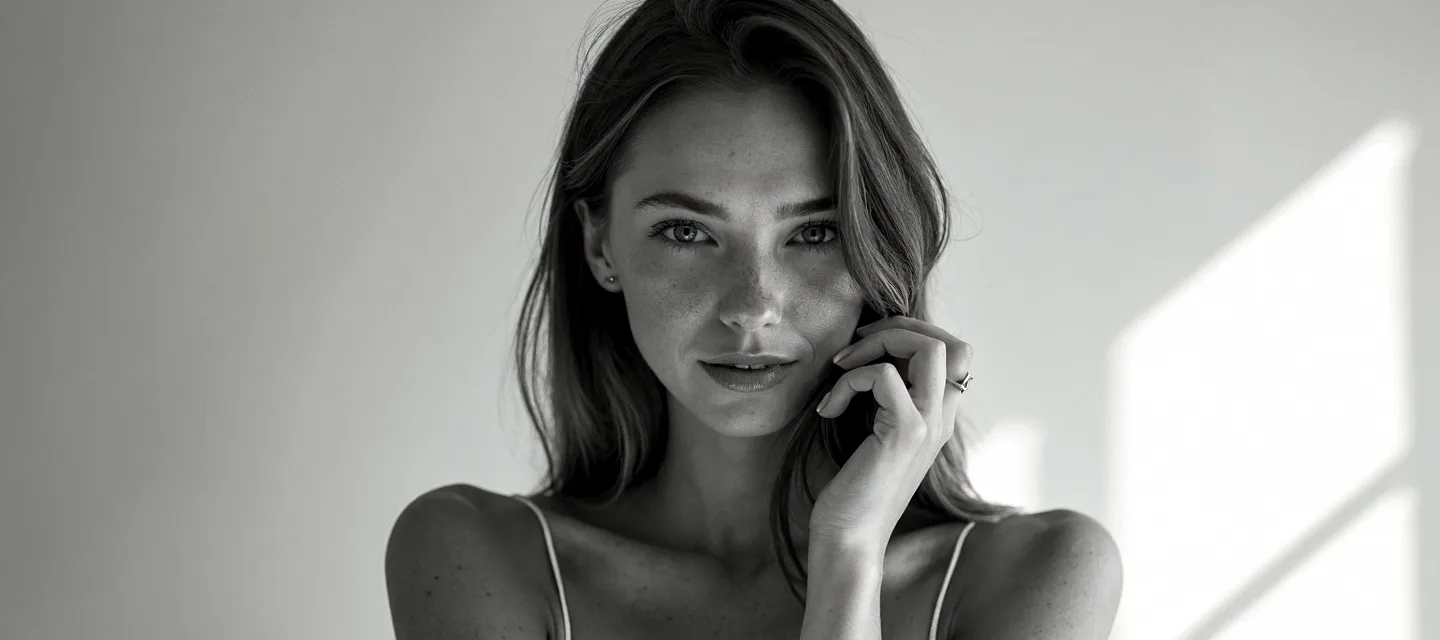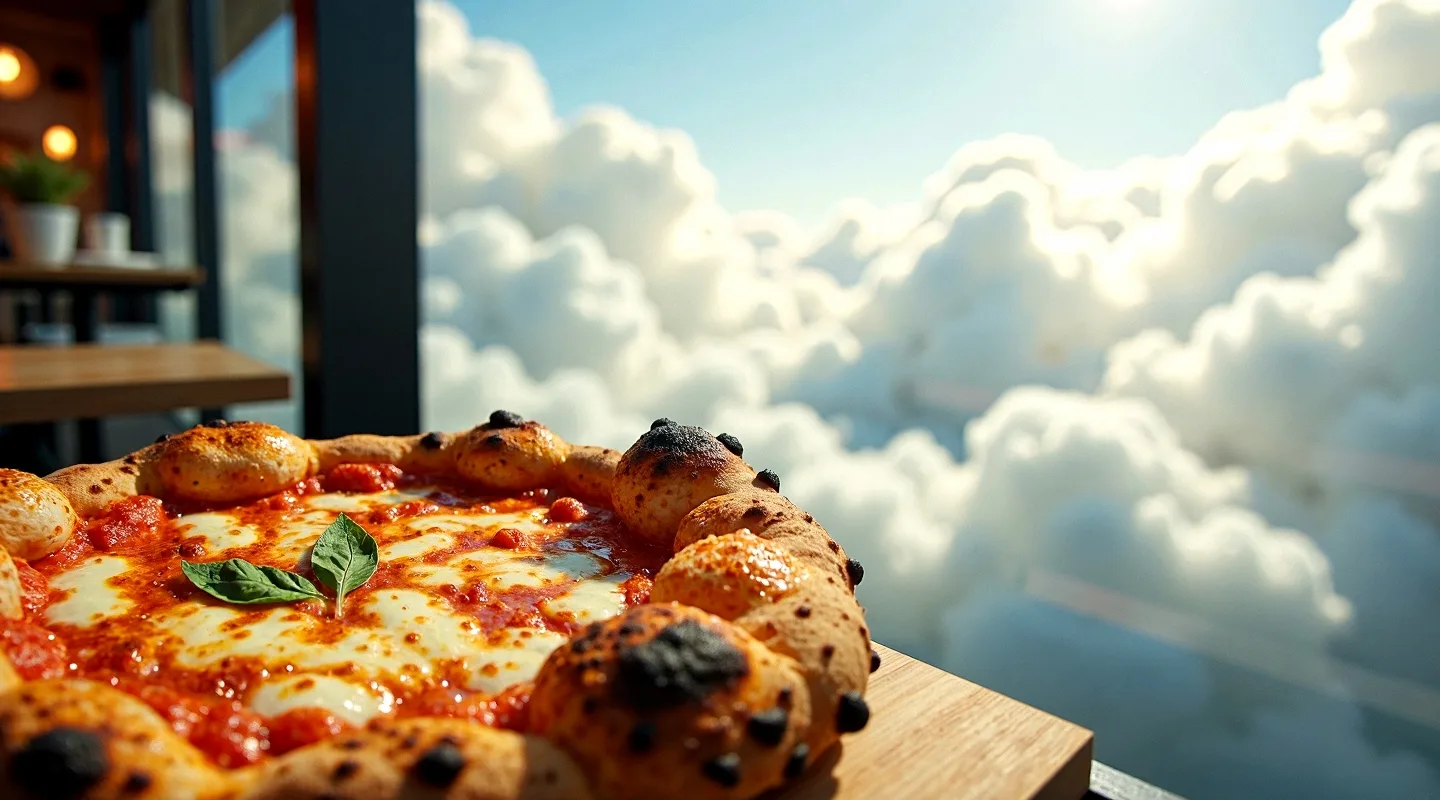
Unlocking new possibilities
Today we’ve activated a new option called “Mode” in your Image Generations Settings.
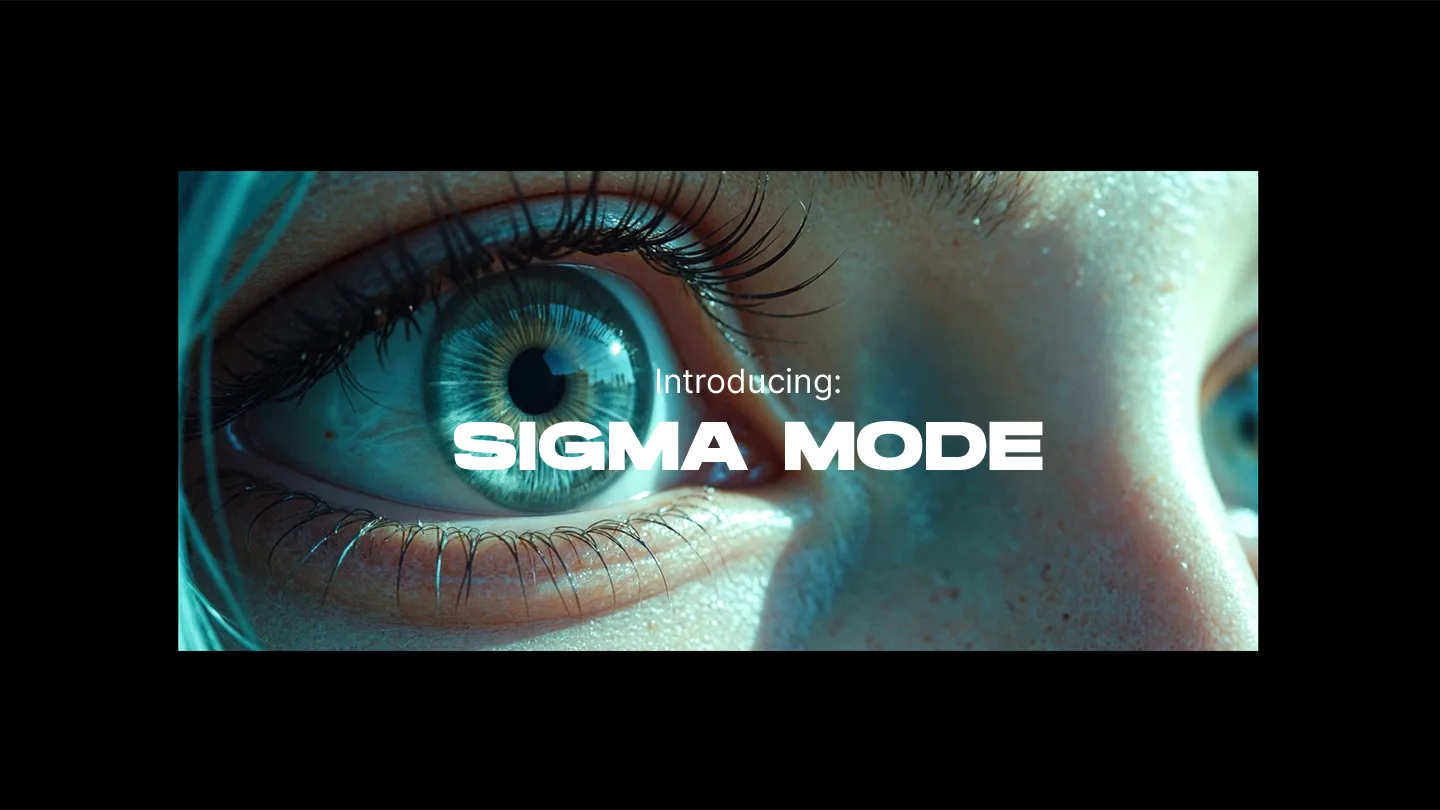
With it, we’re introducing a first Mode named “Sigma”.
Sigma is a faster Image Generation workflow that produces highly detailed results at a slightly lower
resolution.
It has all the quality you're used to from LetzAI, but can produce visuals that are hard to achieve with our Default
mode, like for example very detailed skin, proper freckles or accurate pixel art.
Depending on which resolution you choose, Sigma is around 40-60% faster than the default mode and accordingly
costs
only half the amount of credits . This translates to less than 0.02$ per image, which makes it one of the most
affordable high quality image generation services on the planet.
Sigma Mode is great for:
- Faster experimentation
- Photorealistic results
- Better skin details, for example freckles
- More realistic “low quality” results, e.g. VHS style, Film grain, 16-Bit art etc.
- Close-up images
For nerds:
The name Sigma comes from the technique used for this new mode. To achieve detailed results fast, we’re using a
technique known as “Lying Sigma Sampling”. This method helps reduce image artifacts and improves perceived quality.
New Image Ratios
With the introduction of Modes, we're also introducing new Image Ratios:Sigma Mode can create images in a ratio of up to 9:4/4:9 and Default Mode can now go up to 8:3/3:8.
The maximum resolution for Sigma Mode is 1440x1440 pixel, however we recommend sticking with 720p resolutions, like 1280x720 for optimal results.
The maximum resolution for Default mode is still 1920x1920, but it can now go down to 720x720 pixel as well.
Both Sigma and Default images can be upscaled directly on the Platform.
How to use
To activate Sigma Mode and try out the new ratios, all you have to do is open up your Generation Settings, and select it from the Mode Menu. Please note that Modes are currently only available for V3.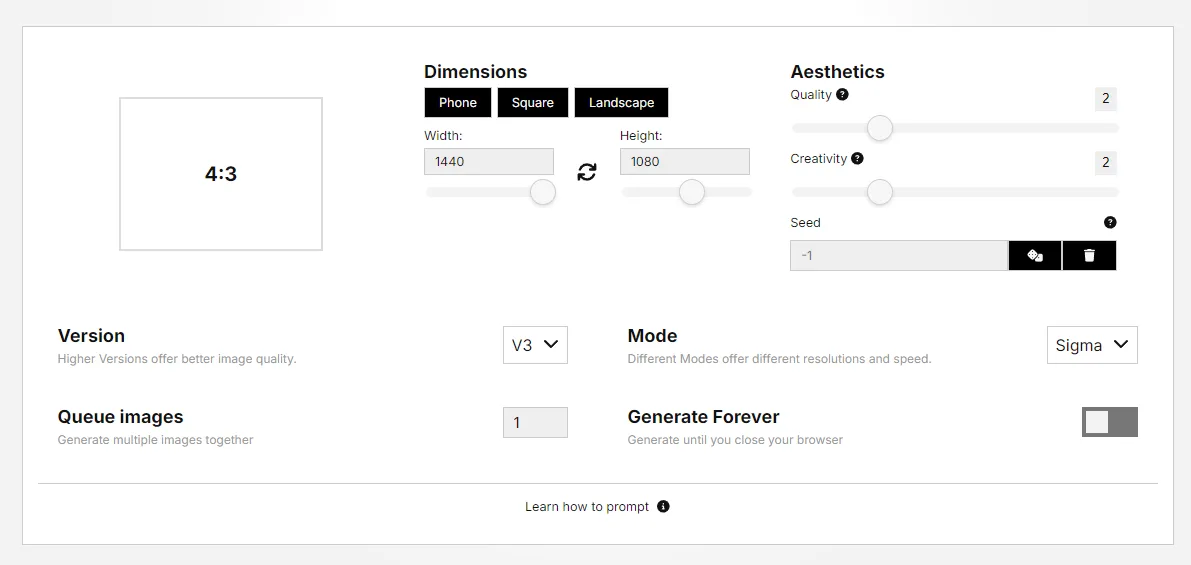
Examples and Prompts
To experience the beauty of Sigma Mode, here are a few prompts you can try out right now.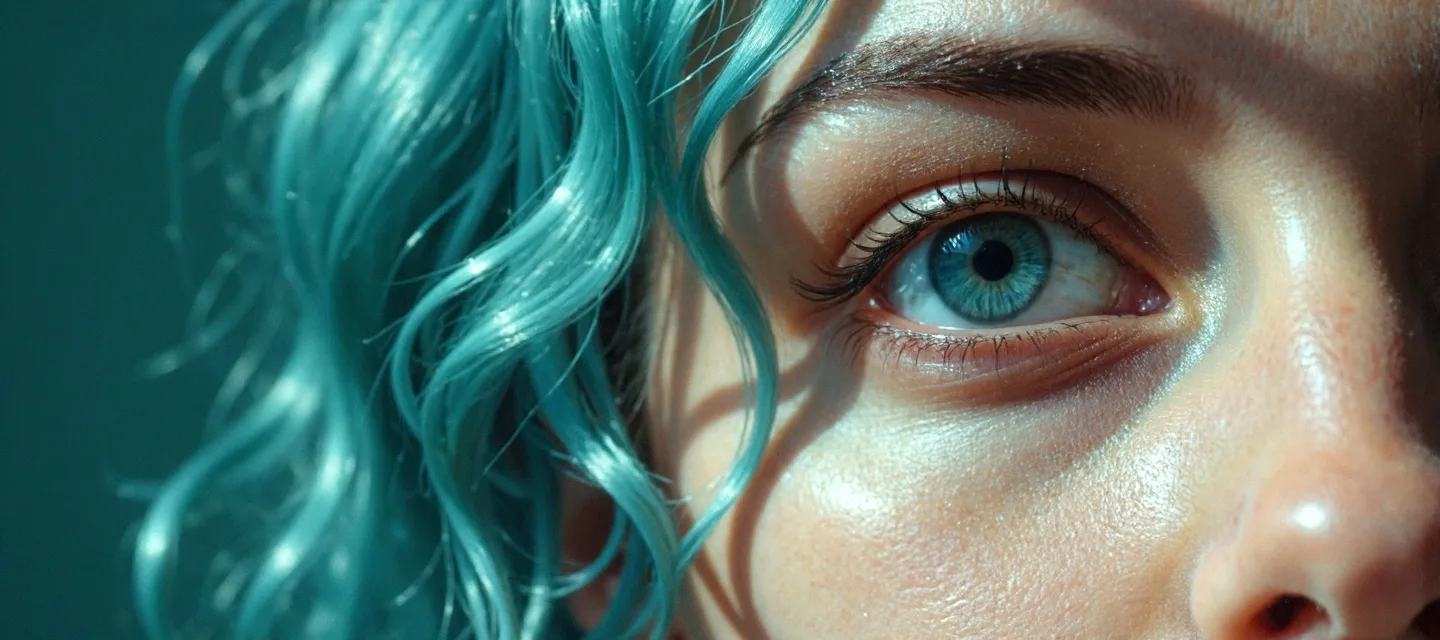
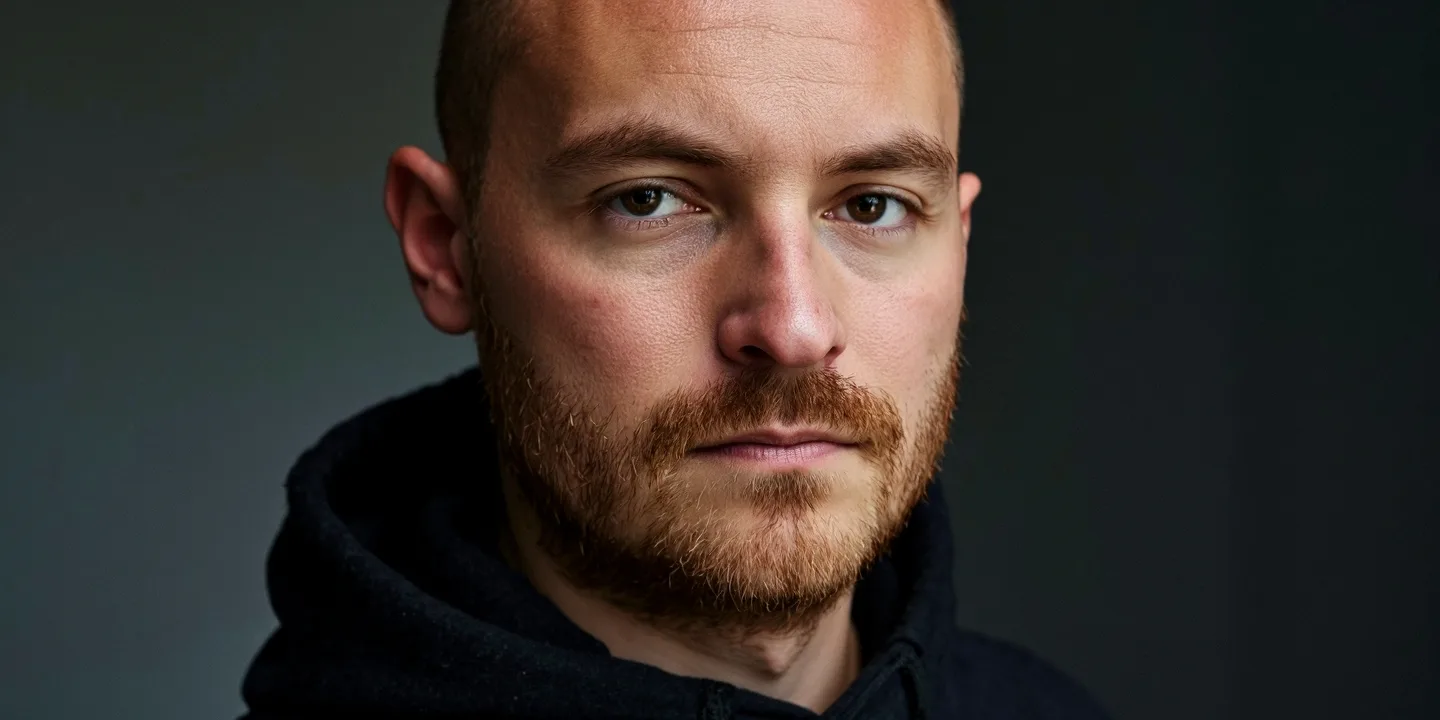

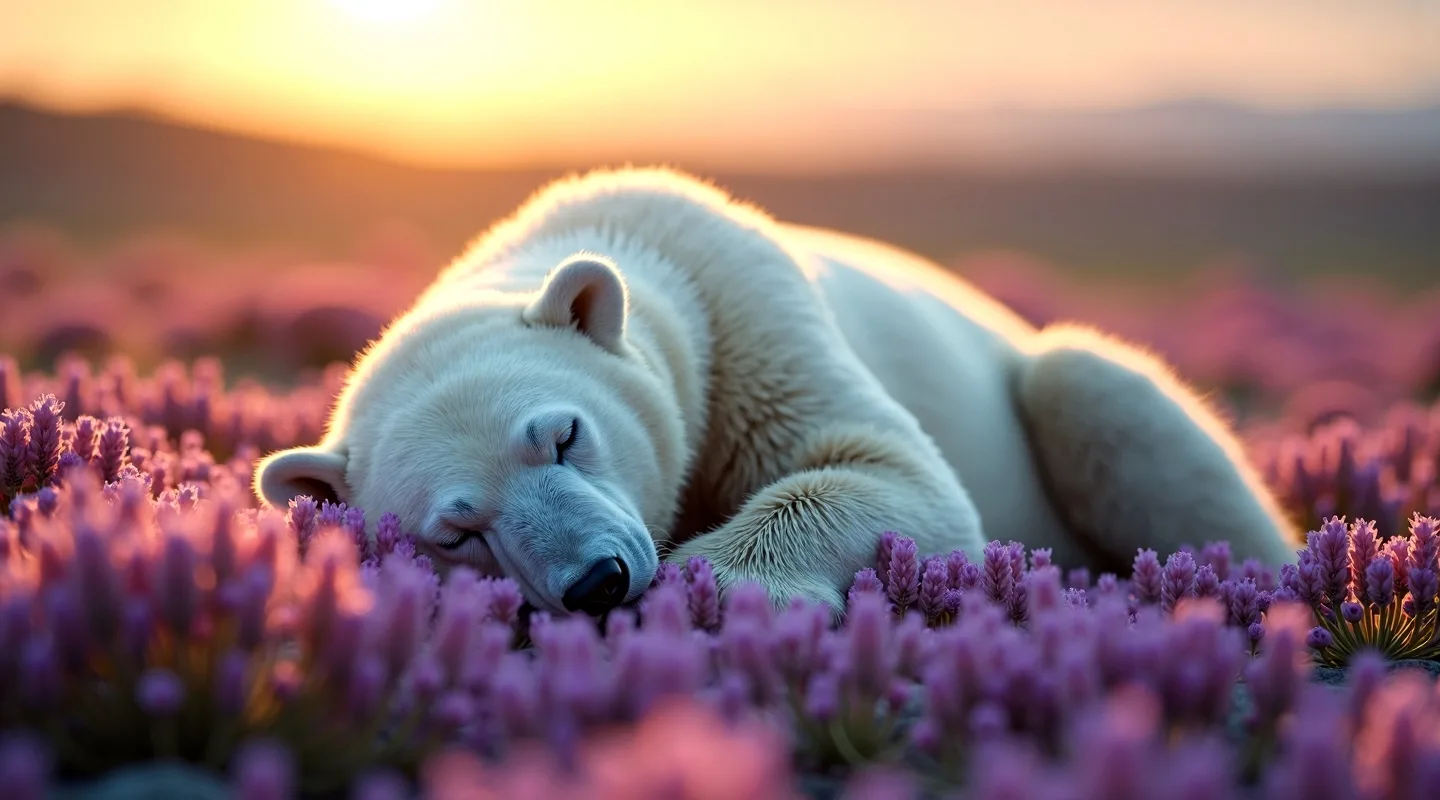
cinematic film shot, close up of a polar bear sleeping on purple flowers, national geographic photography
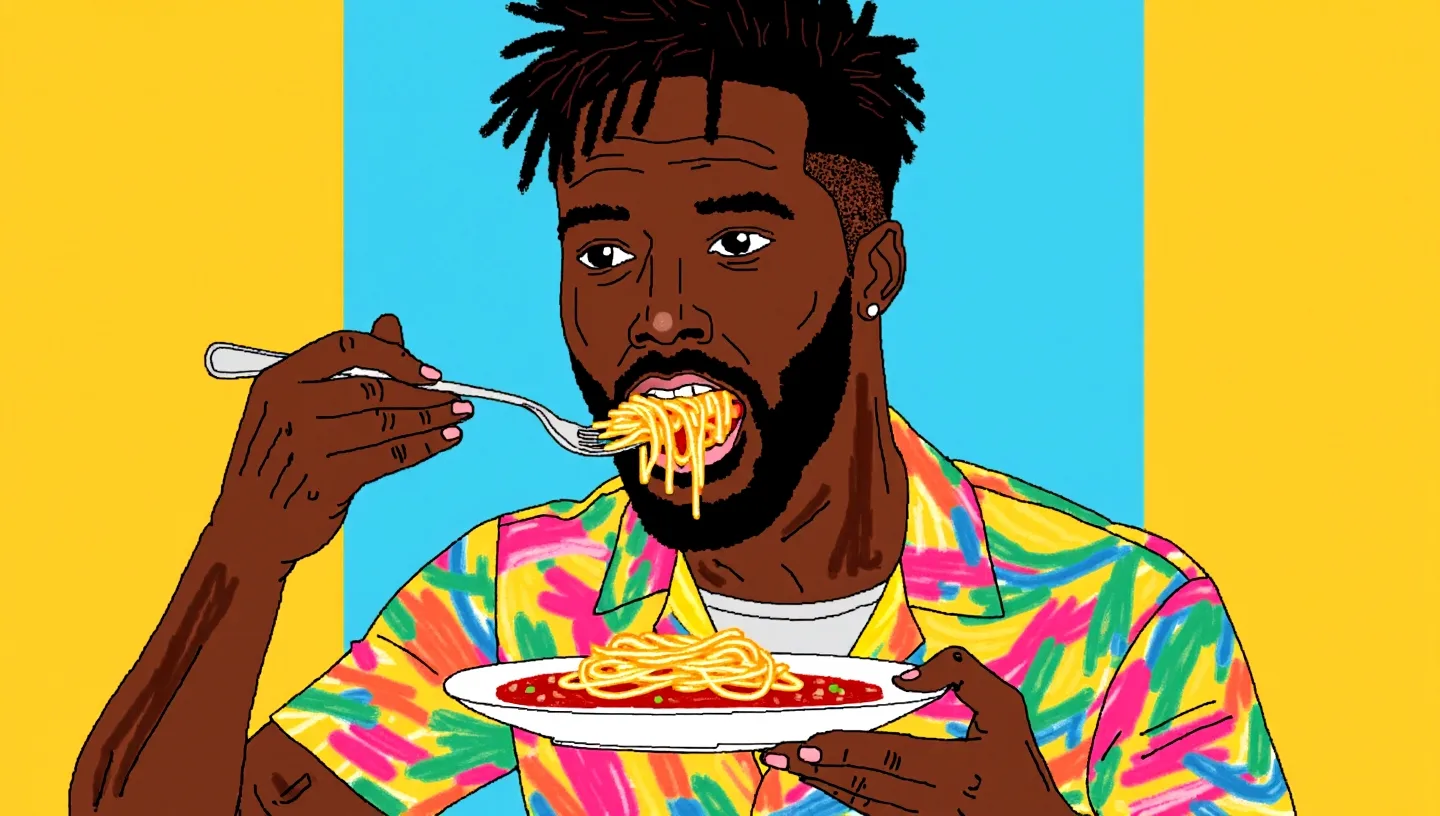
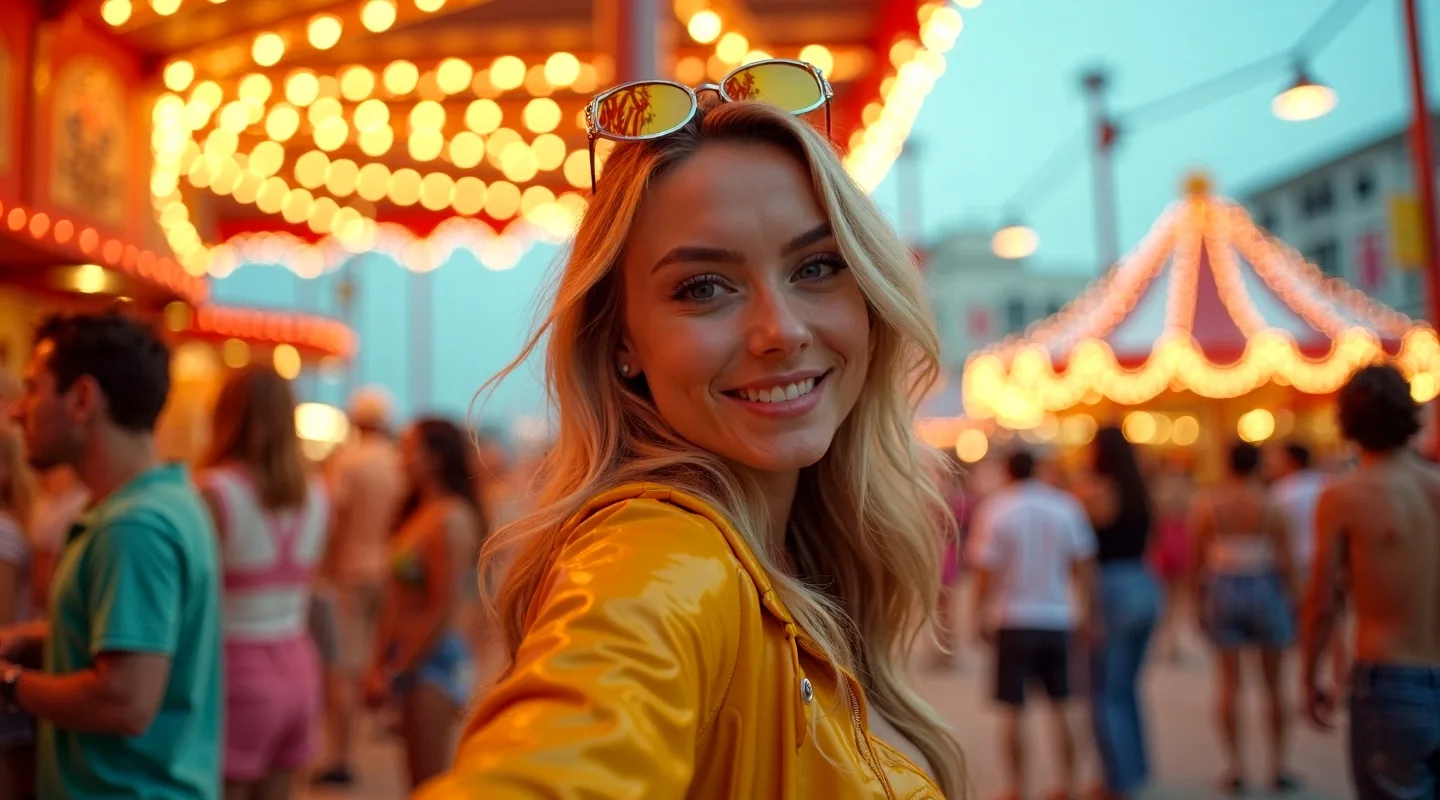
Wide-angle Polaroid shot of a vibrant model woman, captured with a 50mm lens from a distance, showcasing a minimum knee-up view at a lively carnival. The scene is filled with ultra-realistic details, featuring colorful decorations, festive lights, and joyful crowds in the background. The model is styled in a bold, playful outfit that complements the carnival atmosphere, striking a dynamic pose that exudes energy and excitement. The soft glow of the lights highlights the model's features, while the Polaroid effect adds a vintage touch with a slightly faded quality. The overall composition captures the essence of the carnival, with vibrant energy