The Next Generation of AI Video Is Here
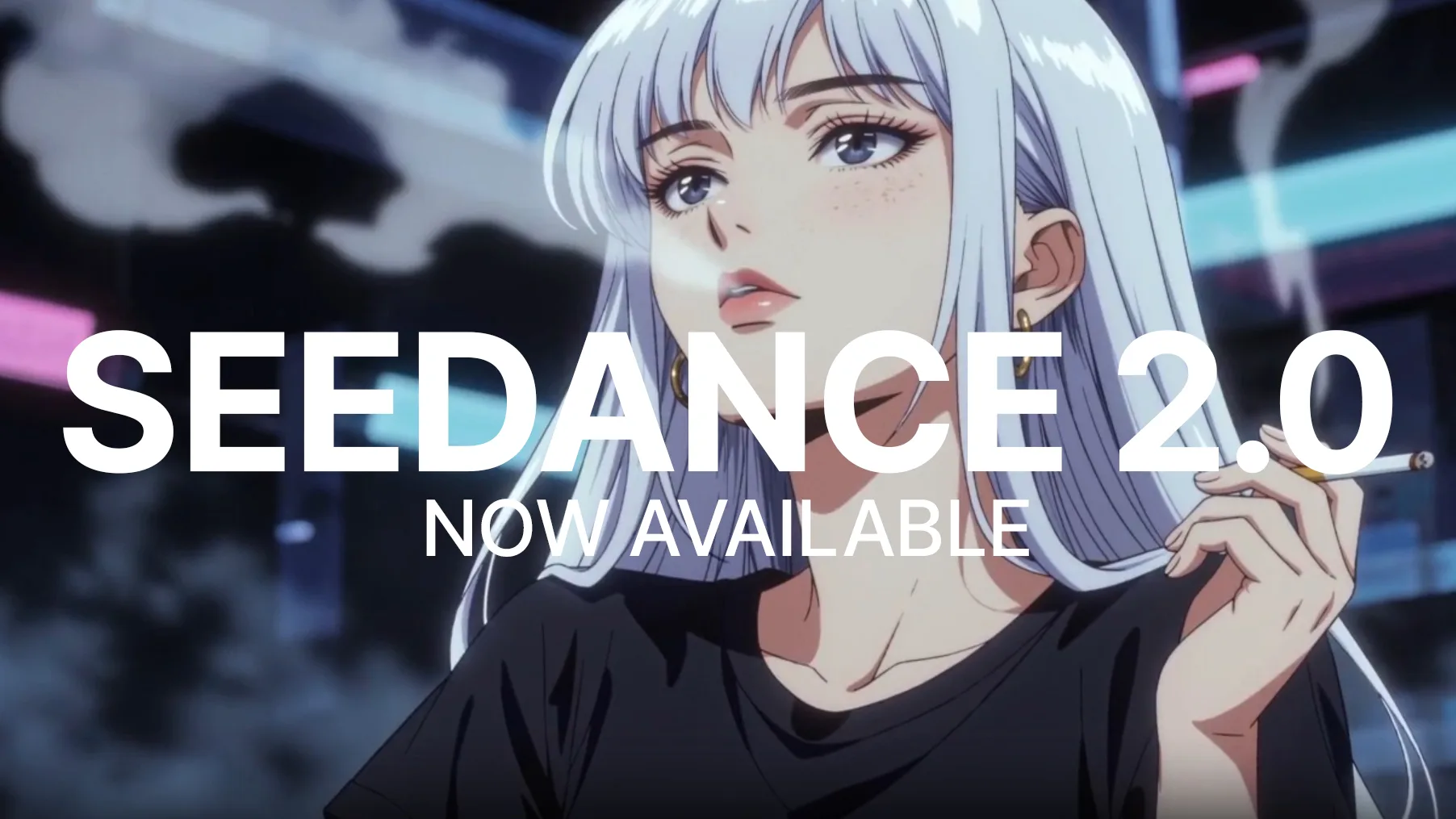
We're excited to announce that Seedance 2.0, ByteDance's most advanced video generation model, is now available on LetzAI for Enterprise users. Seedance 2.0 represents a fundamental shift in what AI video generation can do, combining cinematic-quality visuals, native audio, and an unprecedented level of creative control into a single unified architecture.
Whether you're producing brand content, building product demos, or exploring creative storytelling, Seedance 2.0 gives you tools that were previously only possible with a full production crew.
Seedance 2.0 Trailer
Why Seedance 2.0 Stands Out nonetheless
The AI video space has moved fast over the past year. Models like Kling, Sora, and Veo have each pushed the boundaries in their own way. Seedance 2.0 goes further by combining the best aspects of each into one model and adding capabilities none of them offer.
In independent benchmarks, Seedance 2.0 leads in temporal stability, prompt fidelity, and long-range motion coherence. It maintains visual consistency past 10 seconds without the drift or destabilization that other models exhibit at longer durations. But benchmarks only tell part of the story. What truly sets Seedance 2.0 apart is the breadth and depth of its creative capabilities.
Native Audio-Video Generation
Every video generated with Seedance 2.0 includes audio at no additional cost. There's no toggle and no extra charge.
With the introduction of Seedance 2.0, audio is now also supported as input modality. This means you can now upload audio files as references to your video generation prompts.
Multi-Modal Reference System
This is where Seedance 2.0 truly shines for professional workflows. The model accepts up to 12 reference files simultaneously: images, video clips, and audio files — giving you a level of directorial control that no other model offers today.
What you can reference:
- Up to 9 images: Character references, style boards, environment shots, props
- Up to 3 video clips: Motion references, camera movement templates, pacing guides
- Up to 3 audio files: Music tracks, dialogue, sound effects to sync to
New Omni Reference Mode
On LetzAI, we're using an Omni Reference mode for Seedance 2.0. Upload your reference files and they appear as cards below the prompt area.
Each reference can simply be adressed through the prompt using natural language.
For simpler workflows, you can also use the classic First and Last Frame mode to define start and end keyframes for your animation.
Director-Level Camera Control
Seedance 2.0 understands cinematography. Through your prompt or video references, you can direct:
- Dolly zooms, rack focuses, and tracking shots
- POV switches and smooth handheld movement
- Complex multi-axis camera trajectories
- Cinematic panning, tilting, and rolling
Upload a reference video with a camera move you like, mention it in your prompt, and Seedance 2.0 will reproduce that movement in your generated scene. This makes it possible to achieve consistent visual language across an entire project.
Technical Specifications
Here's a quick overview of what Seedance 2.0 supports on LetzAI:
- Duration: 4 to 15 seconds per generation
- Resolution: 480p, 720p and 1080p
- Aspect ratios: auto, 21:9, 16:9, 4:3, 1:1, 3:4, 9:16
- Input modes: Text-to-Video, Image-to-Video, Reference-to-Video
- Audio: Always included (native generation)
- References: Up to 12 files (9 images, 3 videos, 3 audio)
Pricing
Seedance 2.0 is priced per second of generated video, with audio included at no extra cost:
- 480p: 106 credits per second (incl. audio)
- 720p: 177 credits per second (incl. audio)
- 1080p: 708 credits per second (incl. audio)
For example, a 10-second video at 720p costs 1,770 credits. The same video at 480p costs 1,060 credits — a good option for drafts and quick iterations before committing to full resolution. For final, delivery-ready output, 1080p is available at 7,080 credits for a 10-second clip.
For a complete overview of all model pricing, visit our pricing page.
Seedance 2.0. Enterprise with Face References
Besides Access to Seedance 2.0 another extended Seedance 2.0 Enterprise version that allows the use of Face References is available exclusively to LetzAI Enterprise users. If you're on a personal plan and want access, you can upgrade to an Enterprise plan or create an Enterprise organization from your account settings.
Generated with Seedance 2.0 on LetzAI
Getting Started
To start generating with Seedance 2.0:
- Go to the Animate tab on letz.ai
- Select Seedance 2.0 from the model selector (top of the prompt area)
- Choose your mode: Omni Reference for multi-modal control, or First and Last Frame for keyframe-based animation
- Write your prompt — if using Omni Reference, upload your files and use @tags to reference them
- Set your resolution (480p, 720p or 1080p), duration, and aspect ratio
- Click Animate
Use Cases
Seedance 2.0 is built for professional and creative workflows. Here are some scenarios where it excels:
- Brand content: Create polished video ads with consistent characters, specific camera work, and synchronized audio — all from reference images and a text prompt.
- Music videos: Upload an audio track as a reference and let Seedance 2.0 generate visuals that sync to the beat and mood of the music.
- Product demos: Animate product shots with realistic physics — show fabric draping, liquids pouring, or mechanical parts moving naturally.
- Storyboarding: Rapidly prototype scenes with specific camera angles and character references before committing to full production.
- Social media: Generate short-form video content with native audio, ready to post without additional editing.
What's Next
Seedance 2.0 joins Kling and Veo in our growing lineup of video generation models. Each model has its strengths, and we believe in giving our users the choice to pick the right tool for each project.
We're continuing to evaluate new models and capabilities as they become available. If you have feedback or feature requests for our Seedance 2.0 integration, we'd love to hear from you.
Questions?
If you have any questions about Seedance 2.0 or need help getting started, reach out to us at support@letz.ai.
Showcase
Here are a few examples of what Seedance 2.0 can produce:
Happy creating!
The LetzAI Team