OpenAI's Next-Generation Image Model, Live on LetzAI
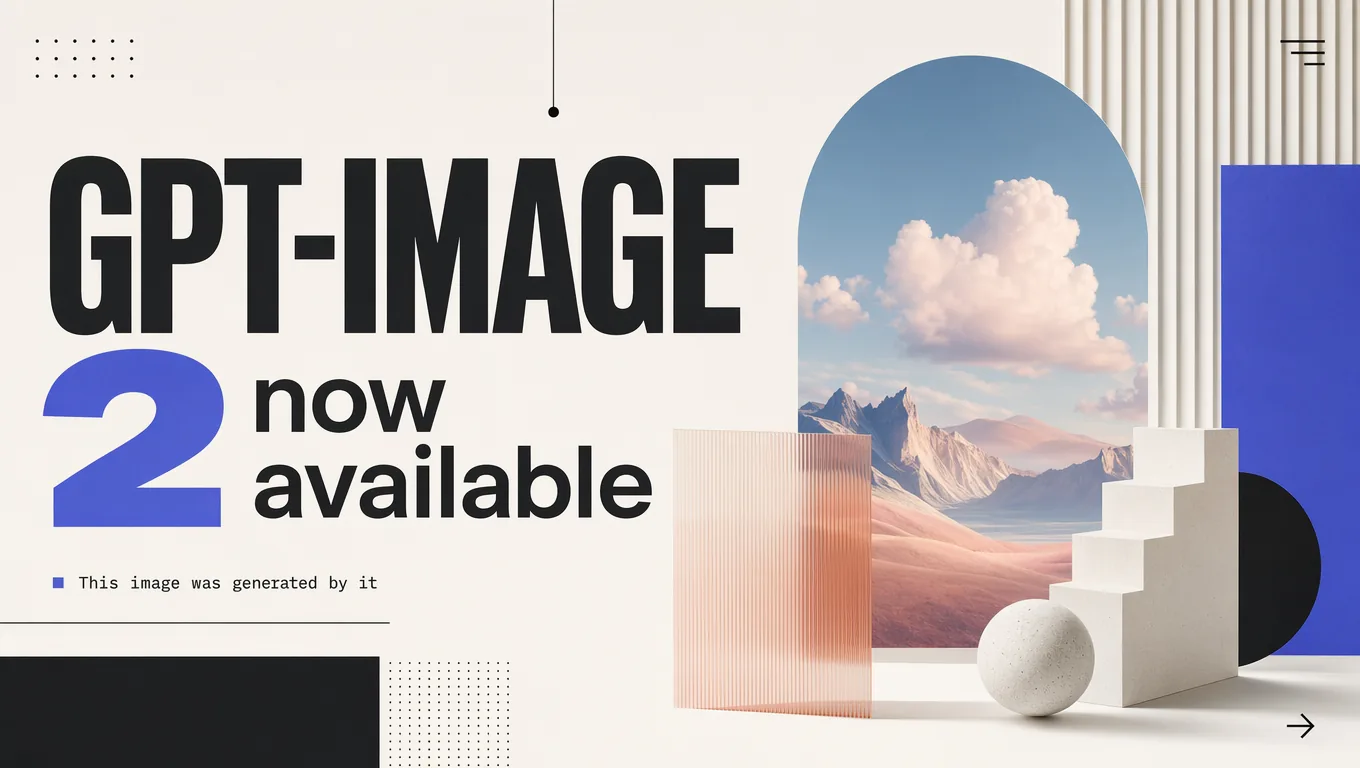
GPT Image 2, OpenAI's brand-new flagship image model released today, is now available in high quality mode on LetzAI for both image generation and image editing.
GPT Image 2 is the successor to OpenAI's popular GPT Image line and represents one of the biggest jumps we've seen in AI image quality this year. GPT Image 2 is comparable to Nano Banana Pro in terms of quality and we believe it is a great addition to our platform.
What Makes GPT Image 2 Special
OpenAI rebuilt their image stack from the ground up. GPT Image 2 doesn't just generate, but reasons about what it's about to draw. That shift is visible across the board:
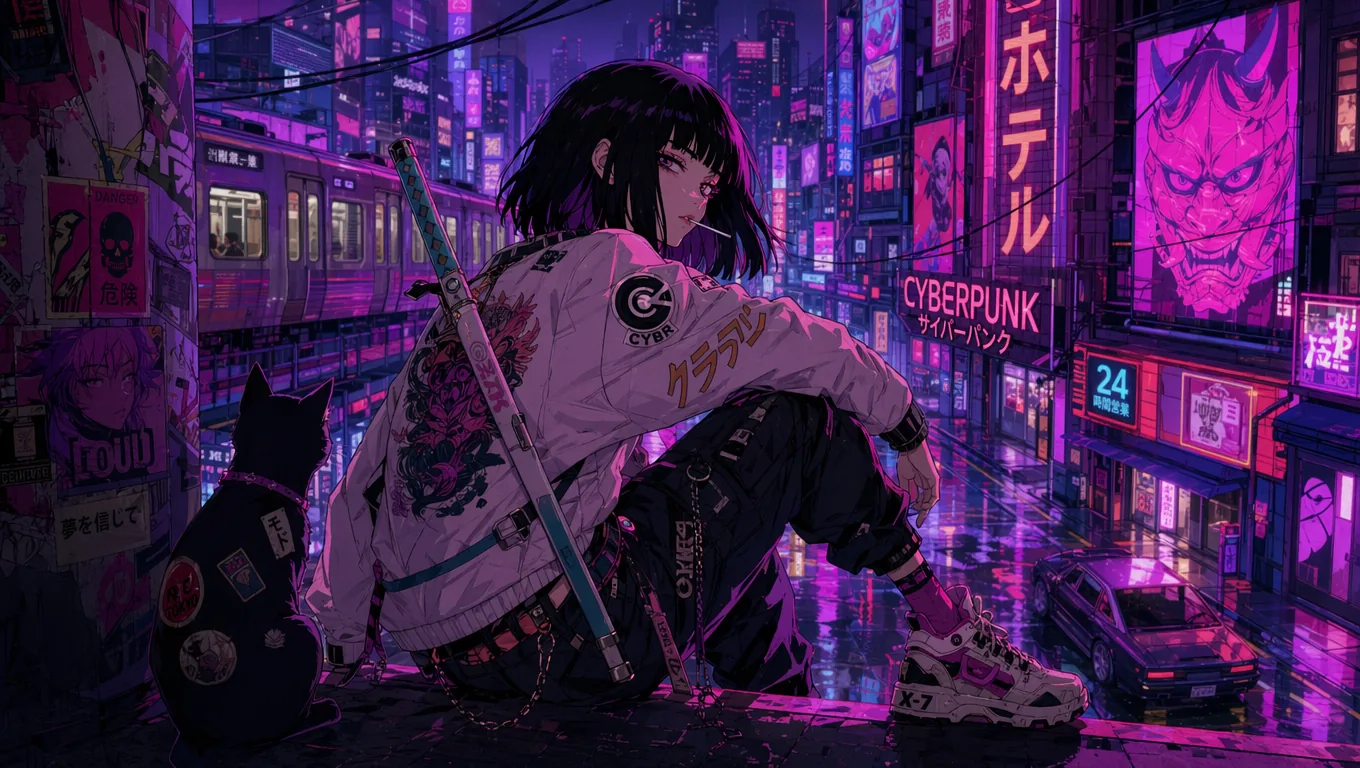
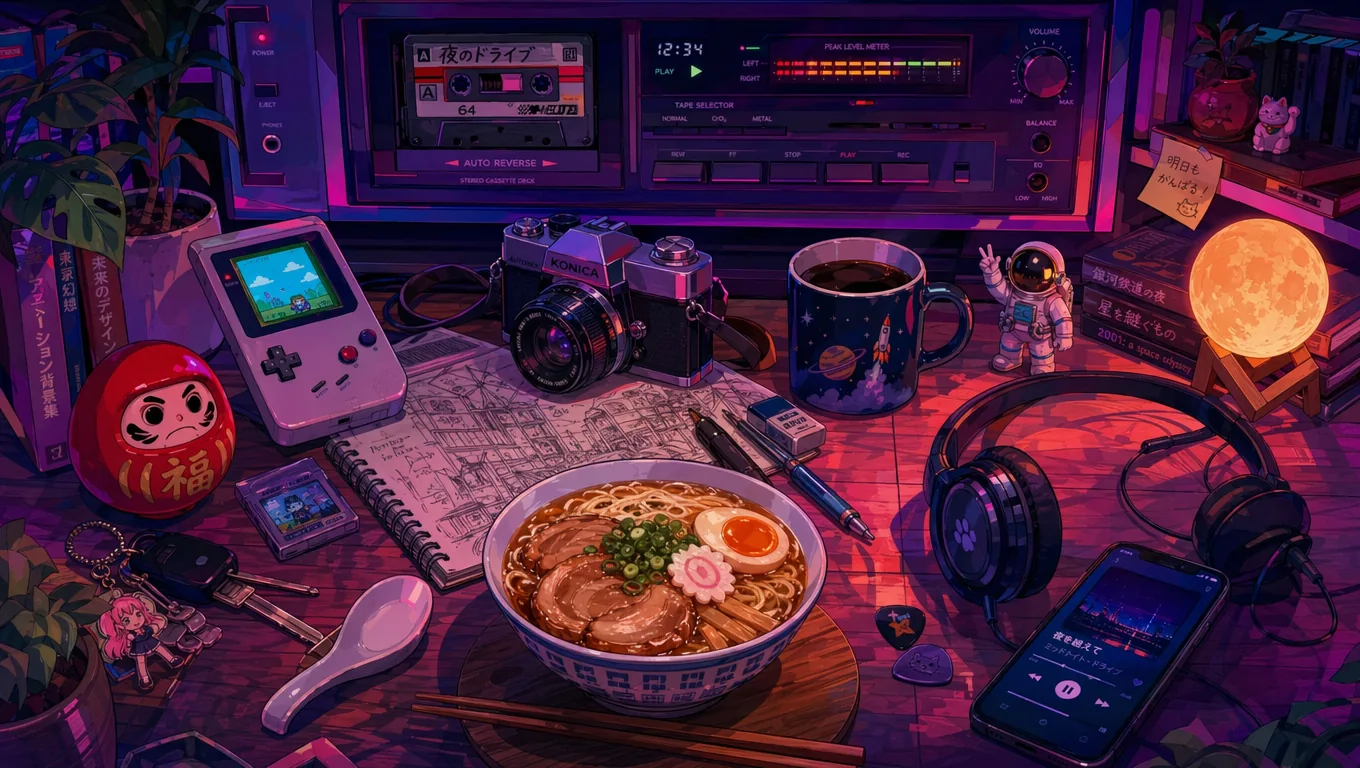
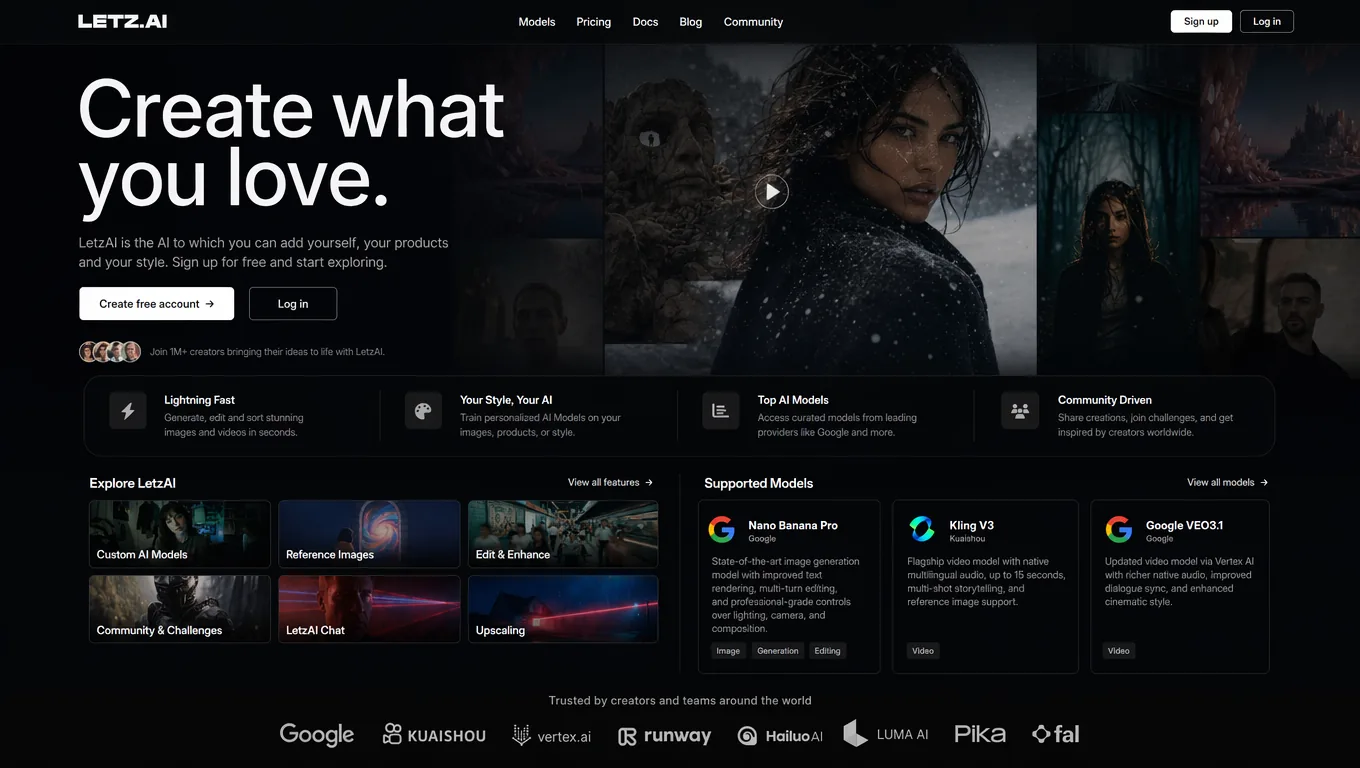
- World-class typography: Small text, headlines, UI elements, and even non-Latin scripts are rendered with a precision no previous image model has matched.
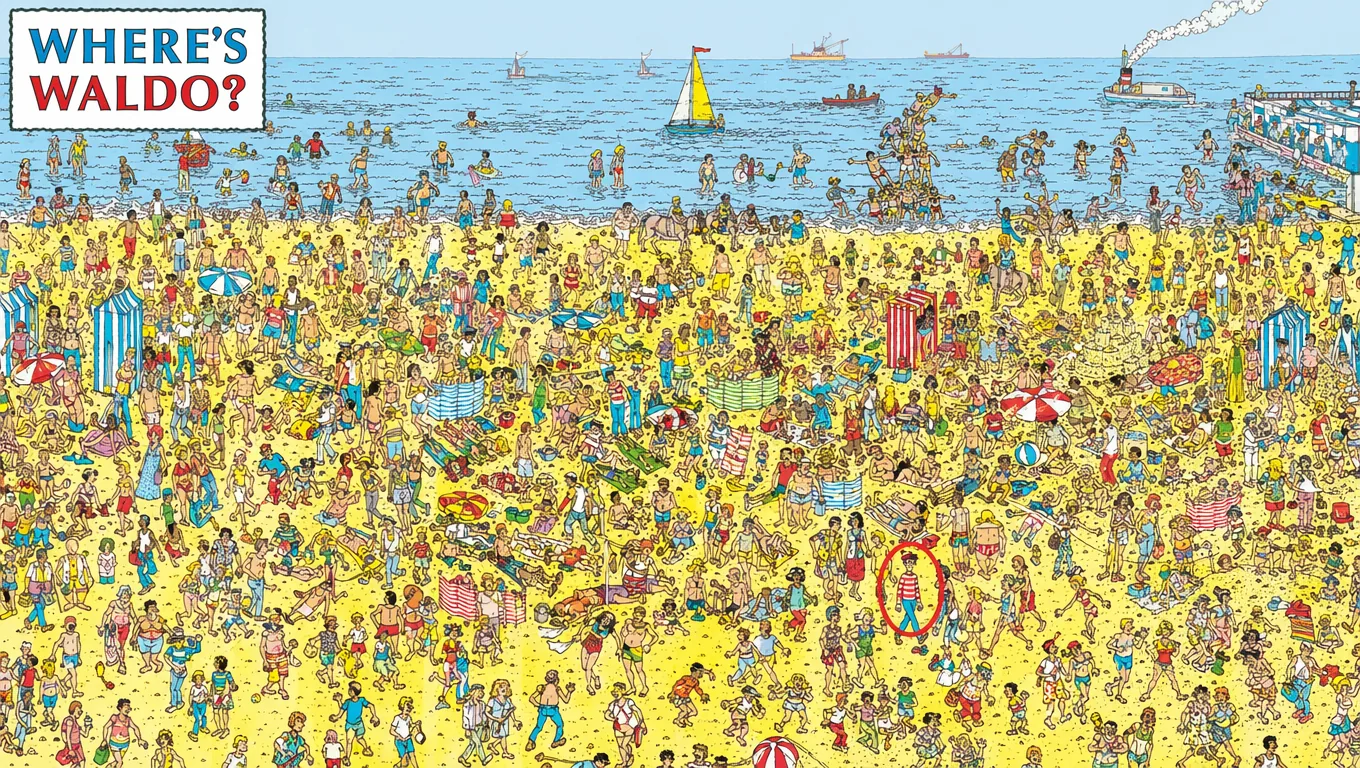
- Dense, detailed compositions: Infographics, diagrams, screenshots, posters, and packaging shots hold up under close inspection.
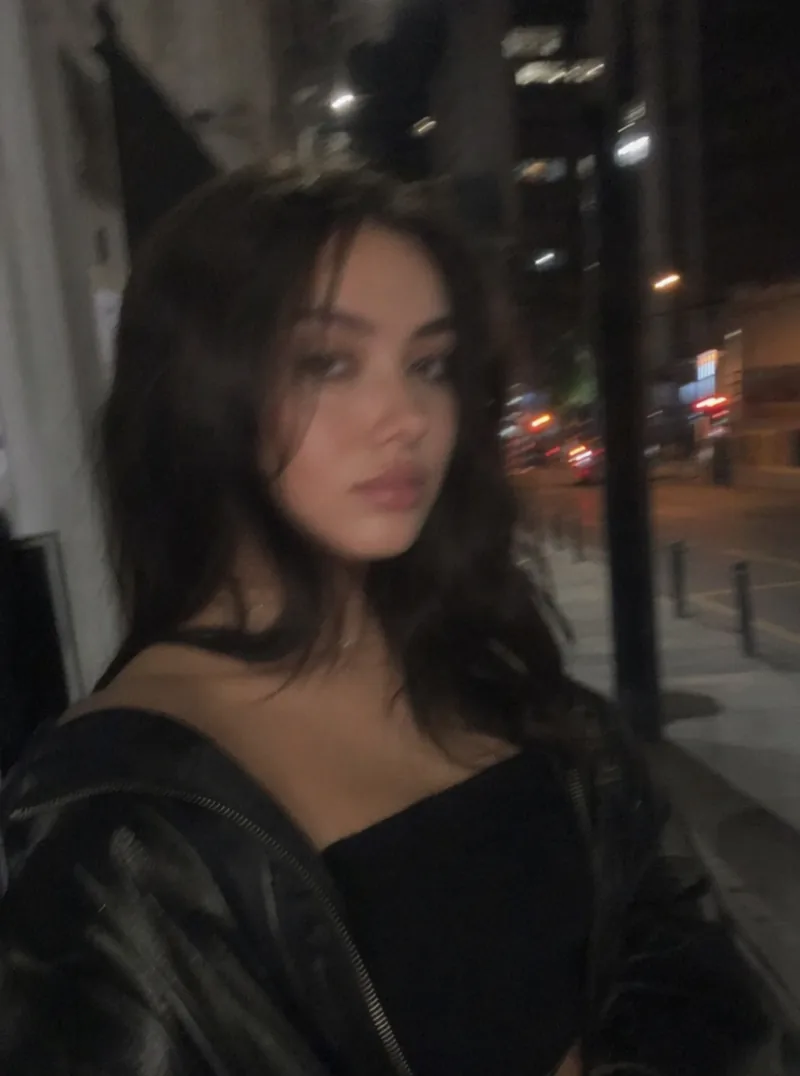
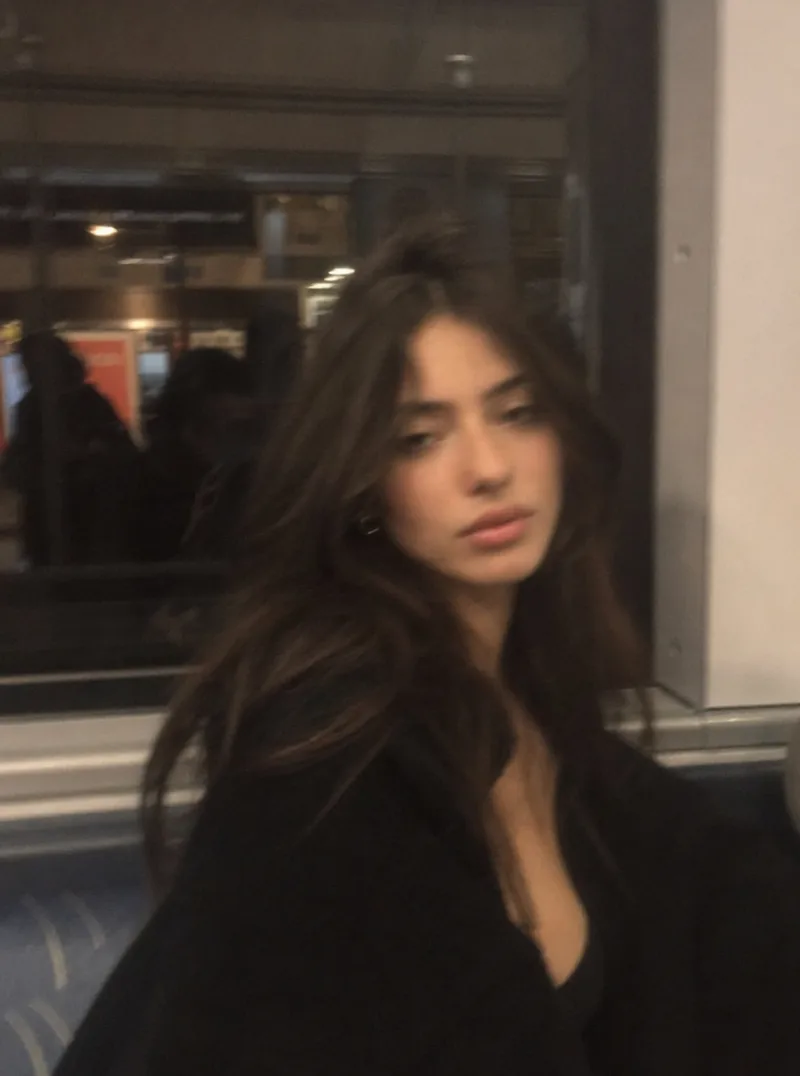
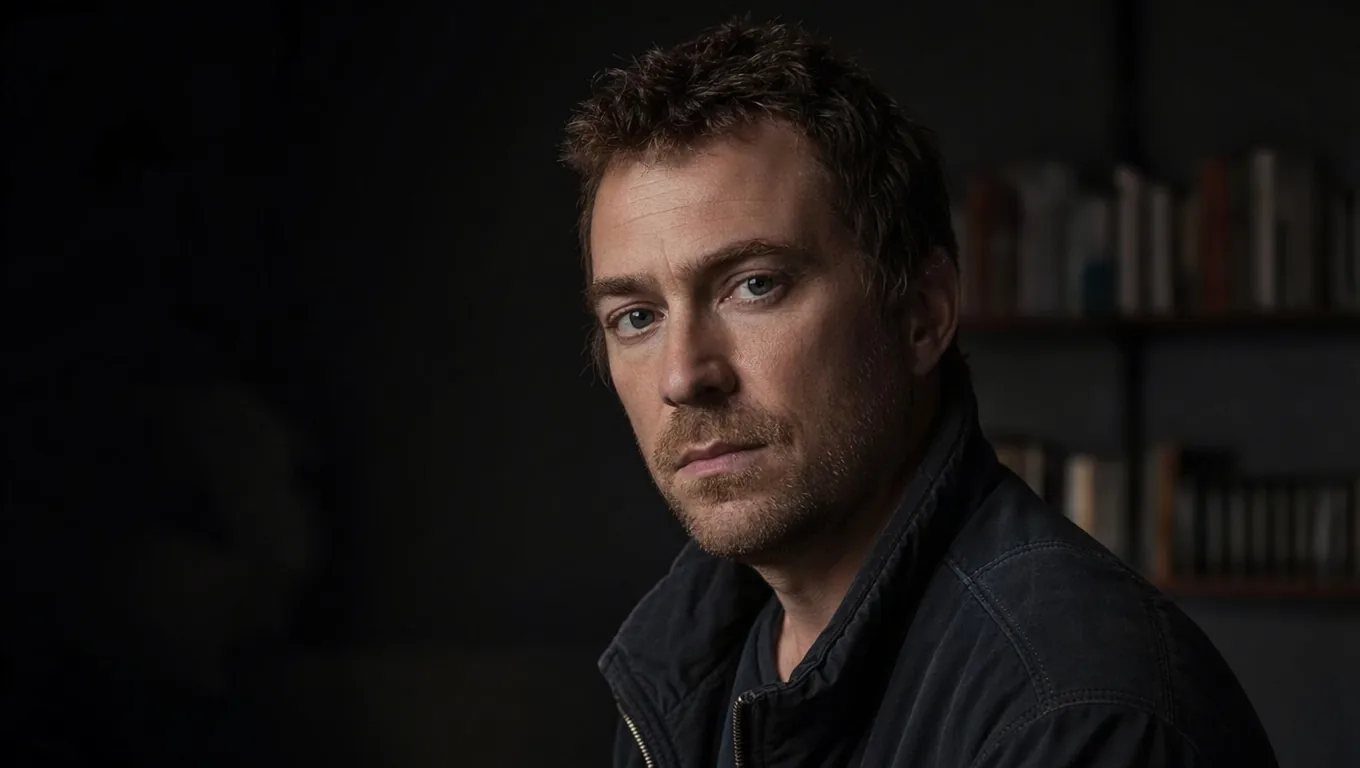
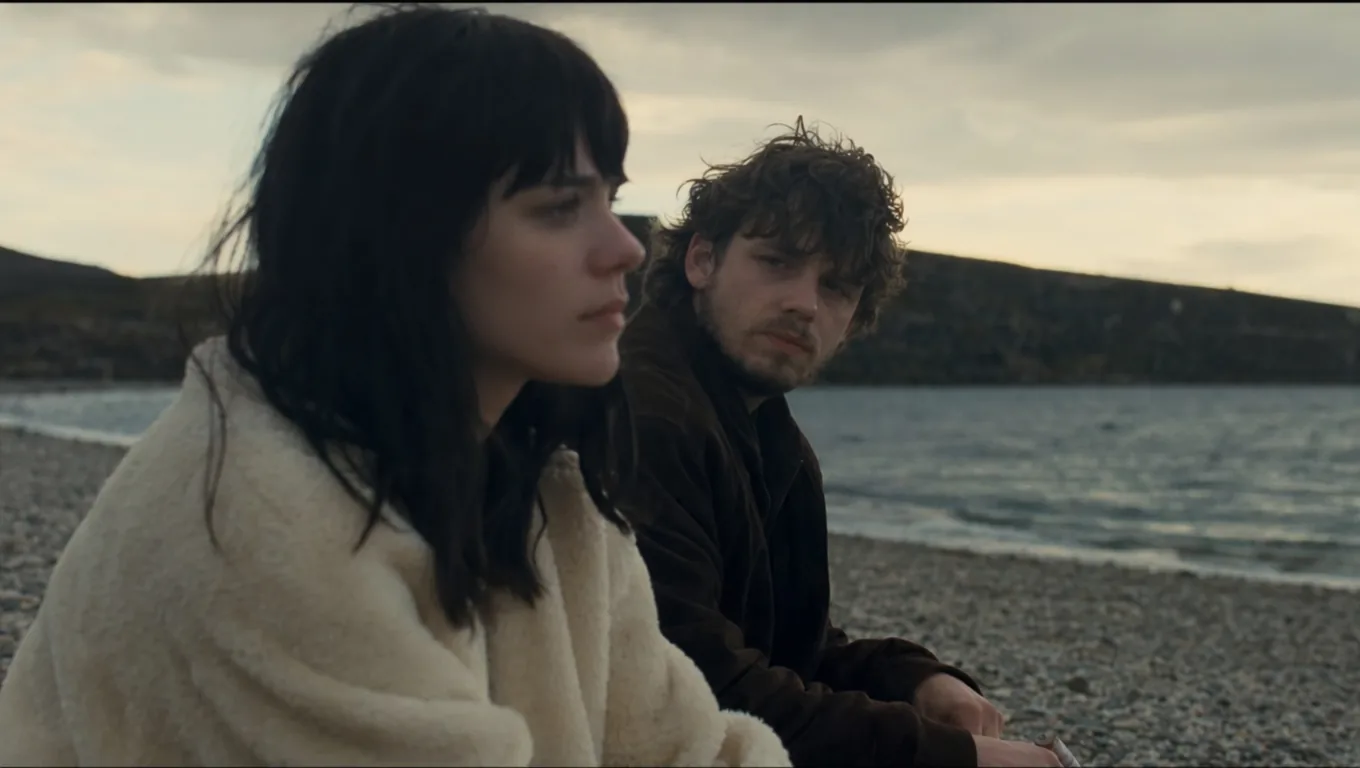
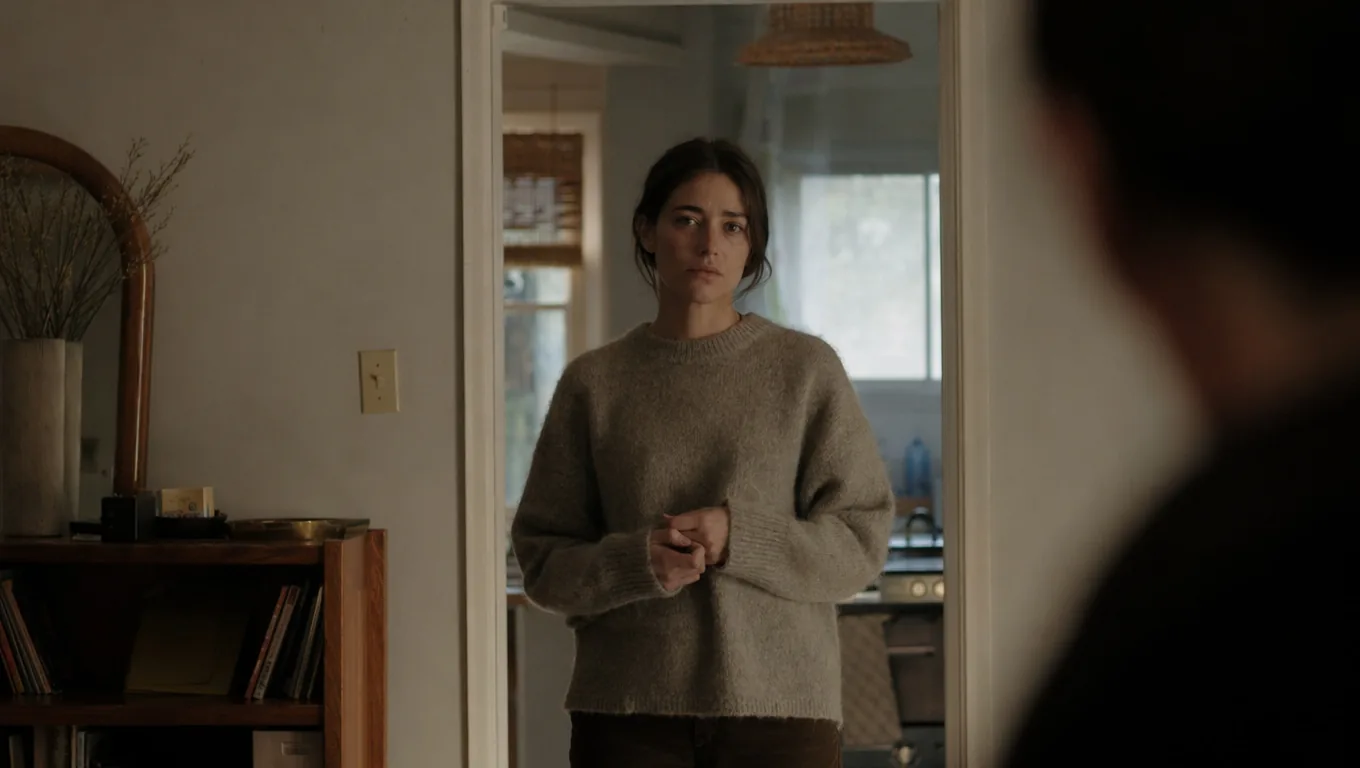
- Photographic realism: The model drops the tell-tale "AI look" — the waxy skin and over-polished lighting — and lands much closer to a real DSLR frame.
- Thinking before generating: Under the hood, GPT Image 2 spends time reasoning about your prompt before committing pixels, leading to noticeably better prompt fidelity on complex or ambiguous requests.
- Consistency across a set: Characters, props, and styles stay on-model across multi-image outputs — ideal for storyboards, social campaigns, and mangas generated from a single reference.
In short, if your work lives by readable text, tight layouts, or believable photography, GPT Image 2 is likely the strongest tool on the platform today.
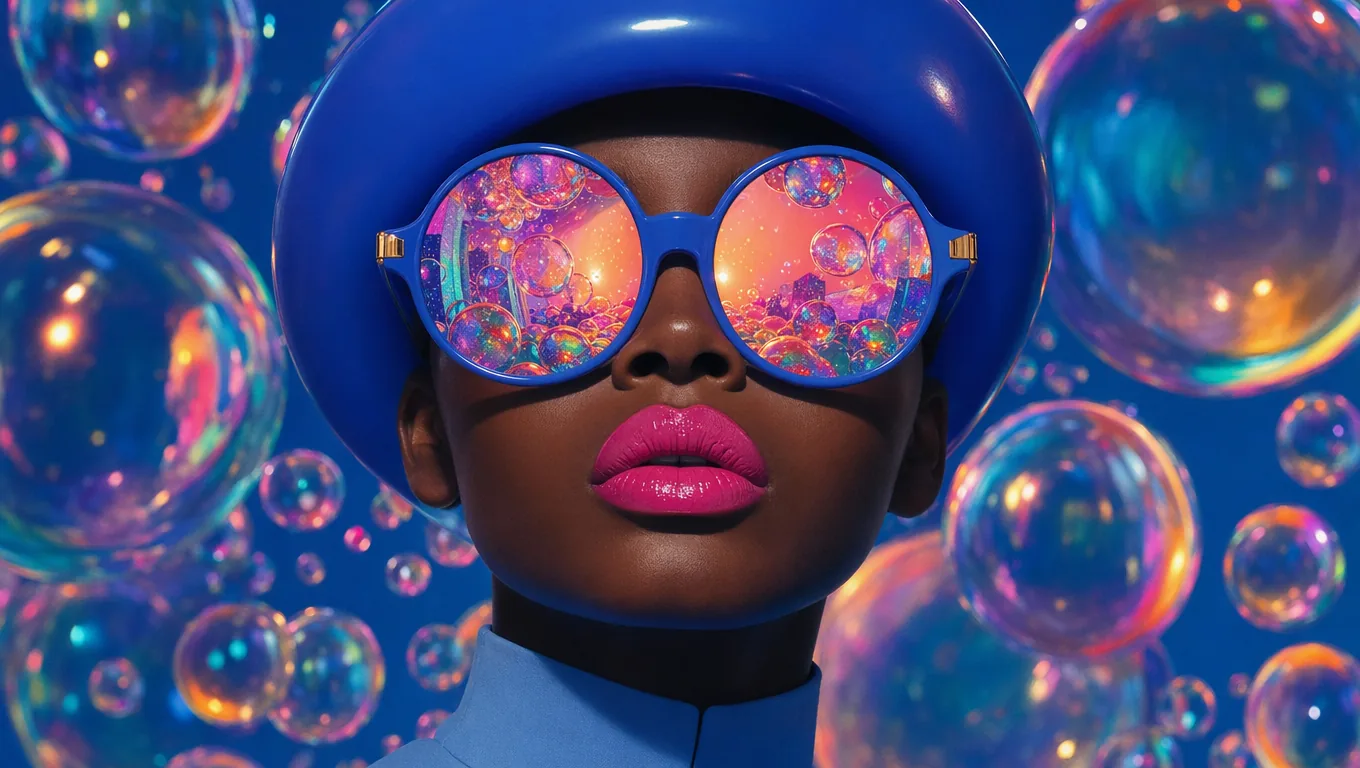
Examples
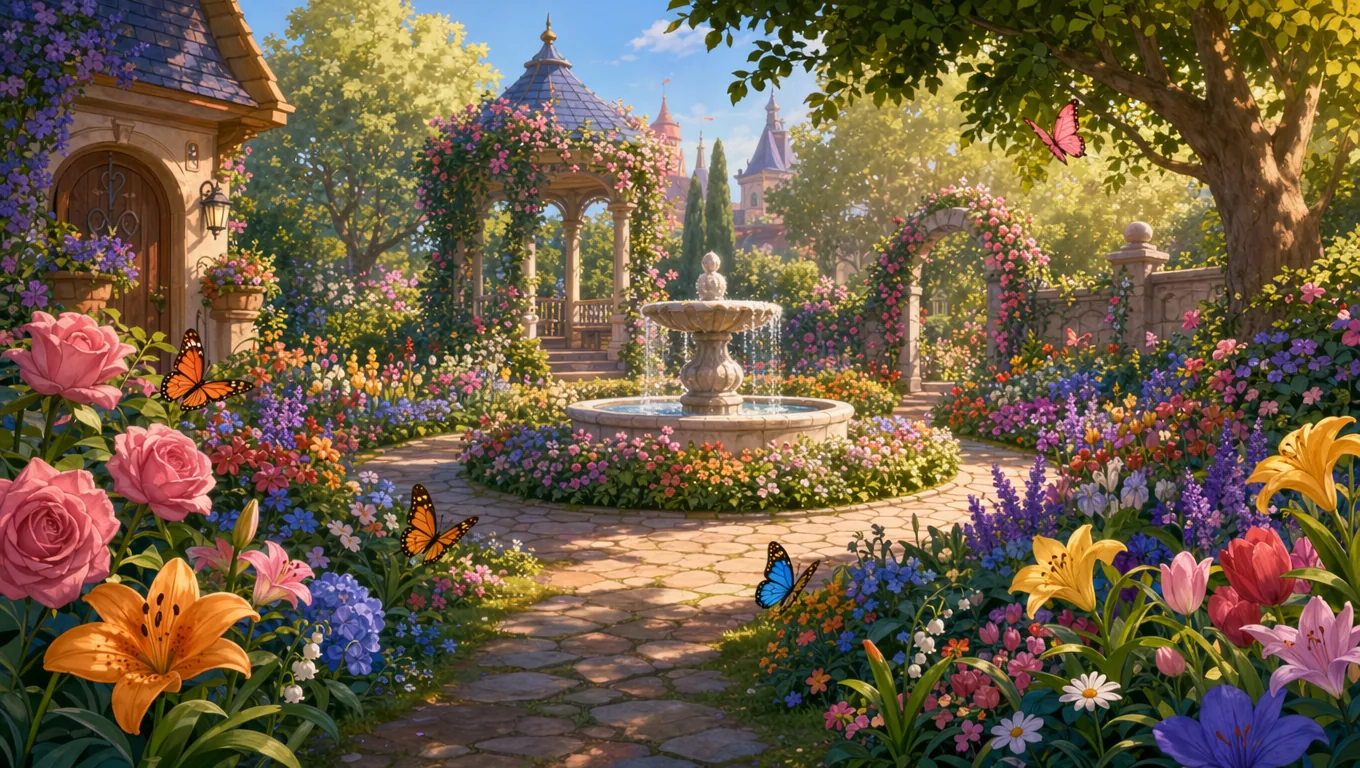
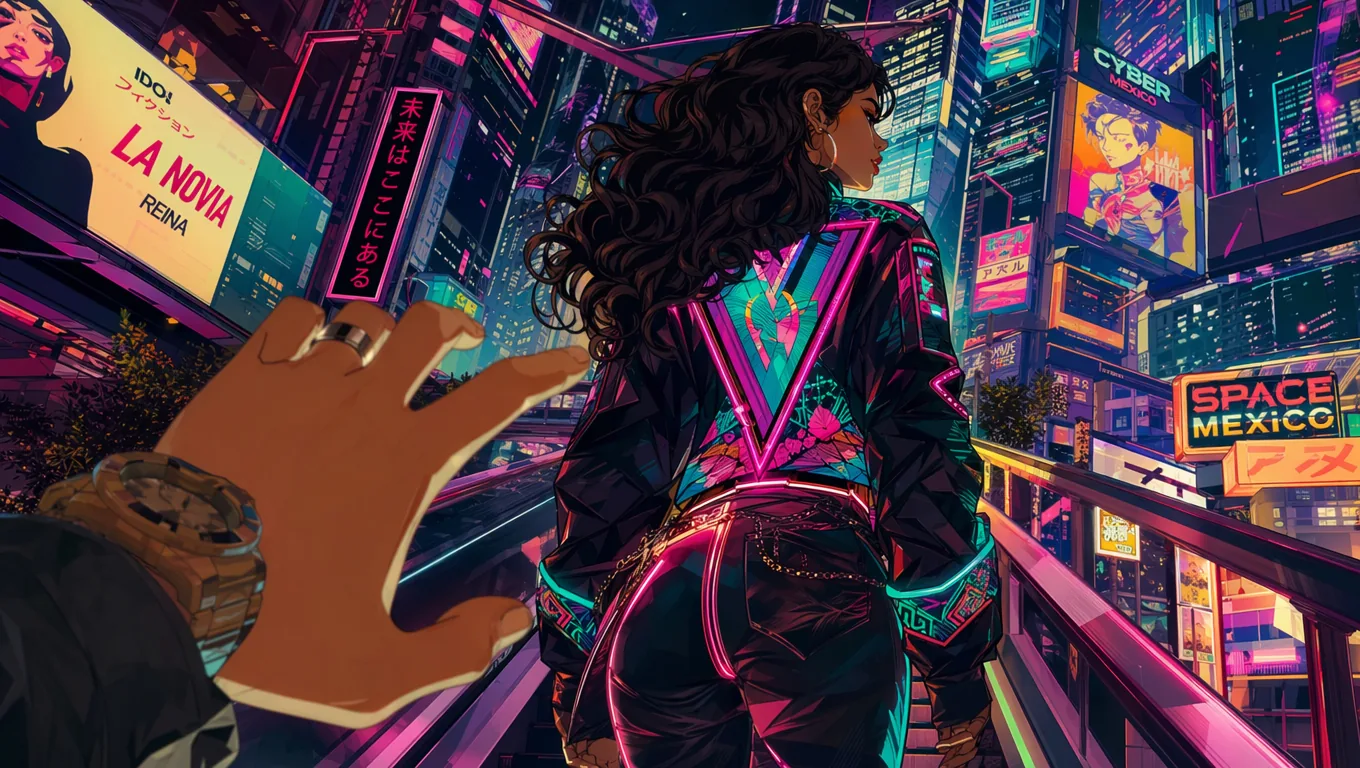
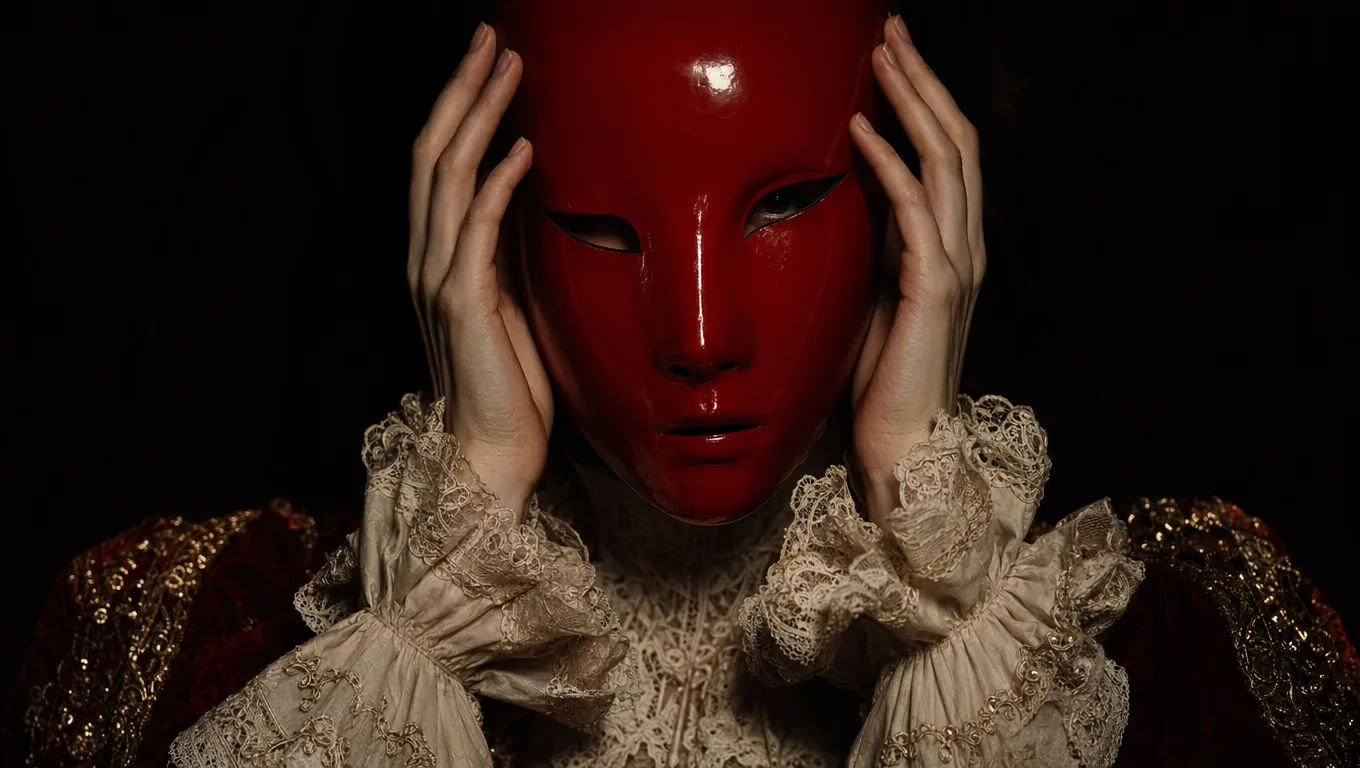
Generate Images with GPT Image 2
GPT Image 2 is available directly in the LetzAI prompt area as a base model. To start generating:
- Go to the Generate tab on letz.ai
- Open the Base Model dropdown
- Select GPT Image 2 from the Third-Party section
- Write your prompt and hit Generate
GPT Image 2 is particularly well-suited for:
- Brand & marketing visuals: Ads, social posts, and mockups where text and logos must read perfectly.
- Infographics & diagrams: Charts, explainers, and educational content with embedded labels and annotations.
- Product & packaging: Hero shots with on-pack copy, dielines, and realistic materials.
- UI & design concepts: App screens, web mockups, and interface explorations with clean iconography.
- Photography: Editorial, lifestyle, and documentary-style images without the usual "AI glow".
Edit Images with GPT Image 2
GPT Image 2 isn't just a generator — it's also available inside our Context Image Editor, with full support for up to 4K.
To edit with GPT Image 2:
- Upload an image, or pick one from your generations
- Click the Edit button
- In the editor, select GPT Image 2 as the editing model
- Optionally draw a mask to constrain the change to a specific area
- Describe what you want changed, and generate
This is where GPT Image 2 really shines for iterative work. Because the model understands fine typography and dense detail so well, that it can reliably:
- Swap copy on a poster or product label without rewriting the rest of the image
- Replace a small UI element while keeping the rest of a screenshot pixel-faithful
- Localize text into a different language in-place
- Perform high-fidelity masked edits at full 4K resolution
Tag Your Models with @
Just like with all our Editing Models, you can combine GPT Image 2 with your trained LetzAI models using the @ syntax:
"@yourmodel presenting a new product, bold headline reading 'Drop 03', magazine cover style"
You get the character consistency of your own LetzAI model, layered on top of GPT Image 2's typography and composition strengths — a combination that's particularly powerful for personal branding, editorial content, and campaign visuals.
Pricing & Resolutions
GPT Image 2 supports three resolution tiers on LetzAI, for both generation and editing:
- 1K (Standard): 160 credits per image
- HD (2K): 240 credits per image
- 4K: 480 credits per image
Because GPT Image 2 runs at locked high quality on LetzAI, you don't have to choose between speed and fidelity — every generation uses the highest-quality setting available from OpenAI. Pricing applies equally to generation and mask-based editing, so refining an existing image costs the same as creating a new one.
Generation times are relatively slow compared to other models and can reach up to 2 minutes for normal 1k resolutions.
For a complete overview of all model pricing, visit our pricing page.
When to Use GPT Image 2 vs. Other Models
We now offer a rich lineup of image models on LetzAI — our own LetzAI models, Flux2, Nano Banana Pro, Phota, Grok Imagine, and now GPT Image 2. Here's a quick decision guide:
- Need perfect text, UI, infographics, or localized copy? → GPT Image 2
- Need complex multi-subject scenes with strong consistency? → Nano Banana Pro or GPT Image 2
- Need maximum stylistic range and your LetzAI character likeness? → Our LetzAI exclusive models
- Need the highest-quality open-weights generation? → Flux2 [max]
All models work with your @LetzAI model tags, so your characters can travel across whichever base model fits the project.
Availability
GPT Image 2 is available to all LetzAI users that have credits on their accounts and in our API.
Getting Started
To try GPT Image 2 right now:
- Head over to letz.ai
- Open the Generate tab (for new images) or the Edit button on any image
- Select GPT Image 2 as your base model
- Pick a resolution (1K, HD, or 4K) and write your prompt
- Hit Generate — and pay special attention to what the model does with text and fine detail
What's Next
GPT Image 2 joins a rapidly growing lineup of best-in-class image and video models on LetzAI. We're continuing to integrate every serious new release as soon as providers make it available — and as always, GPT Image 2 works seamlessly alongside the rest of the LetzAI creative stack: your trained models, Boards, Presets, and the Context Image Editor.
If you have feedback or feature requests for our GPT Image 2 integration, we'd love to hear from you.
Questions?
If you need help getting started or run into anything unexpected, reach out to us at support@letz.ai.
Happy creating!
The LetzAI Team