ByteDance's Newest Image Model, Live on LetzAI
Seedream 5.5 is now available on LetzAI for image generation and image editing. ByteDance released it on November 9, and it is the successor to Seedream 5 Pro, built for edits that hold up over many rounds and for assets you can drop straight into a design.
It works in Studio, Chat, Canvas, and the API. You can still tag your own LetzAI models with @.

What's new
- Edits that stay put — change one thing and everything you did not mention stays the same, round after round. ByteDance reports pixel-level consistency across up to 100 consecutive edits.
- Transparent PNGs in one step — generate stickers, logos, and cutouts with a native transparent or semi-transparent background. No background removal pass needed.
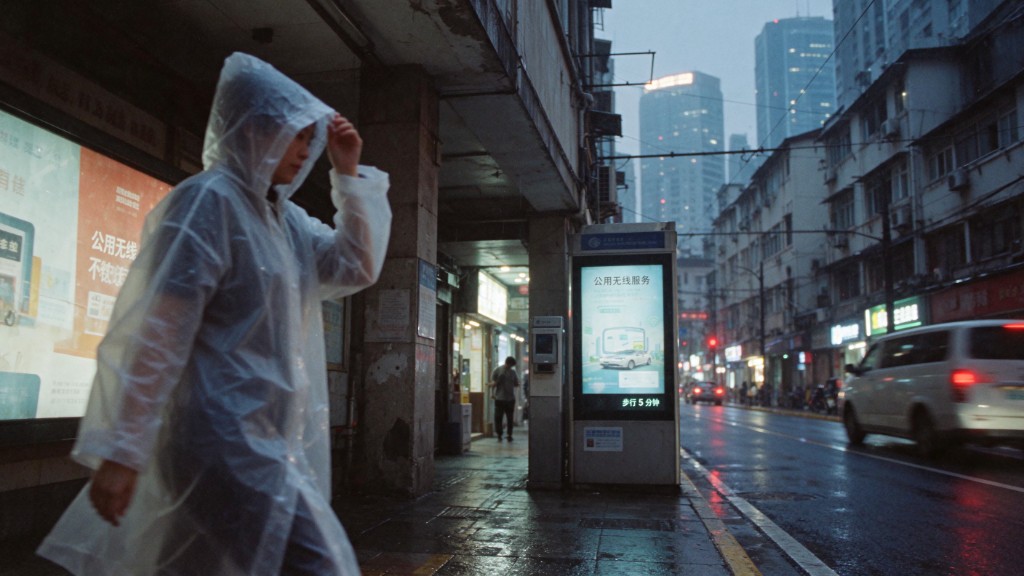
- Cleaner small text — dense captions, labels, and multilingual copy stay sharp.
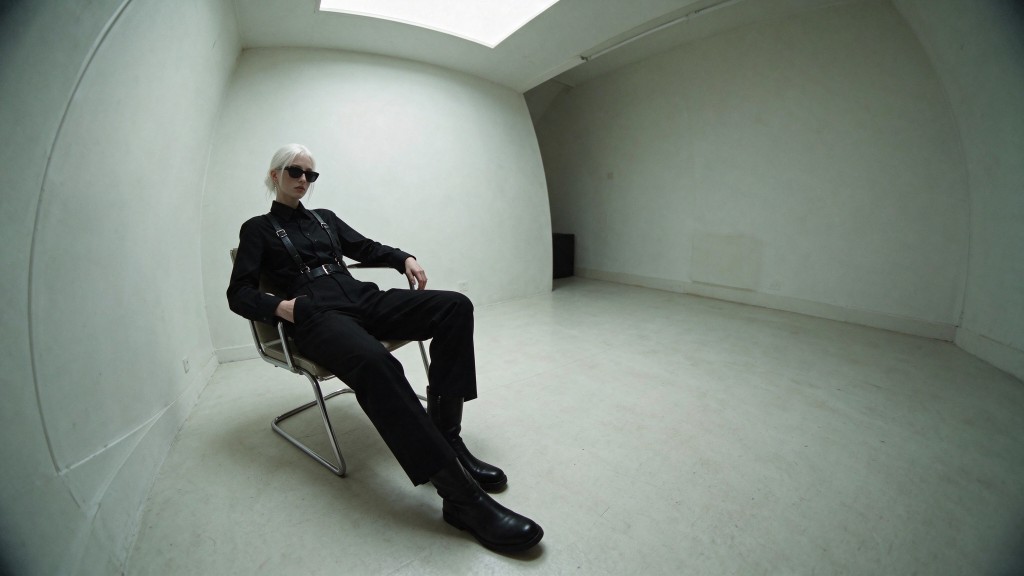
- More natural light and materials — skin, fabric, glass, and metal read as more physical.




Edit, then edit again
Drop in up to 10 reference images and describe what should change. Say what must stay, then keep going: swap a color, change an object, adjust the light. Each round builds on the last without drifting from the original.

Transparent backgrounds
Switch the background setting under the prompt to Transparent and Seedream 5.5 returns a PNG with an alpha channel. It also works in edits, so you can pull a subject out of an existing photo as its own layer. Good for product cutouts, sticker sheets, logos, and compositing in Canvas.





Resolution and pricing
Seedream 5.5 outputs 1K, 1.5K, and 2K. Credits are the same for generation and editing:
- 1K: 25 credits
- 1.5K: 25 credits
- 2K: 34 credits
Seedream 5 Pro stays available if you prefer its look. Full credit tables for every model are on letz.ai/pricing.
Getting started
- Open the Generate or Edit tab on letz.ai, or ask in Chat / Canvas
- Select Seedream 5.5
- Pick a resolution and write your prompt
- For a cutout, switch the background setting to Transparent
Available to every LetzAI user with credits, and through the API as seedream-5-5.
Questions?
Write to us at support@letz.ai.
Happy creating!
The LetzAI Team