Docs
All you need to know about LetzAI.
From your first image to video, Canvas collaboration, and the developer API.
Getting Started


Creative Tools
Canvas
Generate, edit, review, and ship images, videos, decks, and websites on one infinite collaborative canvas.
Image Generation
Prompts, models, aspect ratios, styles, and generation settings.
Image Editing
Natural language edits, Guided Creation, extending the canvas, backgrounds, and style.
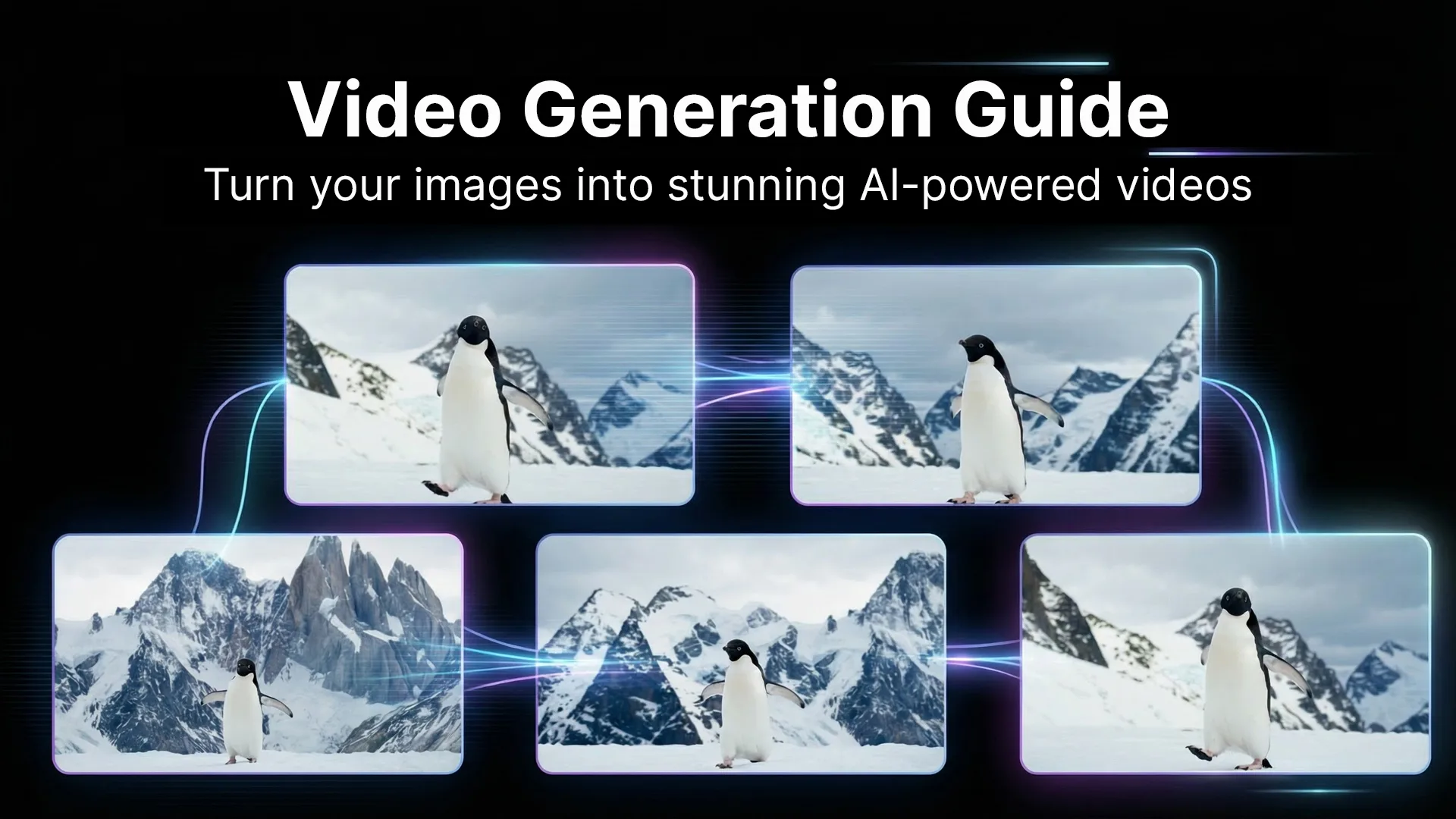
Video & Animation
Image-to-video workflows and motion settings.
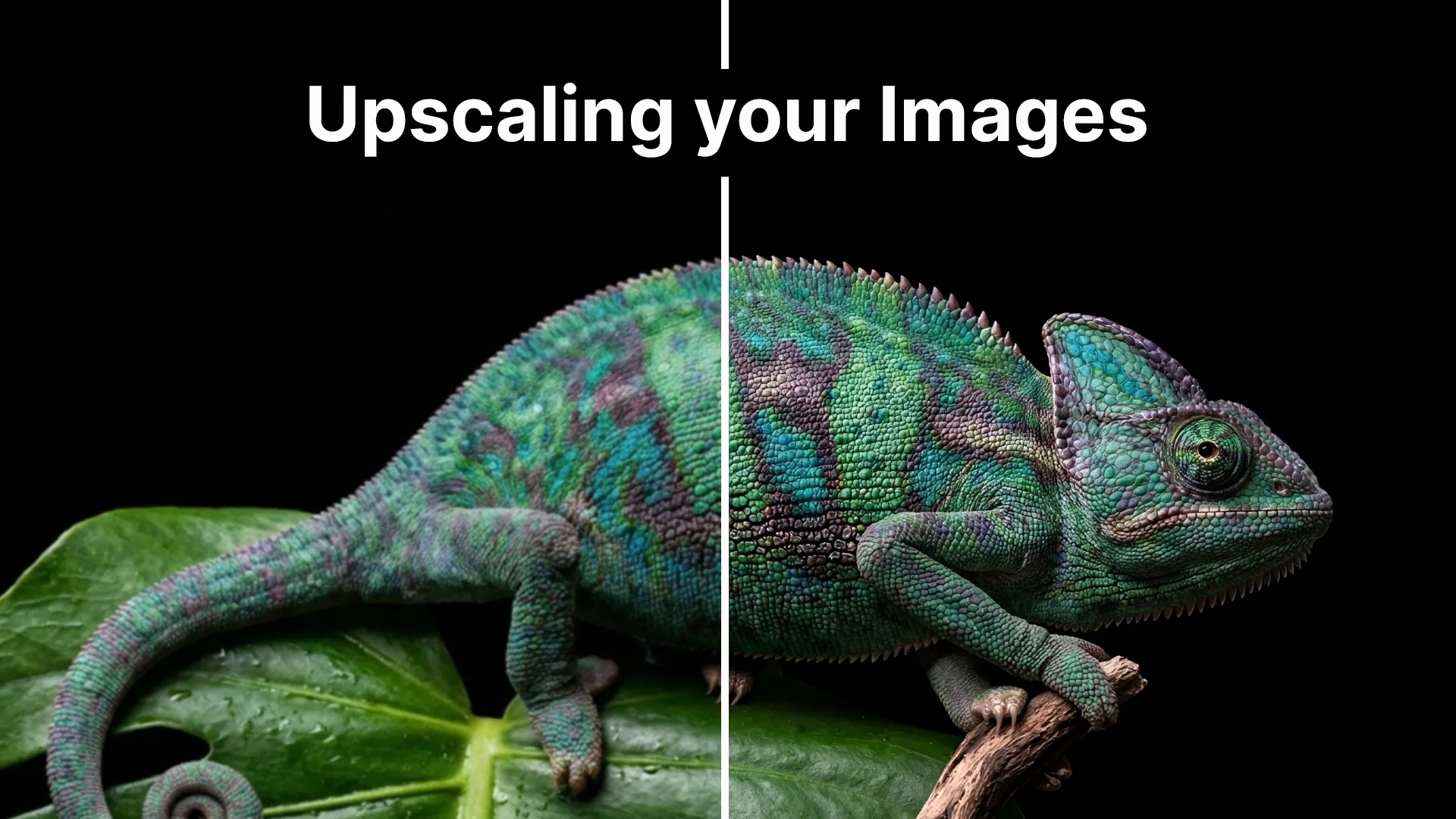
Upscaling
Enhance resolution and quality with AI upscalers.
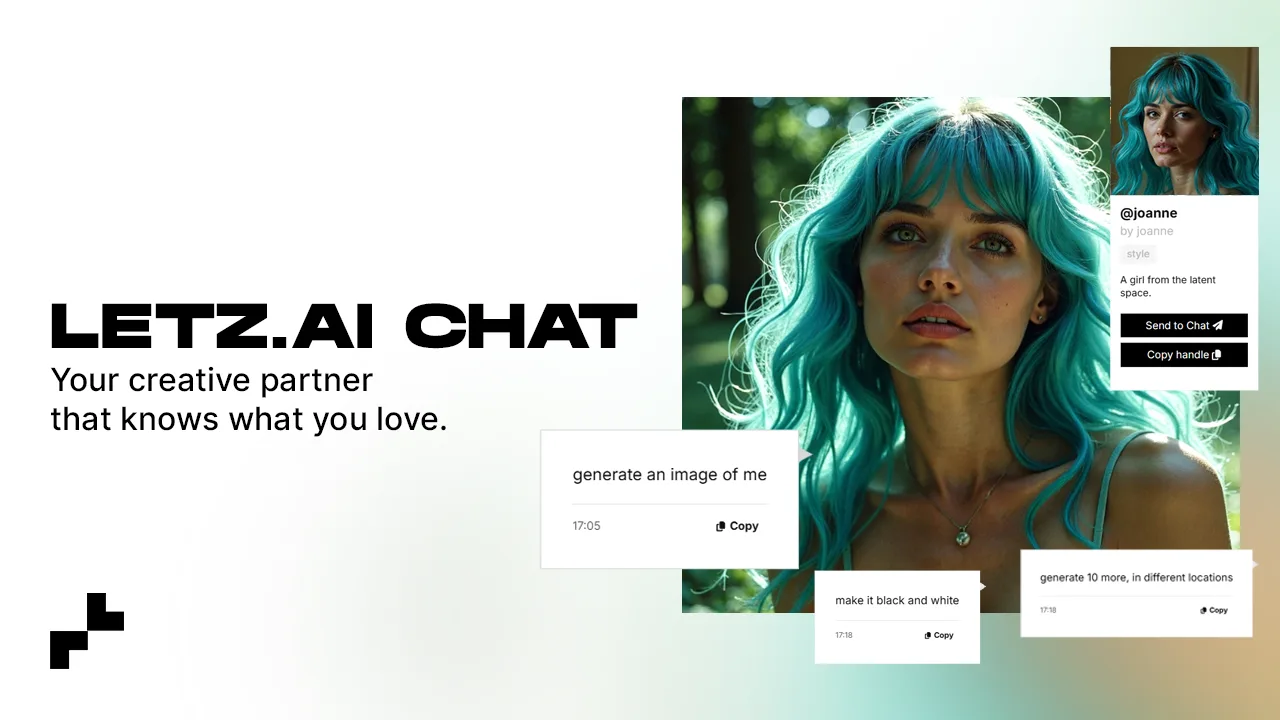
AI Chat
Create images, videos and more through a conversational interface.
Skills and Memory
When to use account Skills, page instructions, and page memory on Chat and Canvas.
Canvas Shortcuts
Every keyboard shortcut and context-menu action on Canvas.
Models & Community
Models on LetzAI
How datasets, tagging, and automatic reference images work — no separate training step.

Character Studio
Create consistent characters from scratch — no images needed.
Boards
Organize, curate, and share collections of AI creations.
Explore & Feed
How the community feed works, and how to publish your own creations.
Teams & Developers
Enterprise Plans
Shared credits, enterprise-grade models, 4K Seedance workflows, IP clearance, private models, Bring Your Own Keys, and the Model Training API.
Bring Your Own Keys
On Pro, Ultra, and Enterprise: run supported models on your own provider account for 0 credits.
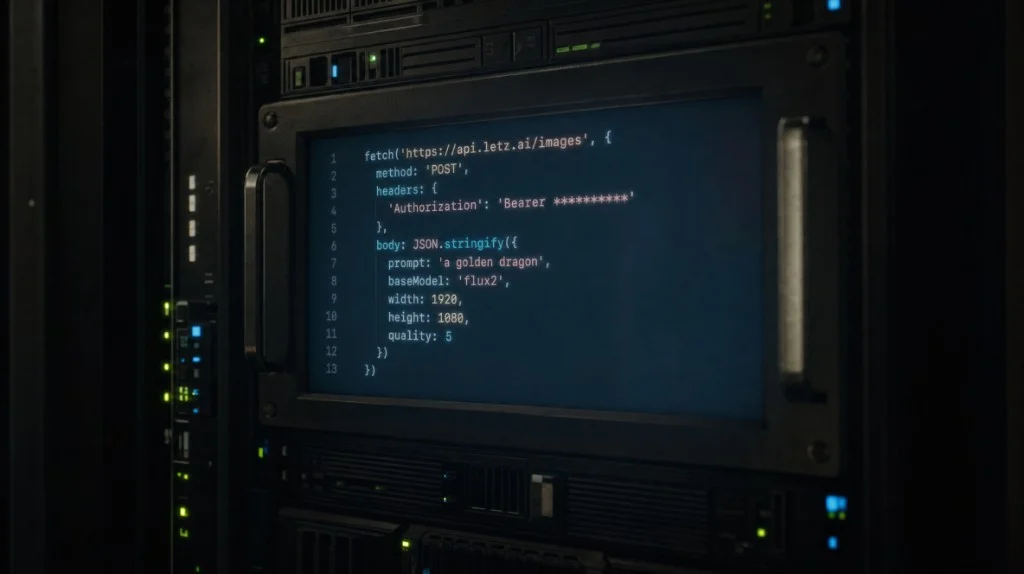
API Documentation
Authentication, endpoints, code examples, and integrations.

Connect to LetzAI via MCP
Use LetzAI from inside Claude, ChatGPT, Cursor and other assistants, with no API key.